
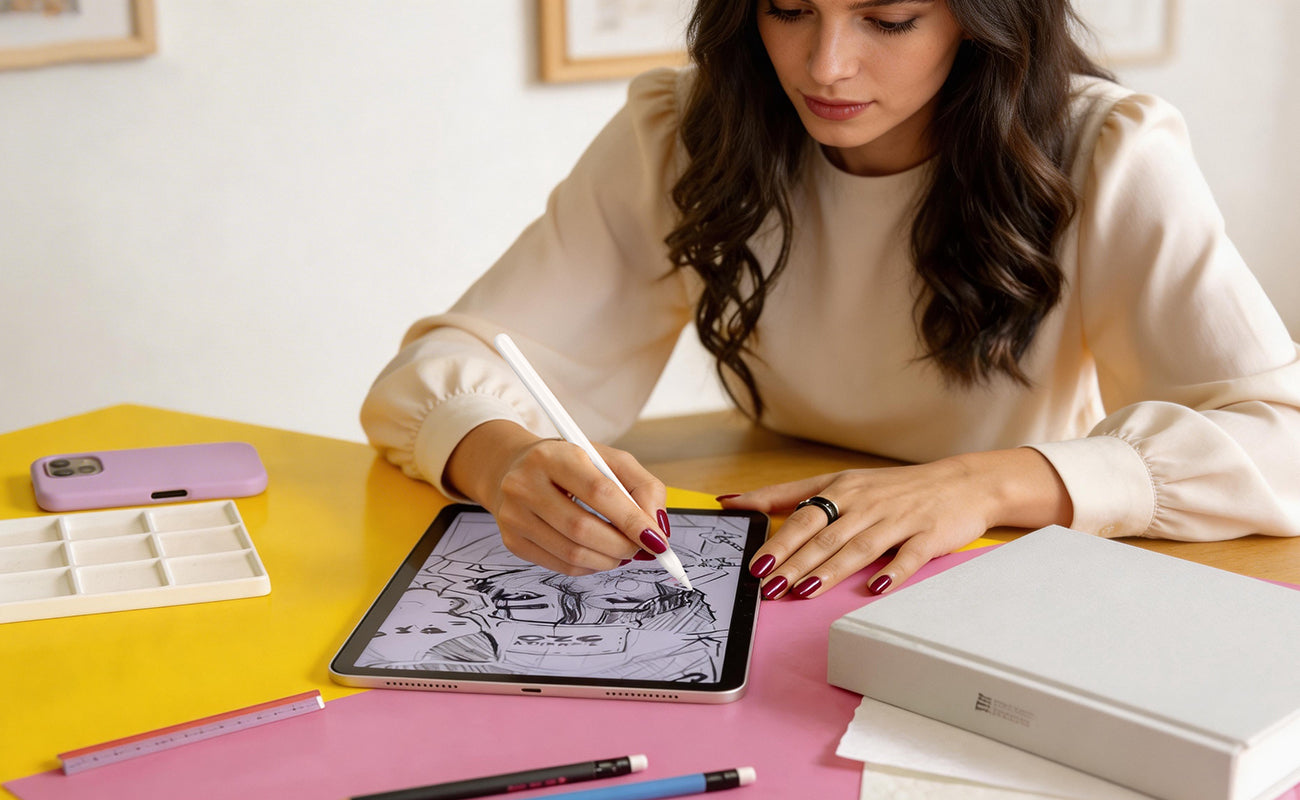
If you use your iPad for writing, drawing, or studying, chances are you’ve already looked into getting a paperlike screen protector.
These screen protectors are designed to transform the smooth glass surface of your iPad into something that feels closer to paper.
But recently, a new option has started gaining attention: the AR paper like screen protector.
So what’s the real difference between traditional paperlike films and newer AR versions? And which one should you choose?
Let’s break it down.
What Is a Paperlike Screen Protector?
A paperlike iPad screen protector is designed to add texture to your screen, making it easier to write or draw with an Apple Pencil.
Many users describe it as an iPad screen protector that feels like paper, because it creates friction similar to writing on a notebook.
This type of paper feel iPad screen protector is especially popular among students, designers, and note-takers.
✔ Key Features:
- Matte surface texture
- Improved writing control
- Reduced slipperiness
However, traditional paperlike films are essentially a type of anti glare screen protector, which means they reduce reflections—but often at the cost of clarity.
What Is an AR Paperlike Screen Protector?
Learn how anti-reflective coating works

An AR screen protector takes the idea of paperlike films a step further.
Instead of relying only on surface texture, it combines:
1️⃣ Paper-like Micro Texture
2️⃣ Advanced Anti-Reflection (AR) Coating
This makes it a more advanced version of a paper feel screen protector.
You may also see it referred to as an:
-
AR paper feel screen protector
-
AR anti glare screen protector
-
AR iPad screen protector
Key Difference #1: Writing Feel ✍️
Paperlike Screen Protector
A traditional paperlike screen protector adds noticeable friction.
This helps:
- Improve handwriting control
- Reduce slipping
- Simulate a paper surface
However, the texture can sometimes feel slightly rough.
AR Paperlike Screen Protector
An AR paper like screen protector provides a more refined texture.
Instead of heavy friction, it offers:
- Controlled resistance
- Smoother writing feel
- More natural pen movement
👉 The result:
Better balance between control and comfort
Key Difference #2: Screen Clarity 👀
Traditional Paperlike
Most traditional films are essentially matte anti glare screen protector solutions.
They:
- Reduce glare
- But slightly blur the screen
This can affect:
- Text sharpness
- Image clarity
- Color accuracy
AR Paperlike
An AR anti glare screen protector improves this significantly.
Thanks to AR coating:
✅ Less reflection
✅ Better clarity
✅ Sharper visuals
👉 This is one of the biggest reasons users upgrade to an AR iPad screen protector.
Key Difference #3: Glare Reduction 🌤️
Both types reduce glare—but not equally.
Paperlike:
- Basic glare reduction
- Works indoors
AR Paperlike:
- Advanced glare control
- Works in bright environments
- Better for outdoor or café use
This makes AR versions a more premium anti glare screen protector option.
Key Difference #4: Overall Experience
Paperlike Screen Protector
Best for:
- Budget users
- Basic note-taking
- Light drawing
AR Paperlike Screen Protector
Best for:
- Daily Apple Pencil users
- Designers & artists
- Students with long study sessions
If you’re looking for the best paper feel iPad screen protector, AR versions often provide a more balanced experience.
Which One Should You Choose?
Choose a Paperlike Screen Protector if:
- You want a simple solution
- You don’t mind slight blur
- You mainly write occasionally
Choose an AR Paperlike Screen Protector if:
- You care about screen clarity
- You work in bright environments
- You want a smoother, more natural writing feel
Final Verdict
Both options improve the iPad writing experience compared to bare glass.
But the difference comes down to this:
👉 A traditional paperlike screen protector focuses on texture.
👉 An AR paper like screen protector focuses on texture + clarity + glare control.
One-Line Summary
👉 Paperlike adds friction. AR Paperlike adds control without sacrificing clarity.

Leave a comment
All comments are moderated before being published.
This site is protected by hCaptcha and the hCaptcha Privacy Policy and Terms of Service apply.