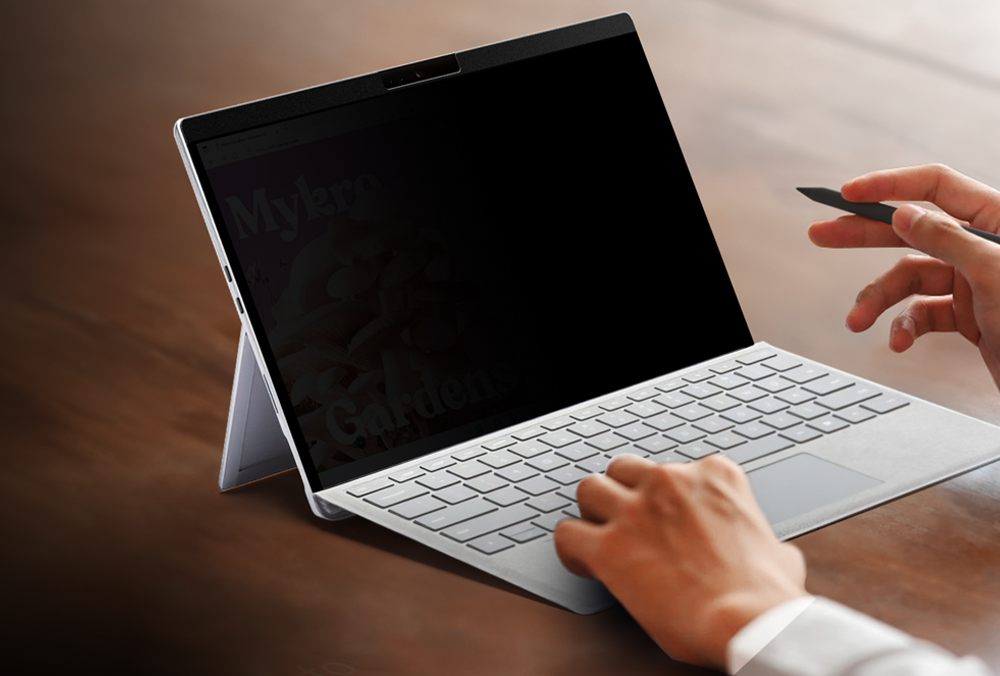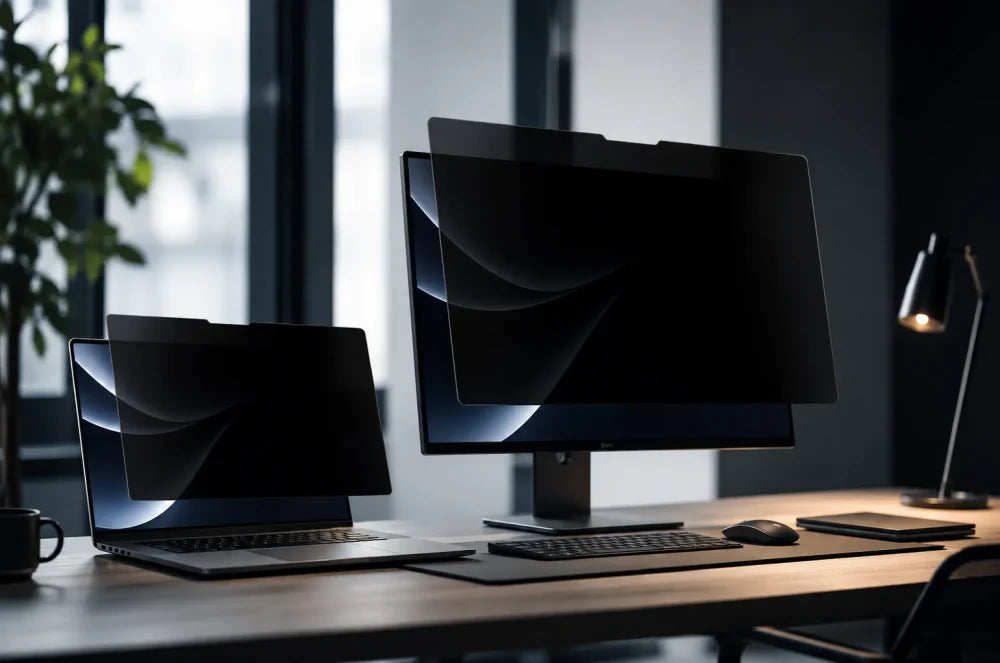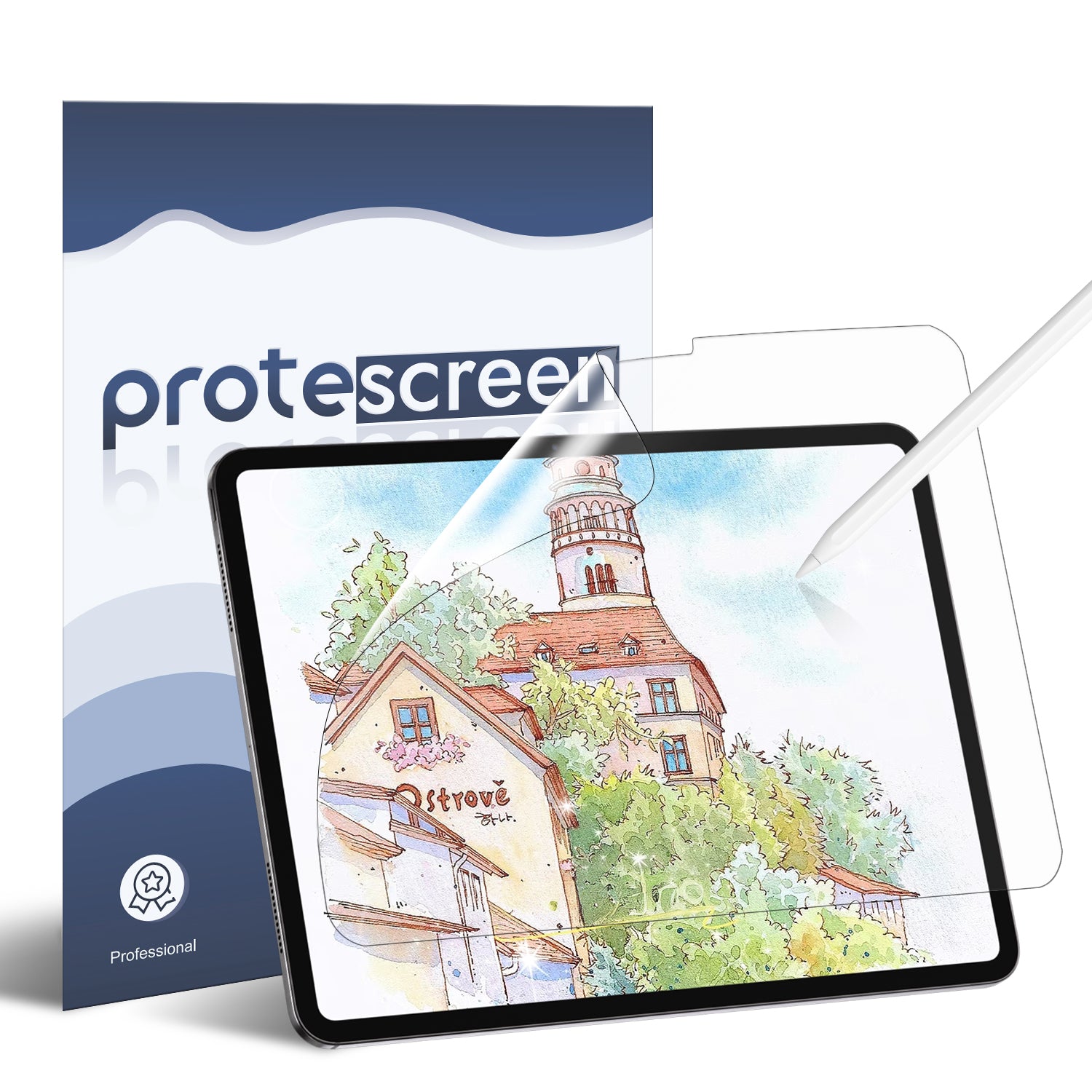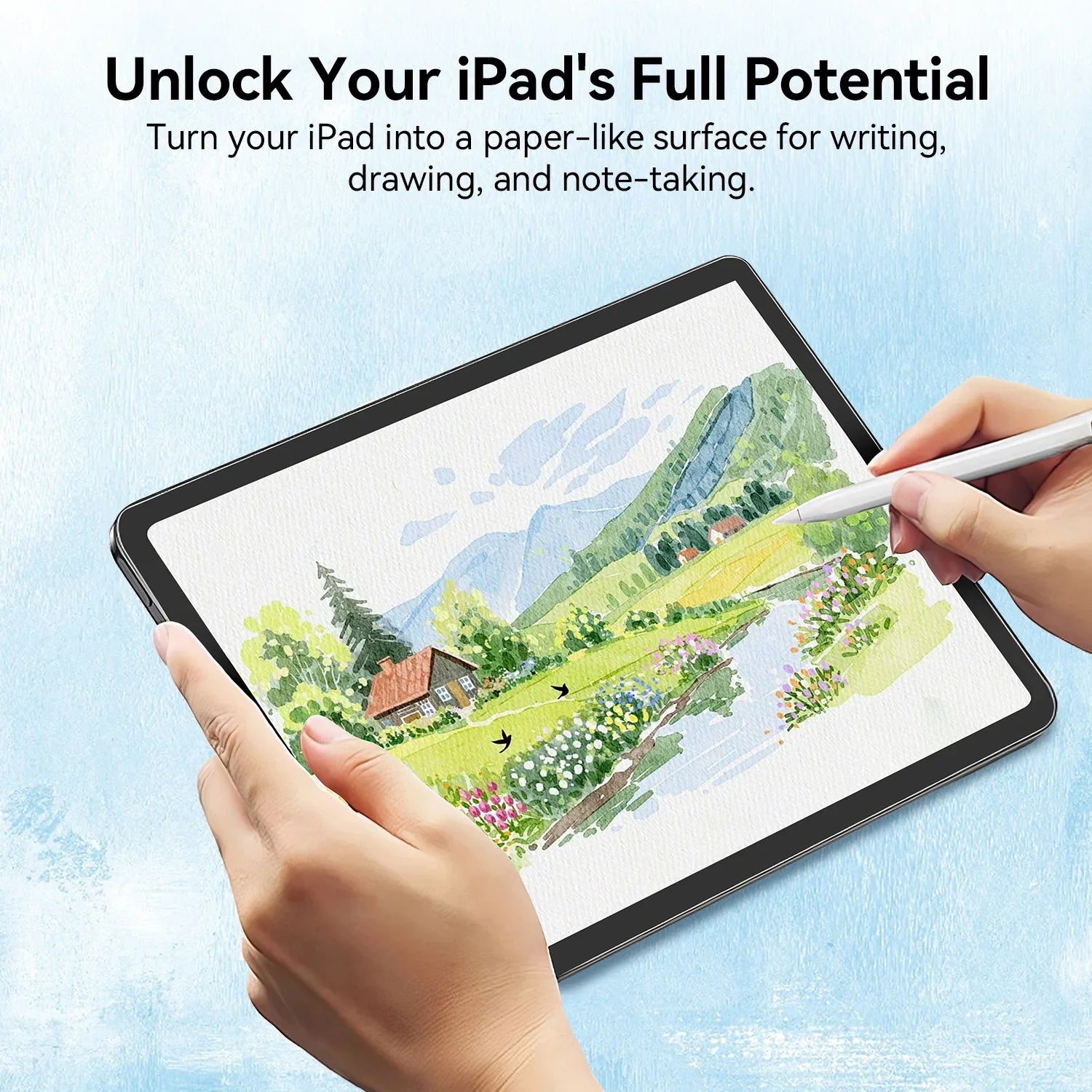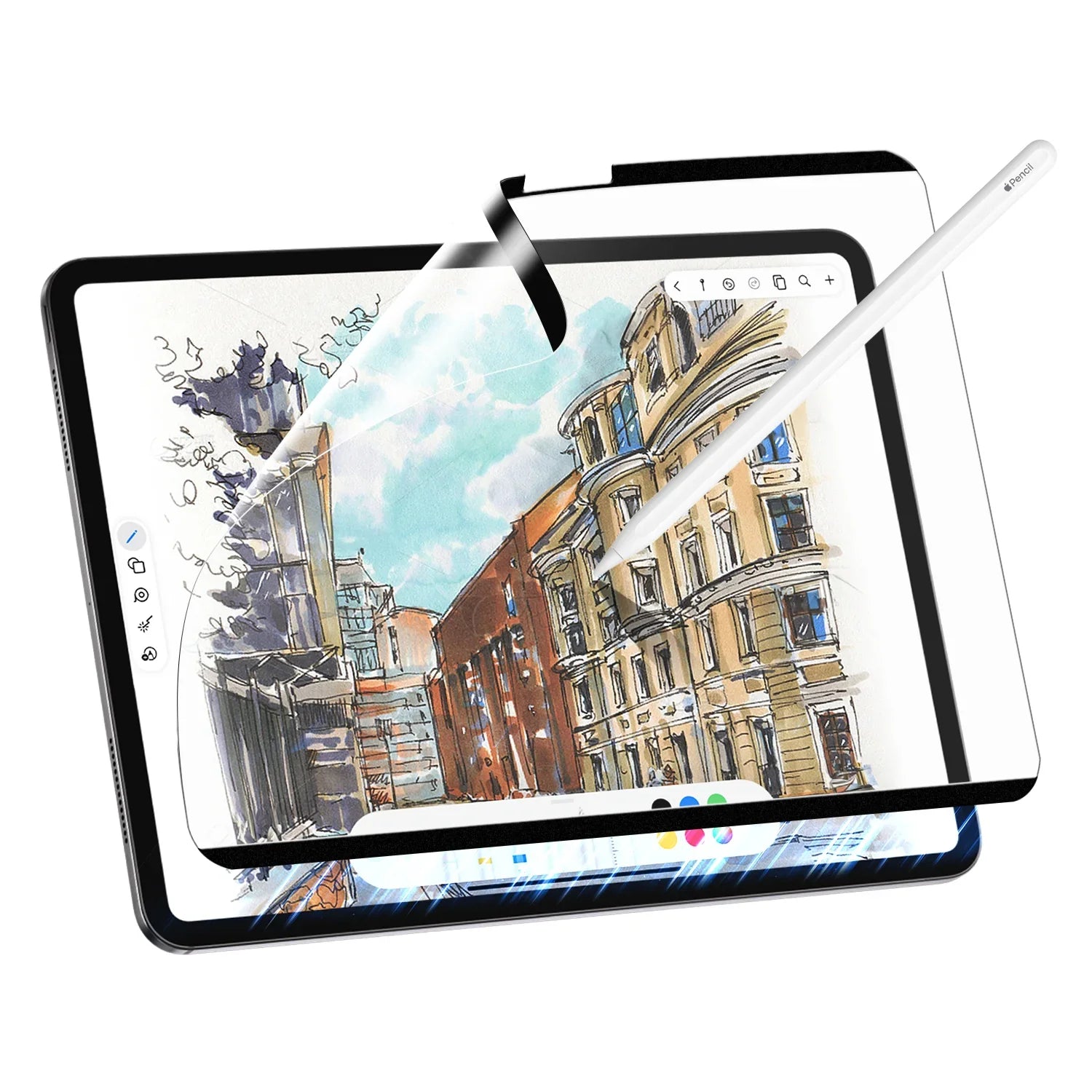
Paper feel screen protectors have become one of the most popular iPad accessories among students, artists, and productivity-focused users.
As more people use their iPads for handwriting, drawing, planning, and studying, many seek a more natural Apple Pencil experience—one that mimics the feel of writing on real paper.
Whether you're searching for an iPad paper feel screen for note-taking, a paperlike screen protector for digital art, or an anti glare screen protector that improves visibility in bright environments, there are now more options than ever before.
However, not all paper like screen protectors deliver the same experience.
Traditional matte films, removable magnetic designs, AR-enhanced protectors, and nano-adhesive technologies all approach the problem differently.
Understanding the differences can help you choose the right solution for your workflow.
In This Article
- What does an iPad paper like screen protector do?
- Common issues with traditional paperfeel screen protectors
- AR anti-reflective paper-like protectors
- Nano-adhesive removable protectors
- Which type works best?
What Does a Paper Feel Screen Protector Do?
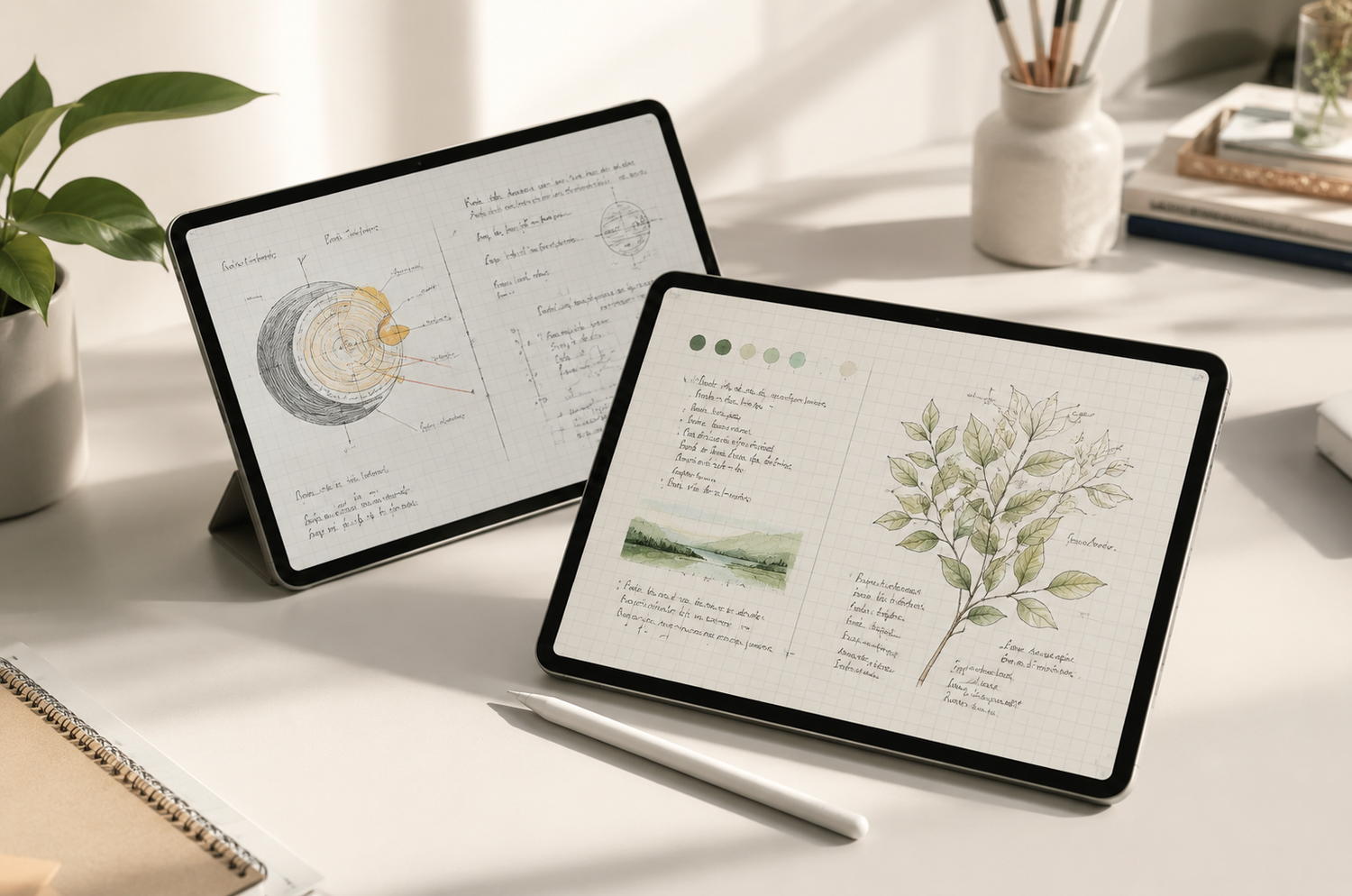
A paper feel texture screen protector adds friction between the Apple Pencil tip and the iPad display.
Without this added resistance, writing on glass can feel slippery and difficult to control. An iPad paper like screen protector creates a more natural writing experience, helping users achieve greater precision while taking notes, sketching, annotating documents, or planning their day.
For many users, this improves:
- Handwriting control
- Drawing precision
- Note-taking comfort
- Long study sessions
This is why paperfeel screen protector products are commonly used by:
- Students
- Designers
- Digital artists
- Productivity-focused professionals
Many users begin their search looking for a paperlike screen protector, but quickly realize that writing feel is only one part of the equation.
Display quality matters too.
A growing number of iPad users now want a screen protector that provides paper-like control without sacrificing the stunning display quality that makes the iPad so enjoyable to use.
A New Generation of Paper-Like Protection
Rather than maximizing texture alone, newer screen protectors focus on balancing writing feel, screen clarity, and anti glare performance.
One example is the AR Anti-Reflective Paper Texture Screen Protector.
Combining a natural paper feel texture with advanced anti-reflective technology, it helps reduce glare while preserving the sharpness, brightness, and color accuracy of the iPad display.
Common Issues With Traditional Paperfeel Screen Protectors
Most traditional paperfeel screen protector products rely on a rough matte coating to create friction.
While this approach improves Apple Pencil control, it often introduces trade-offs that many users don't expect.
Common complaints include:
- Reduced display clarity
- Muted colors
- Grainy visual noise
- Hazy screen appearance
- Increased Apple Pencil tip wear
Some users also choose an anti blue light screen protector to reduce eye strain. However, these films may further affect color accuracy and image quality.
As a result, many users begin searching for alternatives that provide a better balance between writing feel and display performance.
AR Anti-Reflective Paper-Like Screen Protectors
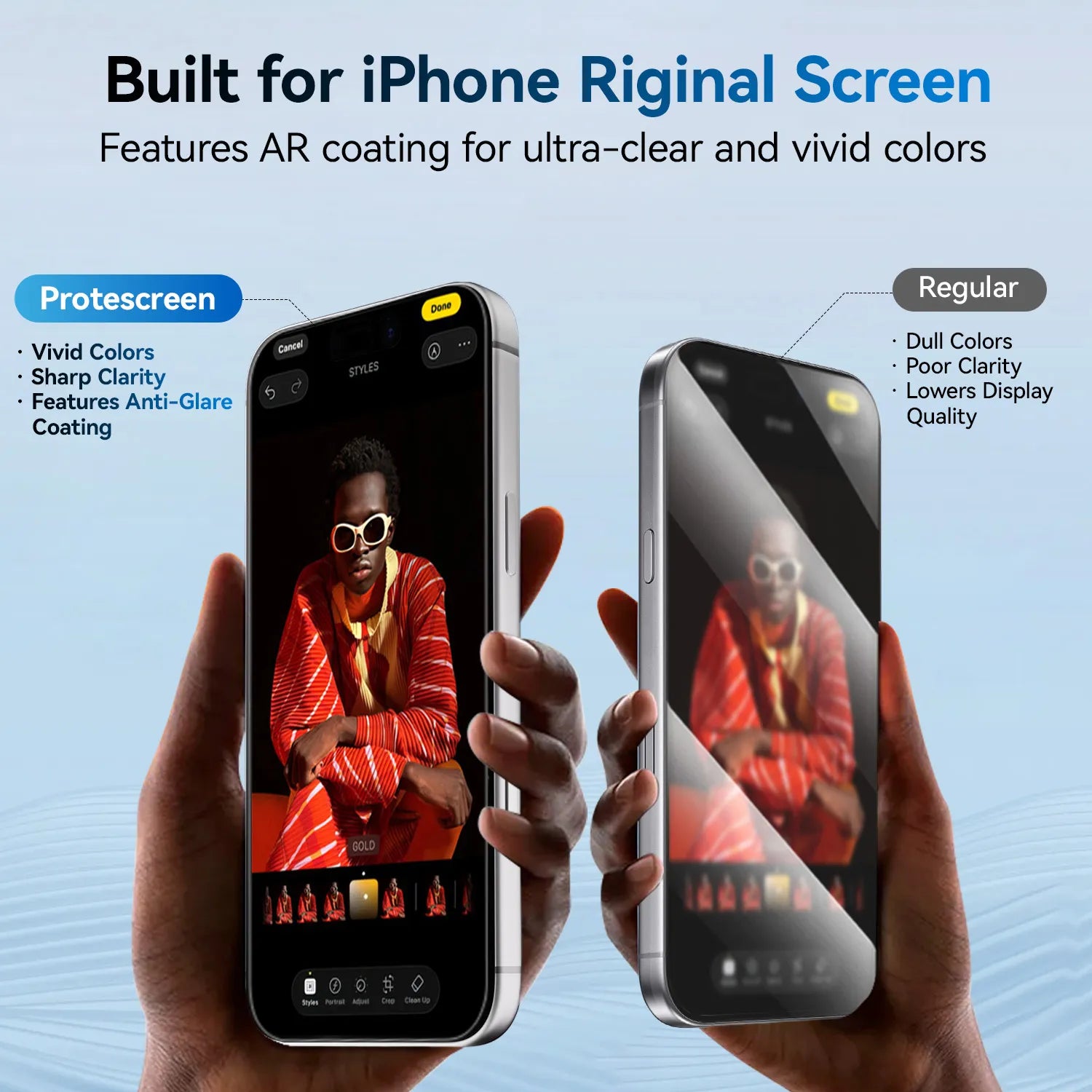
One of the biggest innovations in recent years is the AR (Anti-Reflective) paper-like screen protector.
Unlike traditional matte films that rely solely on surface roughness, AR technology uses advanced optical coatings to reduce reflections while maintaining superior display clarity.
Compared with conventional paperlike screen protector designs, AR technology helps minimize:
- Reflected glare
- Screen haze
- Graininess
- Loss of image detail
The result is a cleaner, sharper viewing experience while preserving the writing resistance that Apple Pencil users enjoy.
For users who spend time reading, watching videos, studying, attending online classes, or working near bright windows, an anti glare screen protector can significantly improve daily usability.
Real-World Comparison

Let's compare the screen effects with and without an AR paper-like screen protector based on real user experiences.
Many users report that AR technology provides a noticeably clearer viewing experience compared with traditional matte paperfeel screen protector designs, especially under strong indoor lighting or sunlight.
For users who want both productivity and entertainment performance from their iPad, AR technology often provides the most balanced experience.
Nano-Adhesive Removable Paper-Like Screen Protectors
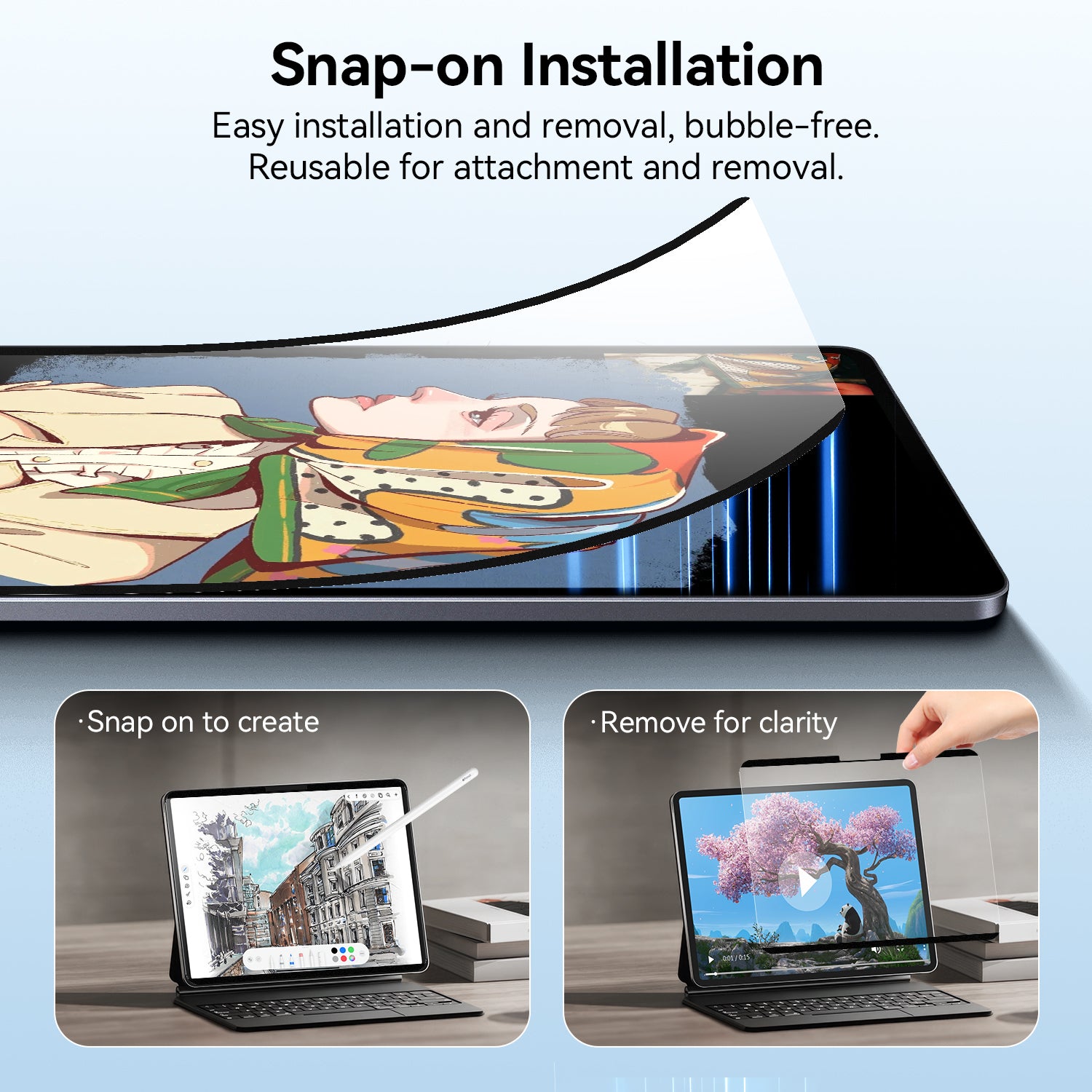
Another growing category is the iPad removable screen protector.
Unlike magnetic paperlike screen protector products that attach using magnets, nano-adhesive designs use a reusable nano-adhesive layer to stay securely attached to the display.
This helps reduce:
- Protector movement during writing
- Alignment issues
- Long-term magnetic degradation
For users who frequently switch between studying, note-taking, gaming, streaming, and entertainment, removable designs provide greater flexibility than permanently installed solutions.
A More Stable Alternative to Magnetic Designs
While magnetic protectors remain popular, some users notice slight shifting during intensive writing sessions.
Nano-adhesive technology was developed to solve this problem.
Instead of relying on magnets, a reusable nano layer keeps the protector securely in place while still allowing it to be removed and reapplied when necessary.
For hybrid users who don't always need a paper-like surface, this flexibility can be a significant advantage.
Which Type Works Best?
The best screen protector depends on how you use your iPad.
| User Type | Recommended Option |
| Students | AR Paper Texture Screen Protector |
| Note Taking | AR Paper Texture Screen Protector |
| Reading & Productivity | AR Paper Texture Screen Protector |
| Artists | AR Paper Texture Screen Protector |
| Gaming + Writing | Nano-Adhesive Removable |
| Hybrid Users | Nano-Adhesive Removable |
| Entertainment Focused | Nano-Adhesive Removable |
If your priority is achieving the best balance between writing feel, display clarity, and anti glare performance, AR technology is often the strongest choice.
If flexibility and removability matter more, an iPad removable screen protector may be the better fit.
Our Recommendations
Whether you prefer a permanently installed writing surface or a removable solution, choosing the right screen protector can dramatically improve your everyday iPad experience.
AR Paper Texture Screen Protector
Best for:
- Reduced glare
- Crystal-clear display
- Paper-like writing feel
- Productivity and entertainment
Nano-Adhesive Removable Paper-Like Screen Protector
Best for:
- Flexible usage
- Stable removable design
- Easy installation and removal
- Hybrid workflows
Frequently Asked Questions
Does a paperlike screen protector reduce display quality?
Traditional paperlike screen protector designs may reduce clarity because of their aggressive matte texture. AR-enhanced protectors are designed to minimize this effect while maintaining a natural writing experience.
Is an anti glare screen protector worth it for iPad?
For users who work under bright lighting or near windows, an anti glare screen protector can significantly improve visibility and reduce distracting reflections.
What is the difference between magnetic and nano-adhesive removable protectors?
Magnetic protectors attach using magnets, while nano-adhesive removable protectors use a reusable adhesive layer. Nano-adhesive designs generally provide greater stability during writing.
Can a paper texture iPad screen protector wear down Apple Pencil tips?
Highly textured films may increase tip wear over time. Products with a balanced paper feel texture are generally gentler on Apple Pencil tips while still providing natural writing resistance.
About Protescreen
Protescreen focuses on premium screen protection solutions designed for modern productivity and entertainment devices.
Our AR anti-reflective paper-feel protectors and nano-adhesion removable paper-feel protectors are developed to create a more balanced iPad experience for writing, studying, drawing, and entertainment.
Explore more:
https://protescreen.com
Shop Paper-Feel Screen Protectors:
https://protescreen.com/collections/paper-feel-screen-protector