In today’s digital world, screen privacy is no longer optional—it’s essential. Whether you're working in a busy office or using your phone in public, your screen is often exposed to others.
A privacy screen helps solve this problem—but not all privacy levels are the same.
👉View the Amazon privacy screen protector page
From standard filters to full 360° protection, each option comes with its own trade-offs. Understanding these differences will help you choose the right privacy screen protector for your needs.
What Is a 360° Privacy Screen?

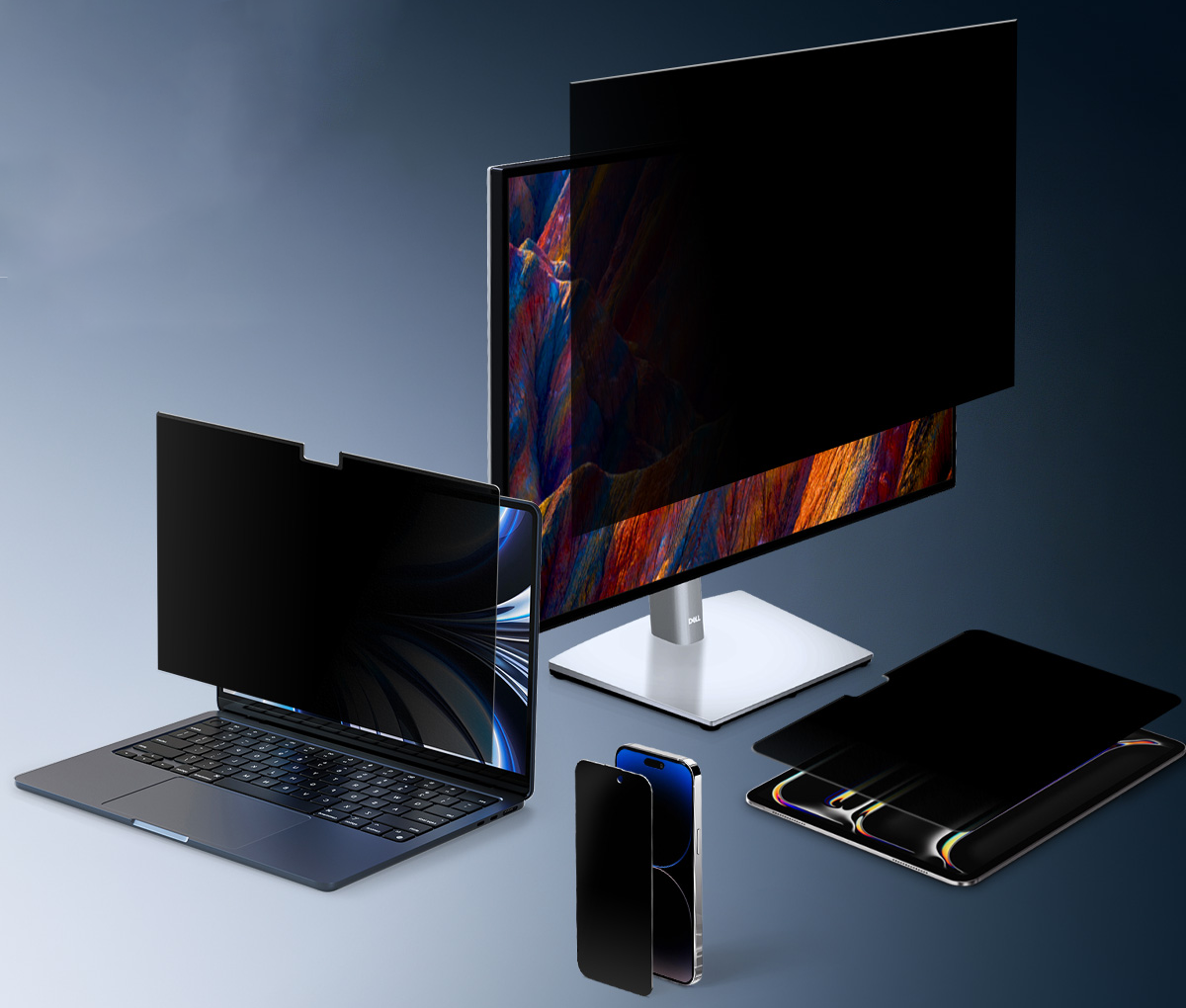
A privacy screen protector limits the viewing angle of your display, ensuring only the person directly in front can see the content clearly.
A 360° privacy screen (4-way privacy) blocks visibility from:
- Left & right
- Top & bottom
This makes it more secure than a standard 180° privacy screen【.
You may also see it used as:
-
office privacy screen
👉View the product details page -
iphone privacy screen protector
👉View the product details page -
ipad privacy screen
👉View the product details page
The Trade-Off: Privacy vs. Screen Experience
Before choosing, it's important to understand a key principle:
👉 The stronger the privacy, the more you sacrifice brightness and comfort
A privacy screen protector works by limiting light transmission, which leads to:
- A darker display
- Reduced clarity
- Increased eye strain over time
⚠️ A 360° privacy screen is significantly darker than a 180° version.
Who Should Use a 360° Privacy Screen?
A 360° privacy screen is best for users who prioritize maximum privacy.

Ideal Users:
- Professionals using an office privacy screen
- People handling sensitive data
- Frequent travelers
- Users concerned about mobile privacy with an iphone privacy screen protector
Who Should Use a 180° Privacy Screen?
A 180° privacy screen protector offers the best balance.
Ideal Users:
- Office workers needing an office privacy screen
- Students using an ipad privacy screen
- Daily users who want comfort + privacy
- Users looking for the best privacy screen protector
Who Should NOT Use a Privacy Screen?

A privacy screen isn’t for everyone.
You may not need a privacy screen protector if:
- You work mostly in private environments
- You prioritize brightness and clarity
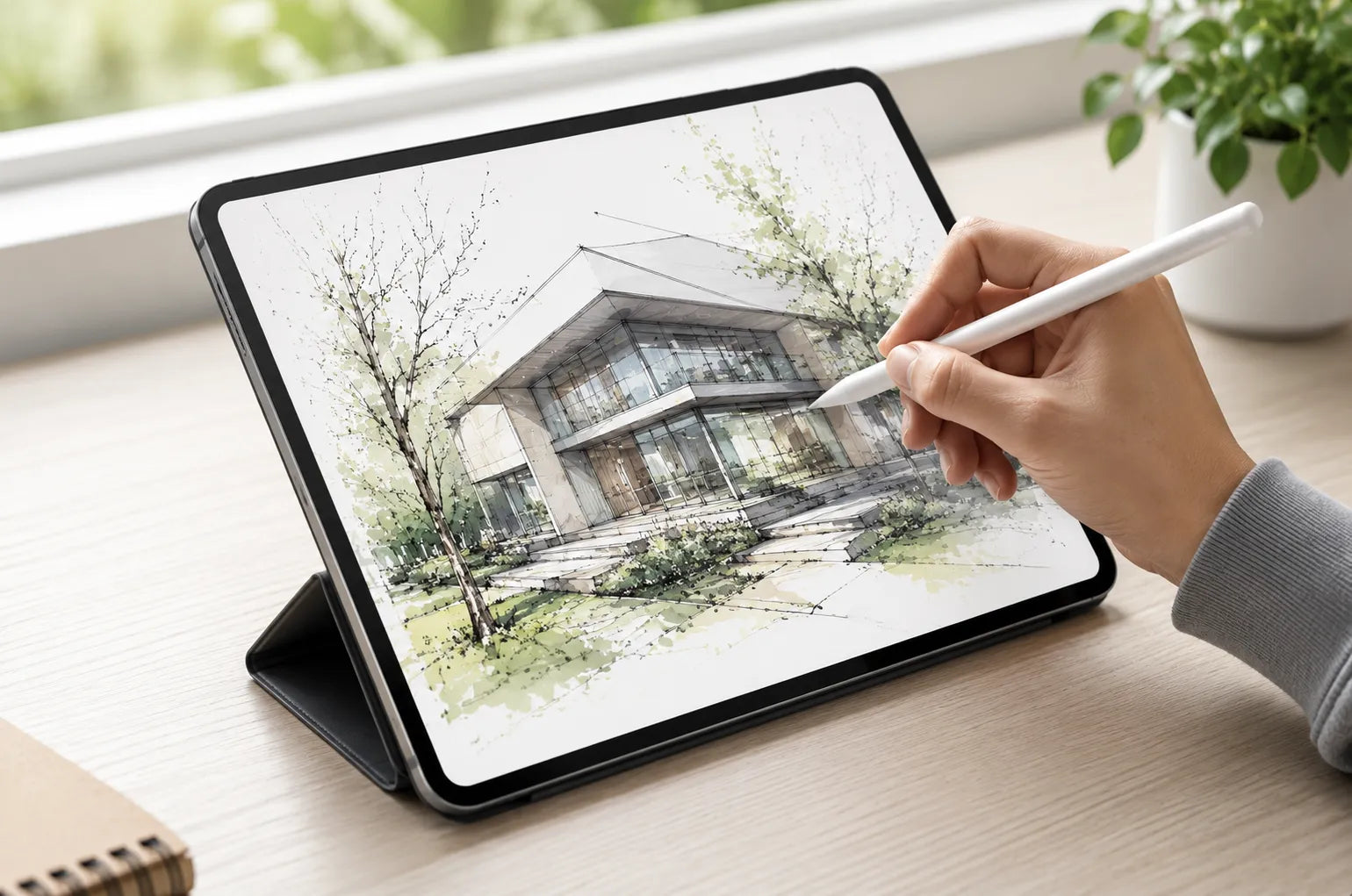
- You are a designer or artist
For example, an ipad privacy screen may reduce drawing precision.
Quick Comparison: Which One Fits You?
| Type | Privacy Level | Brightness | Eye Comfort | Best For |
| 360° Privacy Screen | ⭐⭐⭐⭐⭐ | ⭐⭐ | ⭐⭐ | High-security use |
| 180° Privacy Screen | ⭐⭐⭐⭐ | ⭐⭐⭐⭐ | ⭐⭐⭐⭐ | Daily use |
| No Privacy Screen | ⭐ | ⭐⭐⭐⭐⭐ | ⭐⭐⭐⭐⭐ | Home & creative |
iPad & iPhone: Special Considerations
An ipad privacy screen is useful for studying in public—but 360° may feel too dark.
An iphone privacy screen protector protects sensitive information—but excessive dimming can affect usability.
Final Thoughts
A 360° privacy screen offers the highest level of protection—but it comes with trade-offs.
While it’s perfect for maximizing privacy, the reduced brightness and increased eye strain mean it’s not ideal for everyone. In many cases, a well-balanced privacy screen protector can provide enough security without sacrificing too much comfort.
The key is simple:
👉 Choose the level of privacy that matches your real usage—not just the maximum available.

Laisser un commentaire
Tous les commentaires sont modérés avant d'être publiés.
Ce site est protégé par hCaptcha, et la Politique de confidentialité et les Conditions de service de hCaptcha s’appliquent.