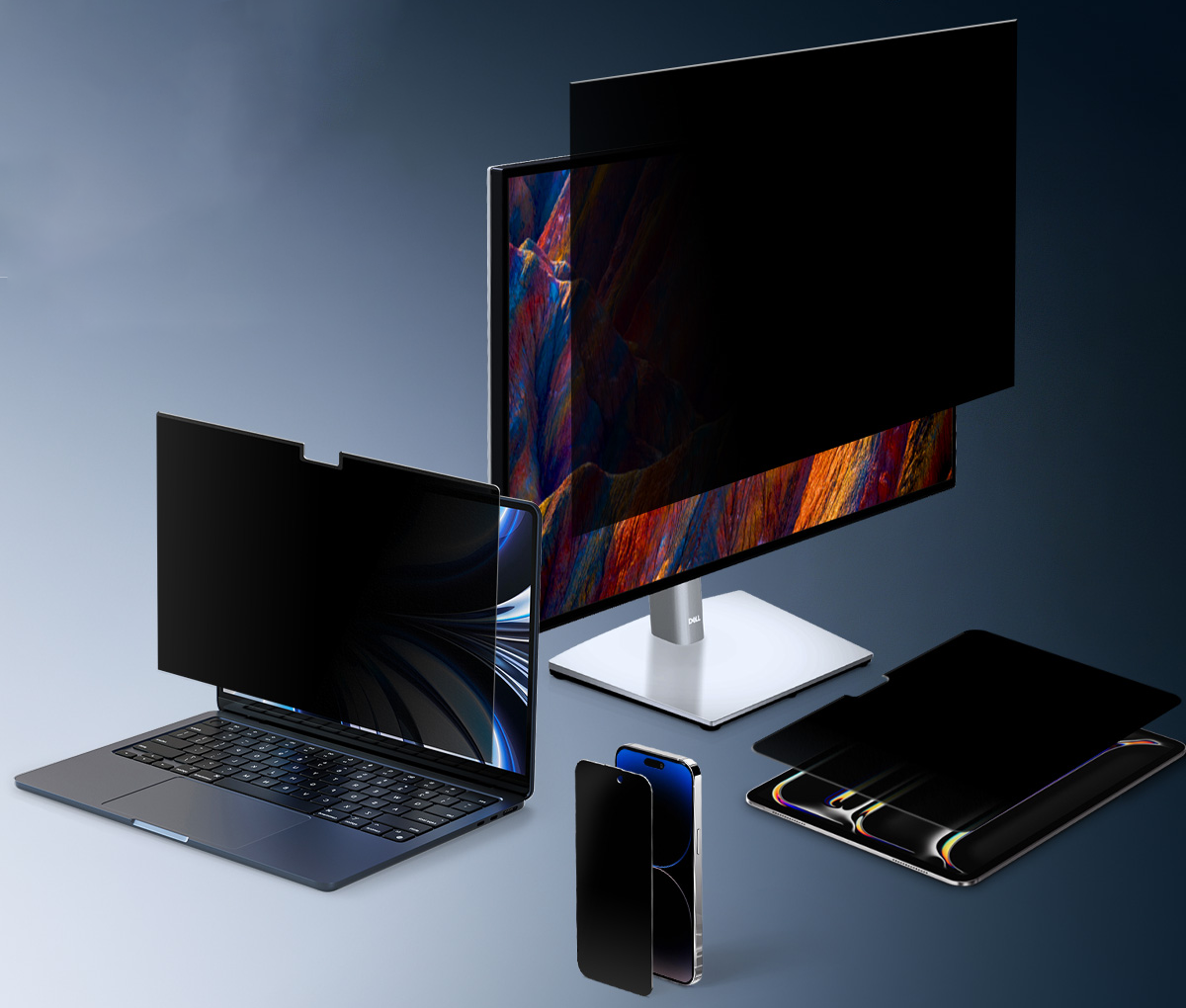
In today’s digital world, screen privacy is no longer optional—it’s essential. Whether you're working in a busy office or using your phone in public, your screen is often exposed to others.
A privacy screen helps solve this problem—but not all privacy levels are the same.
👉View the Amazon privacy screen protector page
From standard filters to full 360° protection, each option comes with its own trade-offs. Understanding these differences will help you choose the right privacy screen protector for your needs.
What Is a 360° Privacy Screen?

A privacy screen protector limits the viewing angle of your display, ensuring only the person directly in front can see the content clearly.
A 360° privacy screen (4-way privacy) blocks visibility from:
- Left & right
- Top & bottom
This makes it more secure than a standard 180° privacy screen【.
You may also see it used as:
-
office privacy screen
👉View the product details page -
iphone privacy screen protector
👉View the product details page -
ipad privacy screen
👉View the product details page
The Trade-Off: Privacy vs. Screen Experience
Before choosing, it's important to understand a key principle:
👉 The stronger the privacy, the more you sacrifice brightness and comfort
A privacy screen protector works by limiting light transmission, which leads to:
- A darker display
- Reduced clarity
- Increased eye strain over time
⚠️ A 360° privacy screen is significantly darker than a 180° version.
Who Should Use a 360° Privacy Screen?
A 360° privacy screen is best for users who prioritize maximum privacy.

Ideal Users:
- Professionals using an office privacy screen
- People handling sensitive data
- Frequent travelers
- Users concerned about mobile privacy with an iphone privacy screen protector
Who Should Use a 180° Privacy Screen?
A 180° privacy screen protector offers the best balance.
Ideal Users:
- Office workers needing an office privacy screen
- Students using an ipad privacy screen
- Daily users who want comfort + privacy
- Users looking for the best privacy screen protector
Who Should NOT Use a Privacy Screen?

A privacy screen isn’t for everyone.
You may not need a privacy screen protector if:
- You work mostly in private environments
- You prioritize brightness and clarity
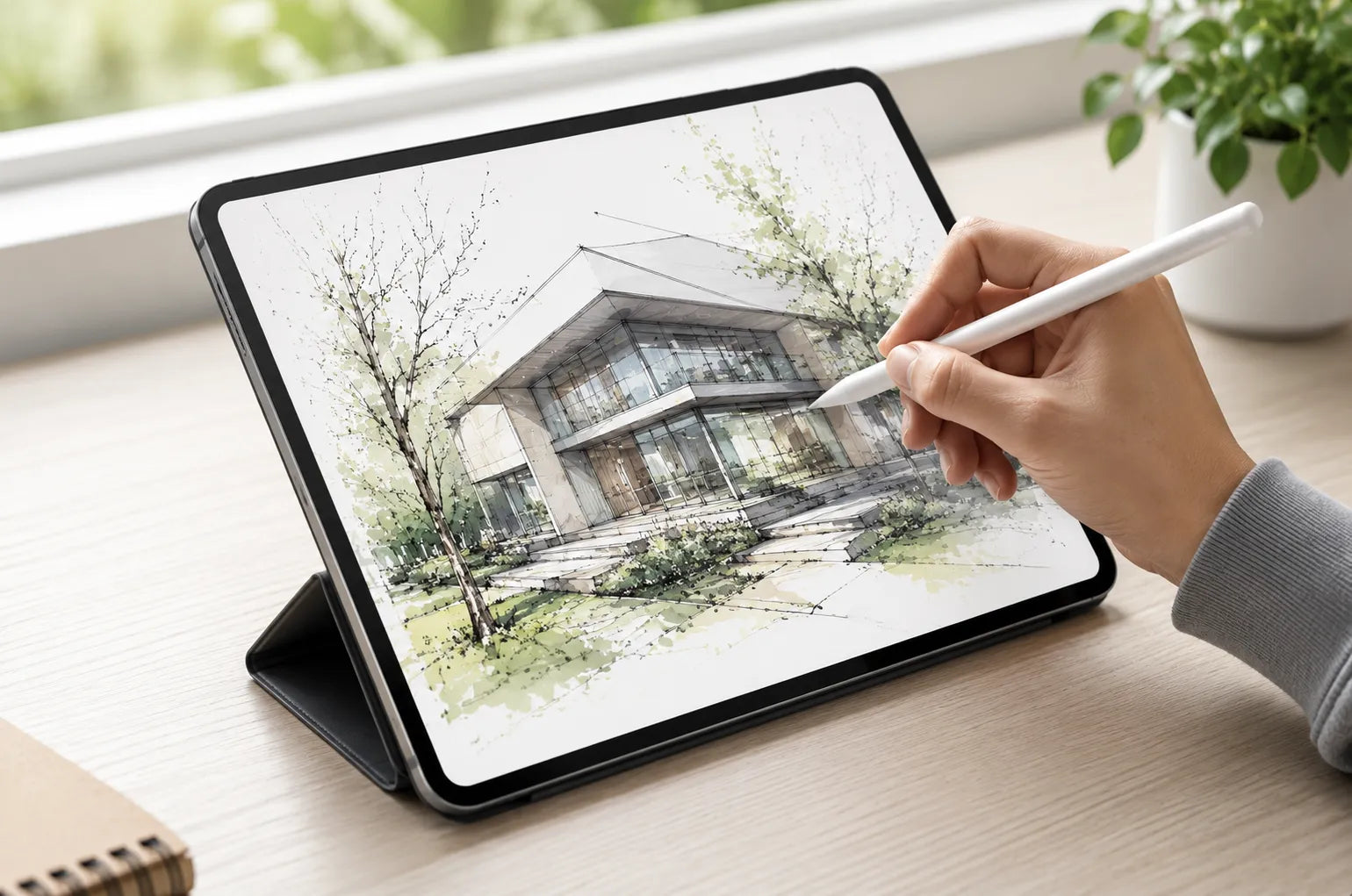
- You are a designer or artist
For example, an ipad privacy screen may reduce drawing precision.
Quick Comparison: Which One Fits You?
| Type | Privacy Level | Brightness | Eye Comfort | Best For |
| 360° Privacy Screen | ⭐⭐⭐⭐⭐ | ⭐⭐ | ⭐⭐ | High-security use |
| 180° Privacy Screen | ⭐⭐⭐⭐ | ⭐⭐⭐⭐ | ⭐⭐⭐⭐ | Daily use |
| No Privacy Screen | ⭐ | ⭐⭐⭐⭐⭐ | ⭐⭐⭐⭐⭐ | Home & creative |
iPad & iPhone: Special Considerations
An ipad privacy screen is useful for studying in public—but 360° may feel too dark.
An iphone privacy screen protector protects sensitive information—but excessive dimming can affect usability.
Final Thoughts
A 360° privacy screen offers the highest level of protection—but it comes with trade-offs.
While it’s perfect for maximizing privacy, the reduced brightness and increased eye strain mean it’s not ideal for everyone. In many cases, a well-balanced privacy screen protector can provide enough security without sacrificing too much comfort.
The key is simple:
👉 Choose the level of privacy that matches your real usage—not just the maximum available.

Commenta
Nota che i commenti devono essere approvati prima di essere pubblicati.
Questo sito è protetto da hCaptcha e applica le Norme sulla privacy e i Termini di servizio di hCaptcha.