
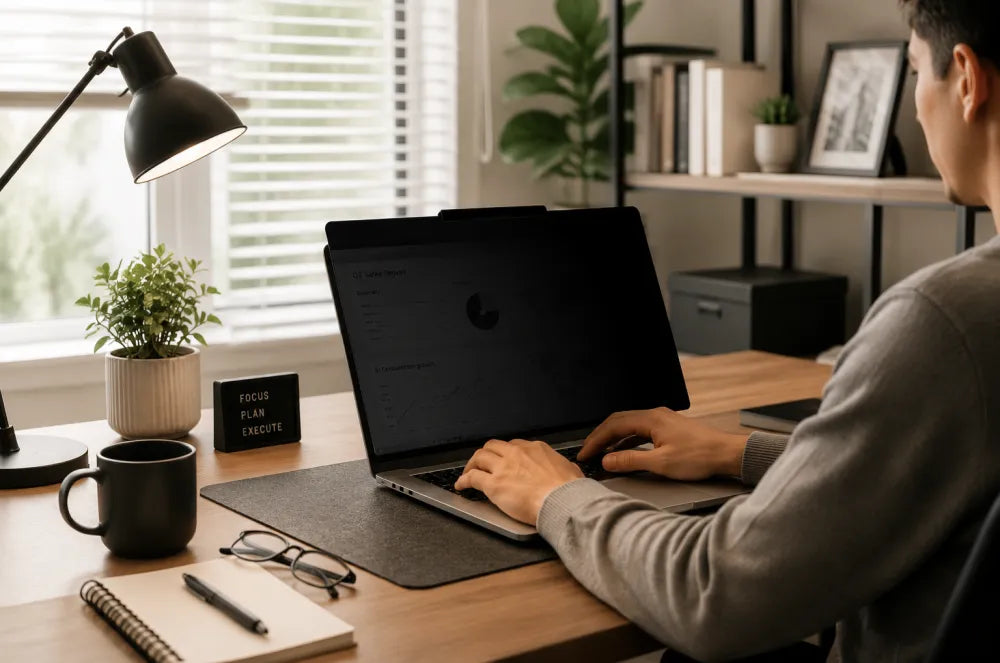
Remote work has changed the way people think about their workspace.
A productive home office is no longer just a desk and a laptop. Modern professionals need a setup that supports concentration, protects sensitive information, and makes long working sessions more comfortable.
Whether you work from home full-time or switch between offices, cafés, and coworking spaces, the right work from home desk setup can improve your daily workflow.
Here are the essential upgrades for a modern workspace.
1. Protect Your Privacy When Working Anywhere
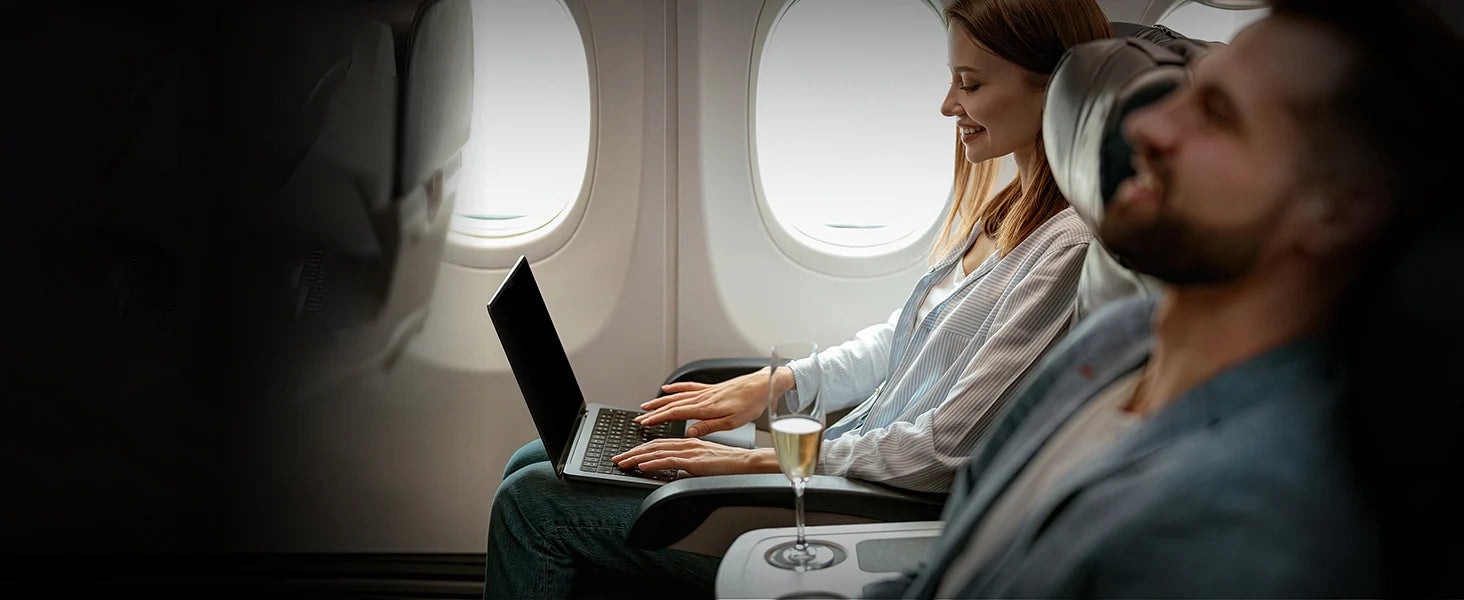
Many remote workers are no longer limited to traditional offices.
A laptop may be used in: Coffee shops/Airports/Shared offices/Public transportation
However, working in public creates a privacy challenge.
Sensitive information such as: Emails/Business documents/Customer data/Financial information, can easily become visible from side angles.
Protescreen Magnetic Privacy Screen for Laptop
A laptop privacy screen provides an easy way to protect your information while maintaining everyday usability.
Benefits:
Side-angle privacy protection
The viewing angle is reduced, helping prevent people nearby from seeing your screen.
Magnetic removable design
Attach or remove the filter quickly depending on your environment.
Designed for modern professionals
Suitable for:
Remote workers
Business travelers
Students
Consultants
2. Reduce Screen Distractions in Your Home Office
Screen reflections are a common problem in many home offices.
Windows, lighting, and desk lamps can create glare that makes screens harder to view during long work sessions.
A high-quality anti-reflective solution helps create a more comfortable viewing experience.
Protescreen AR Screen Protection
Designed to help:
- Reduce distracting reflections
- Improve viewing comfort
- Maintain a clean display experience
A clearer workspace helps you stay focused on your tasks.
3. Improve Large Monitor Privacy in Shared Spaces
Many professionals use external monitors for:
- Data analysis
- Programming
- Design work
- Business tasks
However, larger screens are also easier for others to see.
A monitor privacy filter helps protect information in:
- Shared offices
- Home offices
- Open work environments
4. Build a Workspace Designed for Focus
A successful office desk setup does not require dozens of accessories.
The most effective improvements usually focus on:
✓ Privacy
✓ Comfort
✓ Reduced distractions
✓ Better organization
The right tools help create a workspace where you can focus longer and work more comfortably.
Final Thoughts
A modern work from home desk setup should support the way people actually work today.
Whether you work remotely, travel frequently, or share your workspace with others, privacy protection and better screen comfort can make a noticeable difference.
Protescreen develops optical screen protection solutions designed for modern digital lifestyles, helping users work, create, and stay focused wherever they are.



コメントを書く
全てのコメントは、掲載前にモデレートされます
このサイトはhCaptchaによって保護されており、hCaptchaプライバシーポリシーおよび利用規約が適用されます。