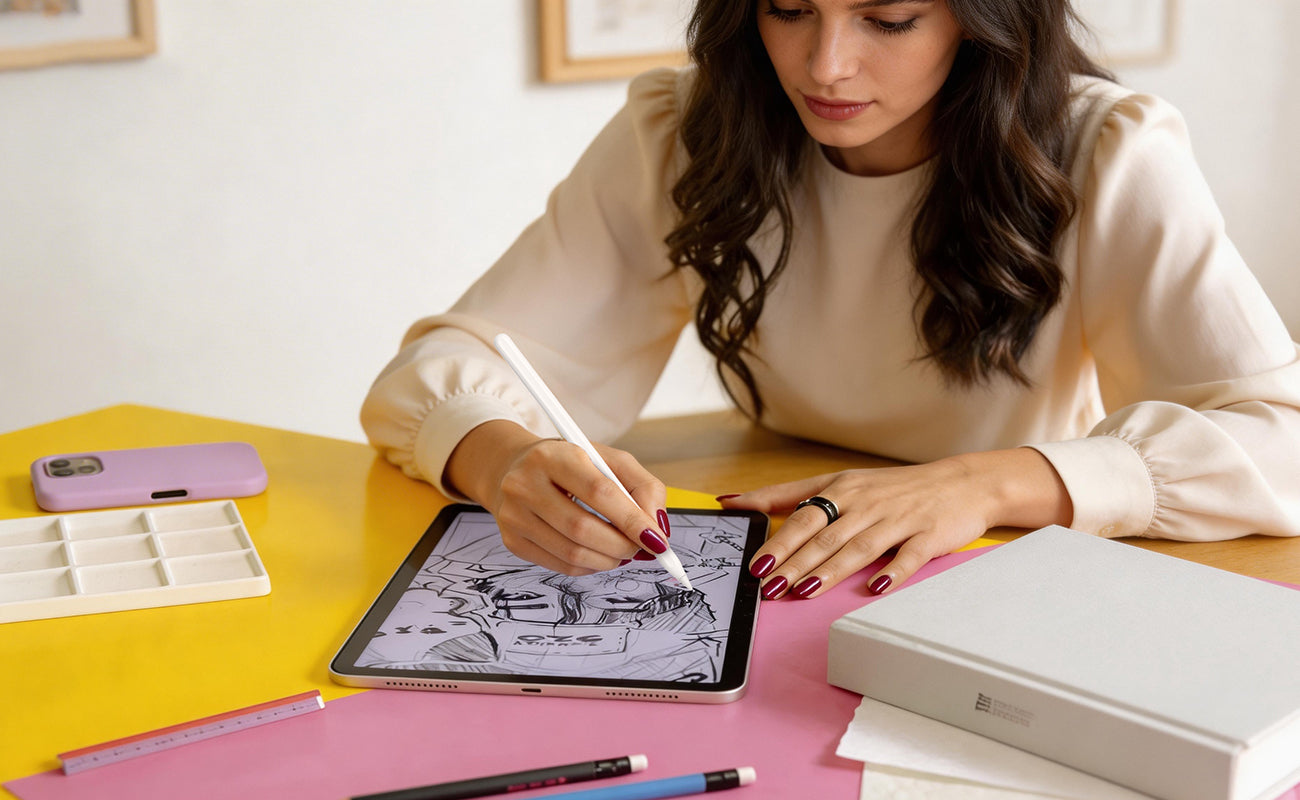
Writing on an iPad feels amazing at first.
It’s smooth. Fast. Effortless.
But after a while, something starts to feel off.
Your strokes slip slightly.
You grip the Apple Pencil tighter.
You slow down just to stay precise.
Over time, you’re no longer focusing on your ideas—you’re adjusting to the glass.
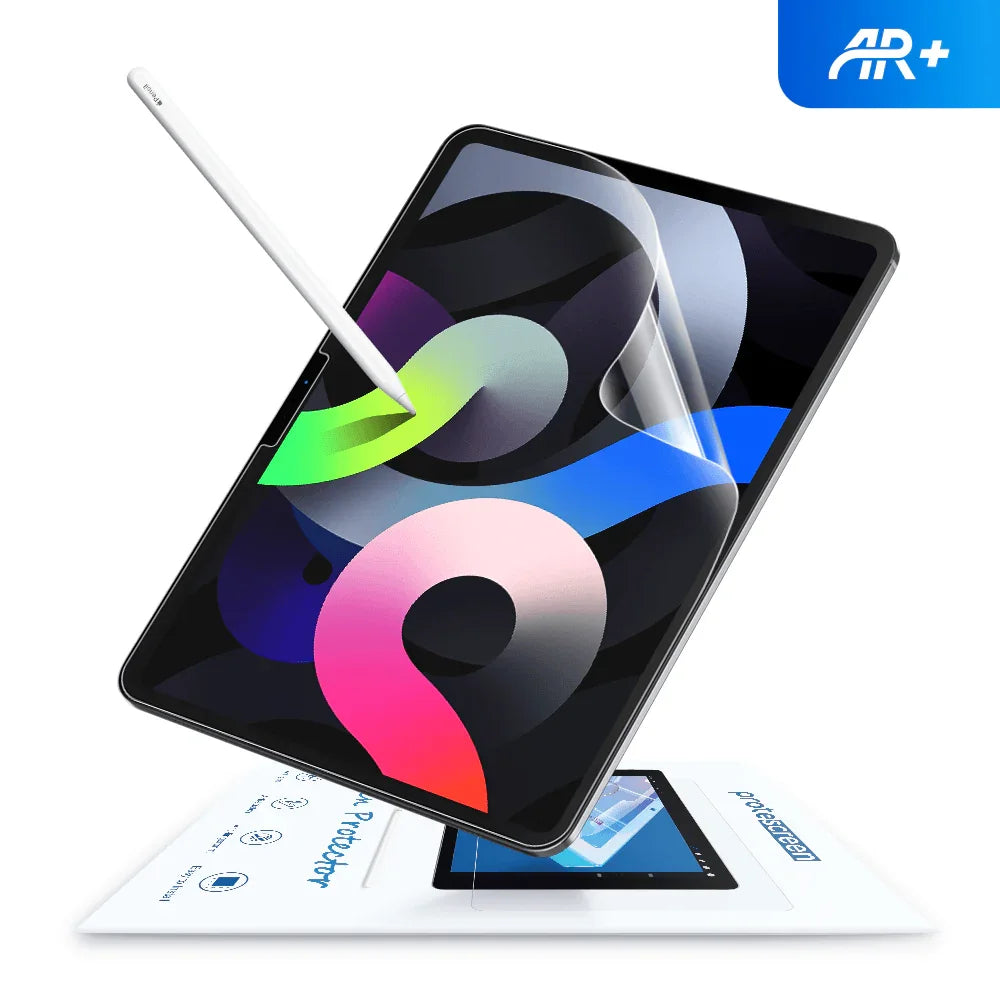
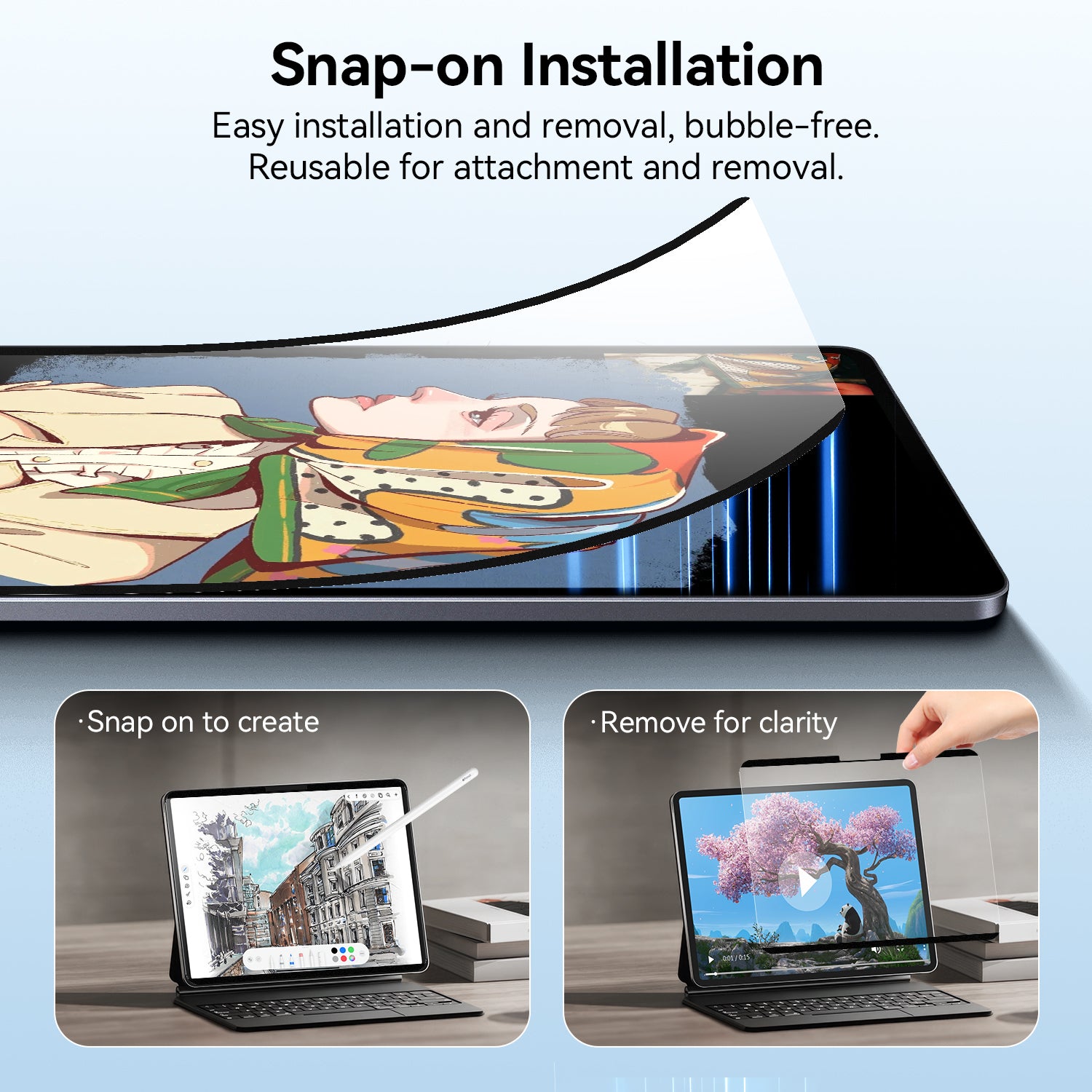
That’s exactly the problem AR paperlike screen protectors are designed to solve—especially compared to a standard iPad screen protector.
The Real Problem: Writing on Glass Isn’t Natural
On a bare iPad screen, the Apple Pencil glides with almost no resistance.
At first, that feels efficient. But during longer sessions:
-
Lines become less stable
-
Handwriting consistency drops
-
Your hand gets tired faster
Many users who switch from a regular anti-glare screen protector notice that while glare is reduced, the writing experience still lacks control.
👉 The result:
You’re constantly correcting your strokes instead of focusing on what you’re creating.
What Makes AR Paperlike Different?
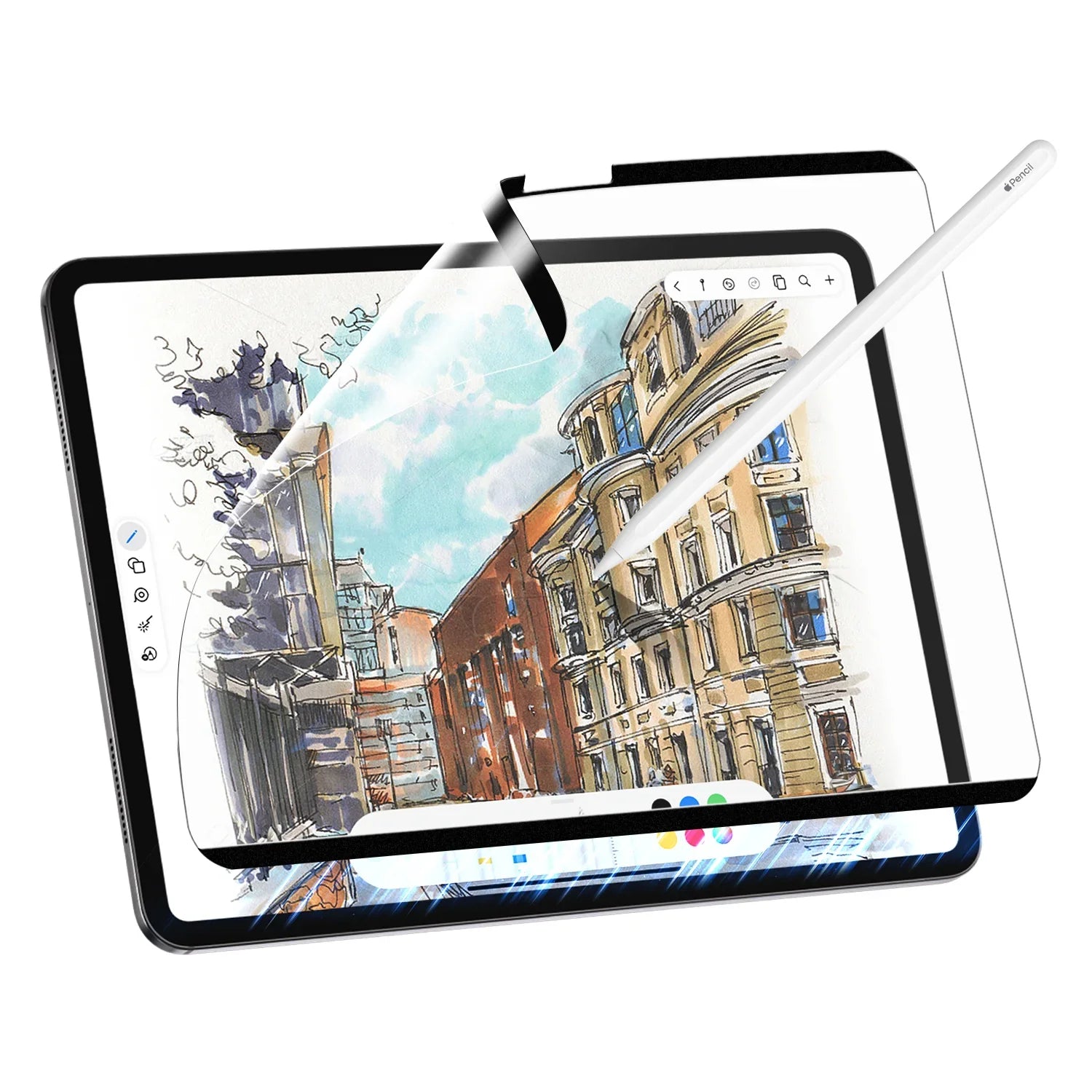
Traditional options like a paper screen protector iPad mainly rely on surface texture to simulate paper.
AR paperlike screen protectors go further by combining:
1️⃣ Micro-texture (Paper Feel)
Adds controlled resistance to your Apple Pencil
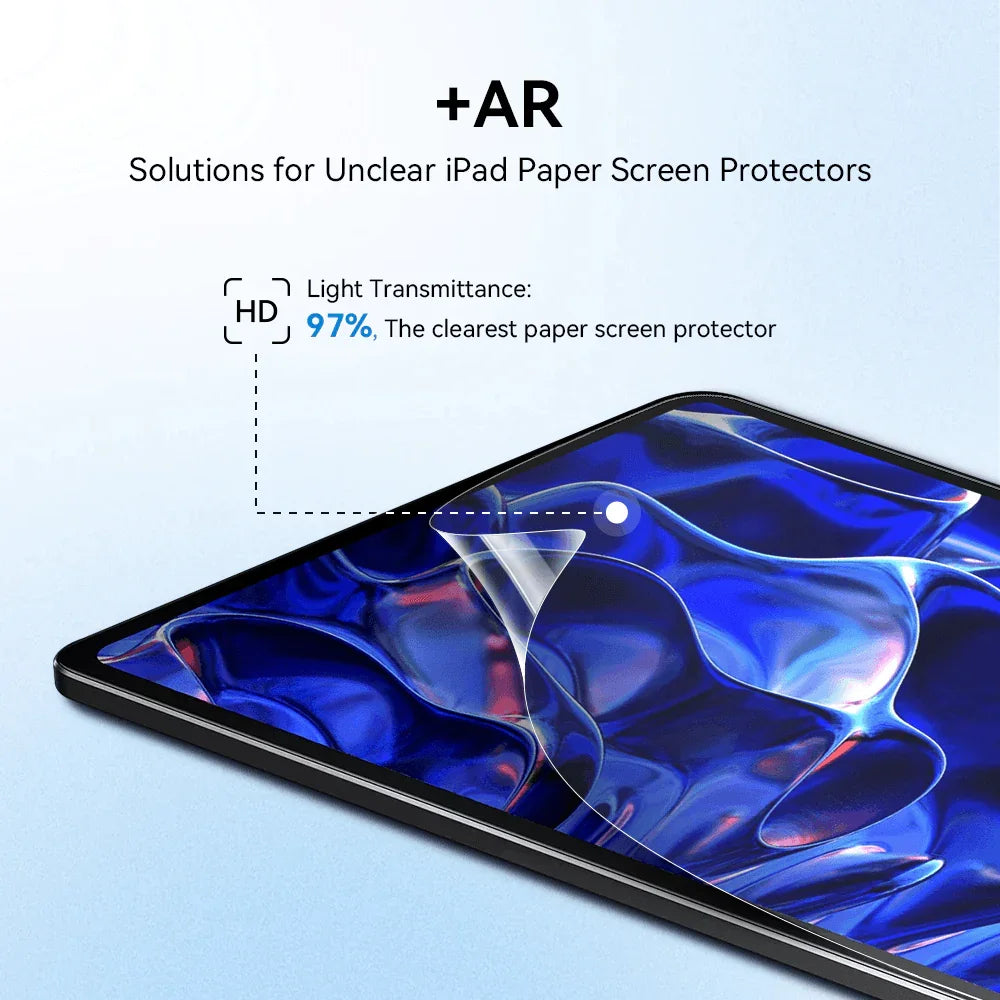
2️⃣ AR Coating (Anti-Reflection)
Reduces glare without heavily sacrificing clarity
This makes it closer to what many users consider the best paper feel iPad screen protector available today.

👉 This creates a key difference:
Instead of just “roughening the screen,”
it balances control + visibility, similar to a high-end AR screen protector.
Writing Experience: More Control, Less Effort
Once you start writing with an AR paperlike screen protector, the difference isn’t dramatic—but it’s noticeable.
-
The Pencil feels more “anchored”
-
Strokes don’t slide as easily
-
You don’t need to press harder
Users upgrading from a typical paperlike iPad screen protector often notice improved clarity alongside better control.
Over time, this leads to:
✅ More consistent handwriting
✅ Cleaner lines
✅ Less fatigue
Drawing Experience: Where It Really Shows 🎨
For artists using apps like Procreate:
Without AR film:
-
Lines feel too smooth
-
Hard to control pressure
-
Less natural sketching feel
With AR paperlike:
✅ Better stroke precision
✅ More natural shading control
✅ Improved line stability
👉 The biggest difference is confidence in your strokes.
Anti-Glare: The Real Upgrade
This is where AR technology truly stands out.
Traditional matte or anti-glare screen protector options:
-
Reduce glare
-
But also reduce clarity
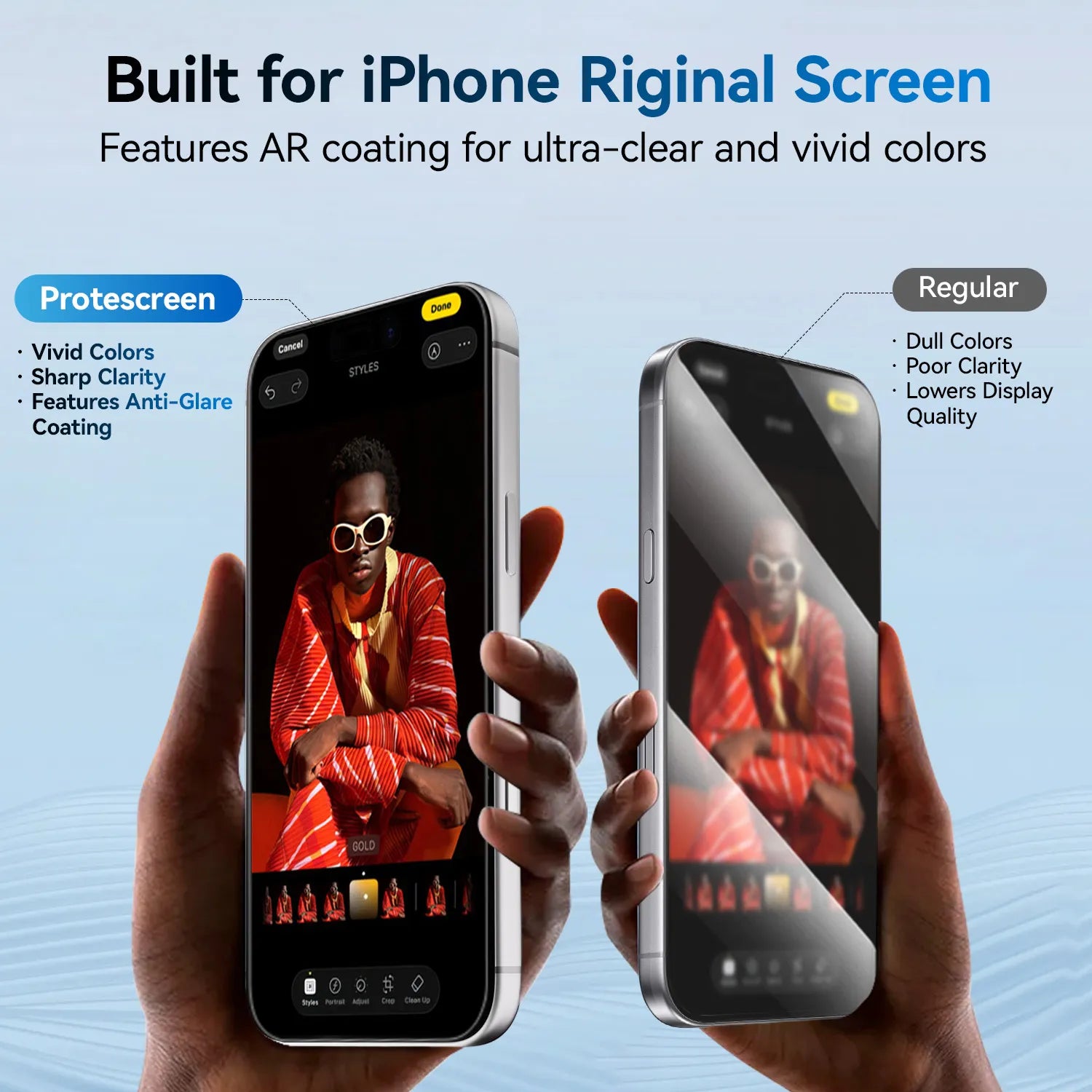
AR paperlike films:
✅ Reduce reflections
✅ Maintain sharper display quality
✅ Work better in bright environments
Perfect for:
-
Classrooms
-
Coffee shops
-
Office lighting
Who Is It Actually For?
Based on real usage patterns, AR paperlike screen protectors are worth it if:
✅ You should use it if:
-
You write notes daily
-
You draw or design regularly
-
You annotate PDFs or study for long hours
❌ It may not be for you if:
-
You mainly watch videos
-
You rarely use Apple Pencil
-
You prefer a perfectly glossy screen
👉 In short:
It’s not just another iPad screen protector—it’s a workflow upgrade.
AR Paperlike vs Traditional Paperlike
| Feature | Traditional | AR Paperlike |
|---|---|---|
| Texture | Basic matte | Controlled micro-texture |
| Glare | Reduced | Significantly reduced |
| Clarity | Slightly blurry | Clearer display |
| Writing feel | Rougher | More natural |

The Real Question: Is It Worth It?
An AR paperlike screen protector is a small upgrade compared to the cost of an iPad.
But it changes something you use every day:
👉 The surface you write on
If your iPad has replaced:
-
Notebooks
-
Sketchbooks
-
Printed documents
Then choosing the right paper screen protector iPad solution becomes essential.
Final Verdict
If you only use your iPad casually, you probably don’t need it.
But if you:
-
Take notes daily
-
Draw regularly
-
Use Apple Pencil seriously
👉 Then an AR paperlike screen protector is one of the highest-impact upgrades you can make—especially compared to a standard paperlike iPad screen protector.