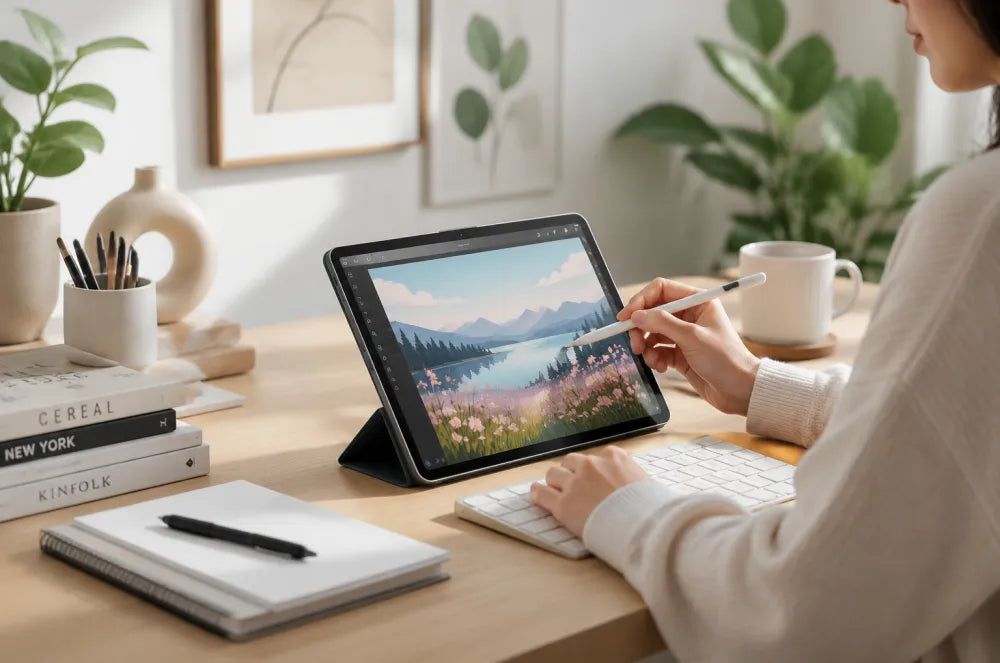
The iPad has evolved from a simple entertainment device into a powerful tool for professionals, students, and creators.
Whether you use your iPad for handwritten notes, digital illustration, reading documents, or remote work, the right accessories can transform your everyday workflow.
A great iPad setup is not about adding more accessories. It is about creating a workspace that feels comfortable, focused, and natural.
Here are the essential upgrades for a better iPad experience.
1. A Comfortable Writing Experience Starts With the Right Surface
For students, designers, and note-takers, the feeling of writing directly on glass can sometimes feel unnatural.
The smooth surface of an iPad display is optimized for clarity, but many creators prefer more control and friction when using Apple Pencil.
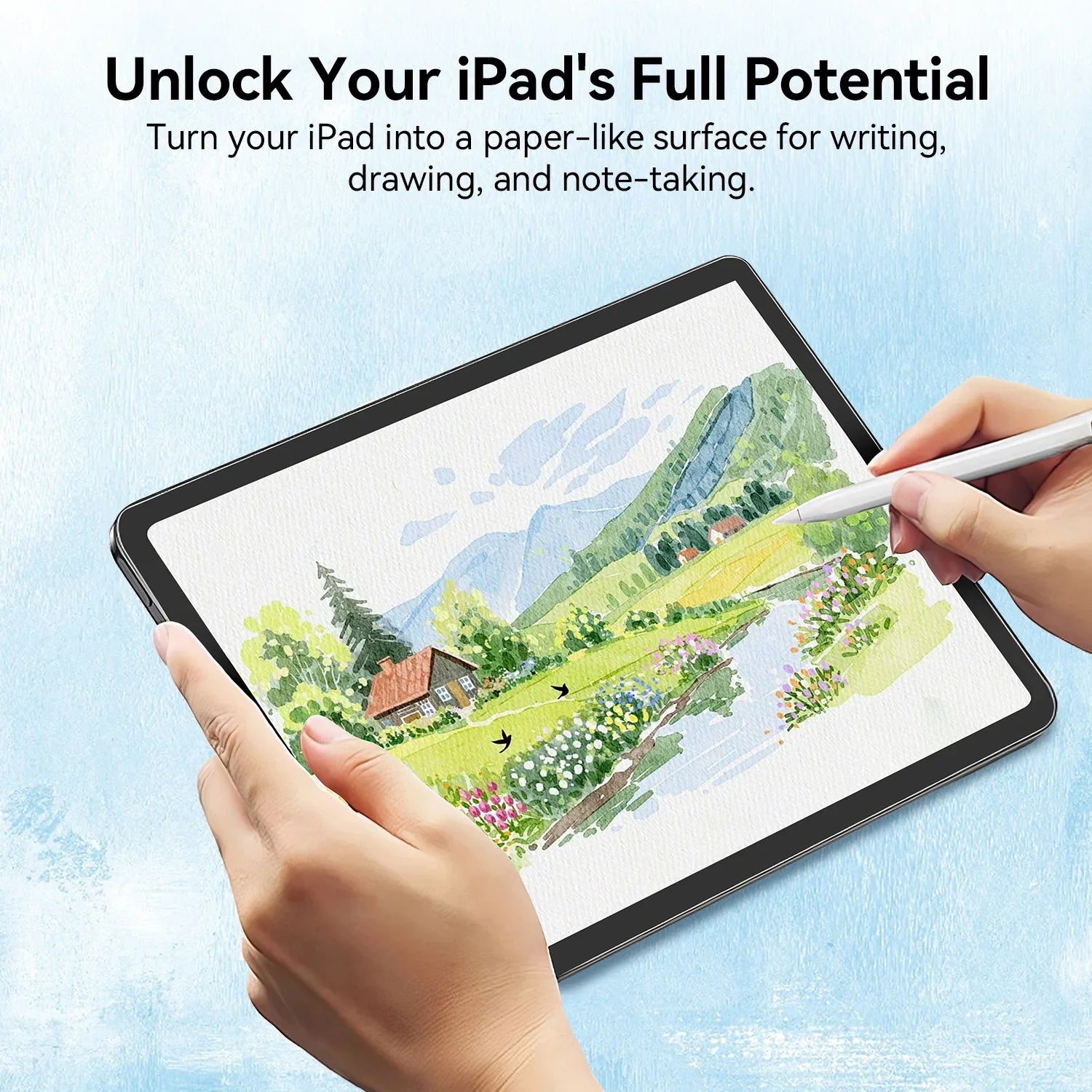
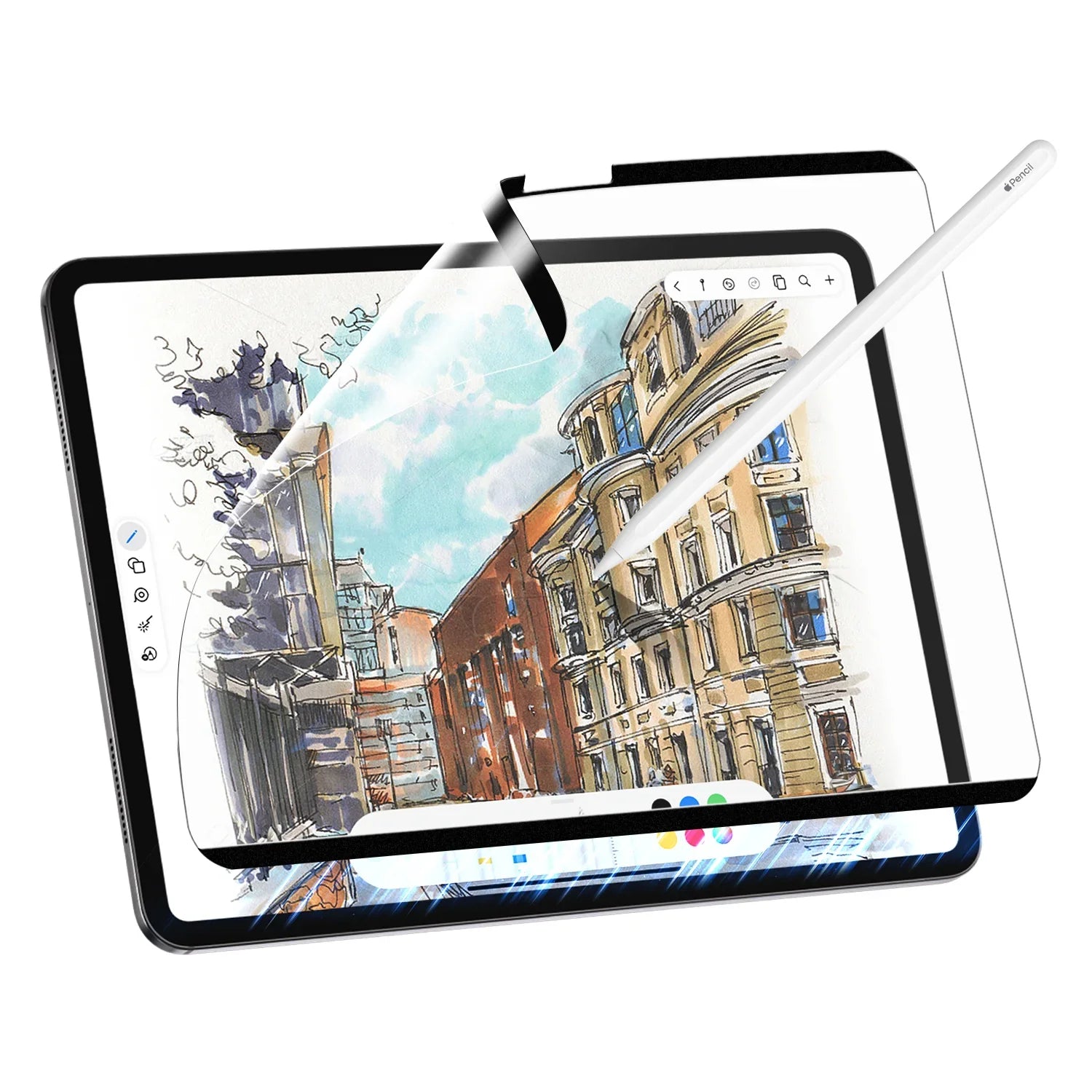
A paper-texture screen protector can create a more natural writing experience by adding subtle resistance between the Apple Pencil and display.
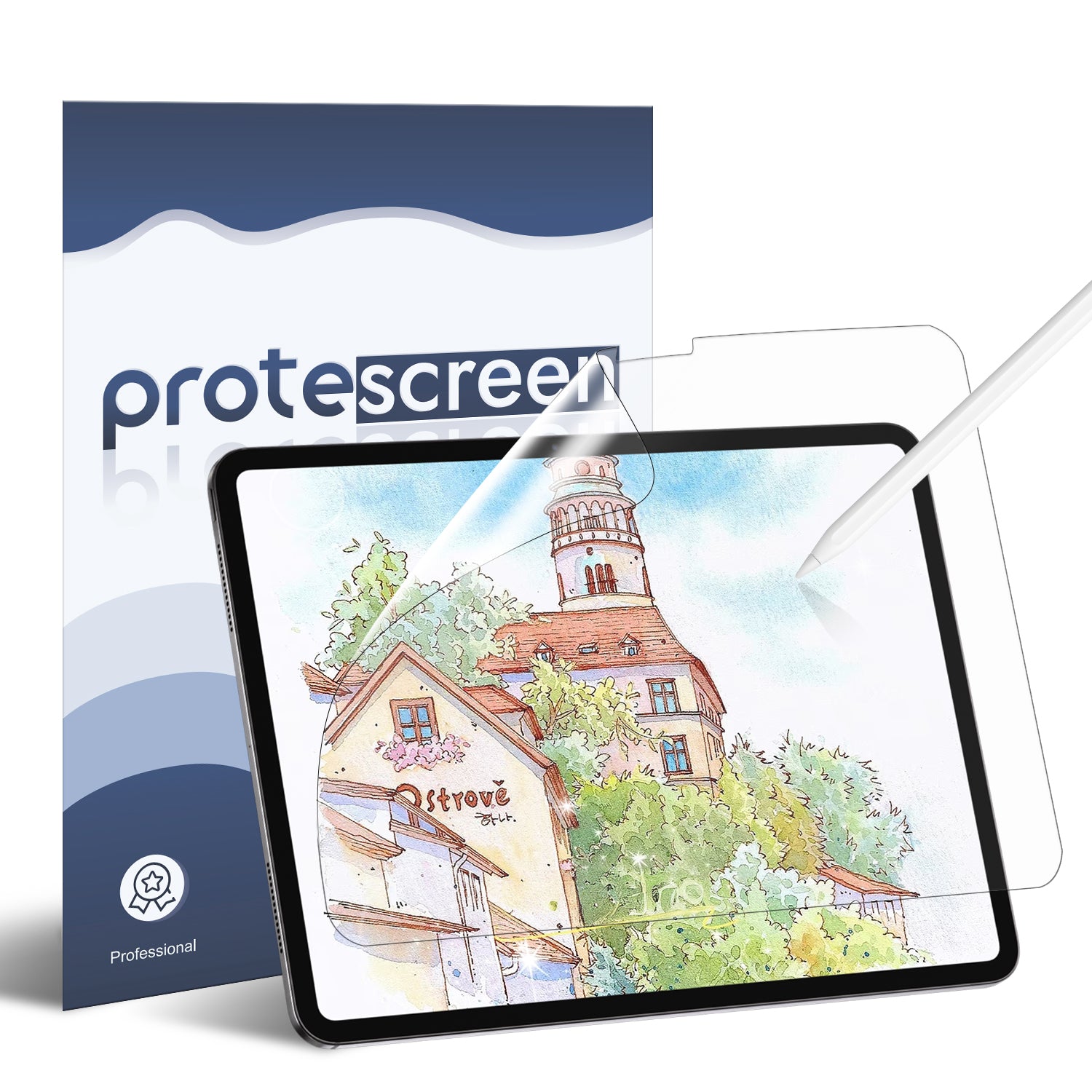
Protescreen AR+ Paper Texture Screen Protector
Designed for: Digital artists. Note-taking. PDF annotation. Creative professionals
Key benefits:

1. Paper-like writing feel
The micro-textured surface provides controlled friction, helping Apple Pencil movements feel more natural.
2. Reduced glare for better visibility
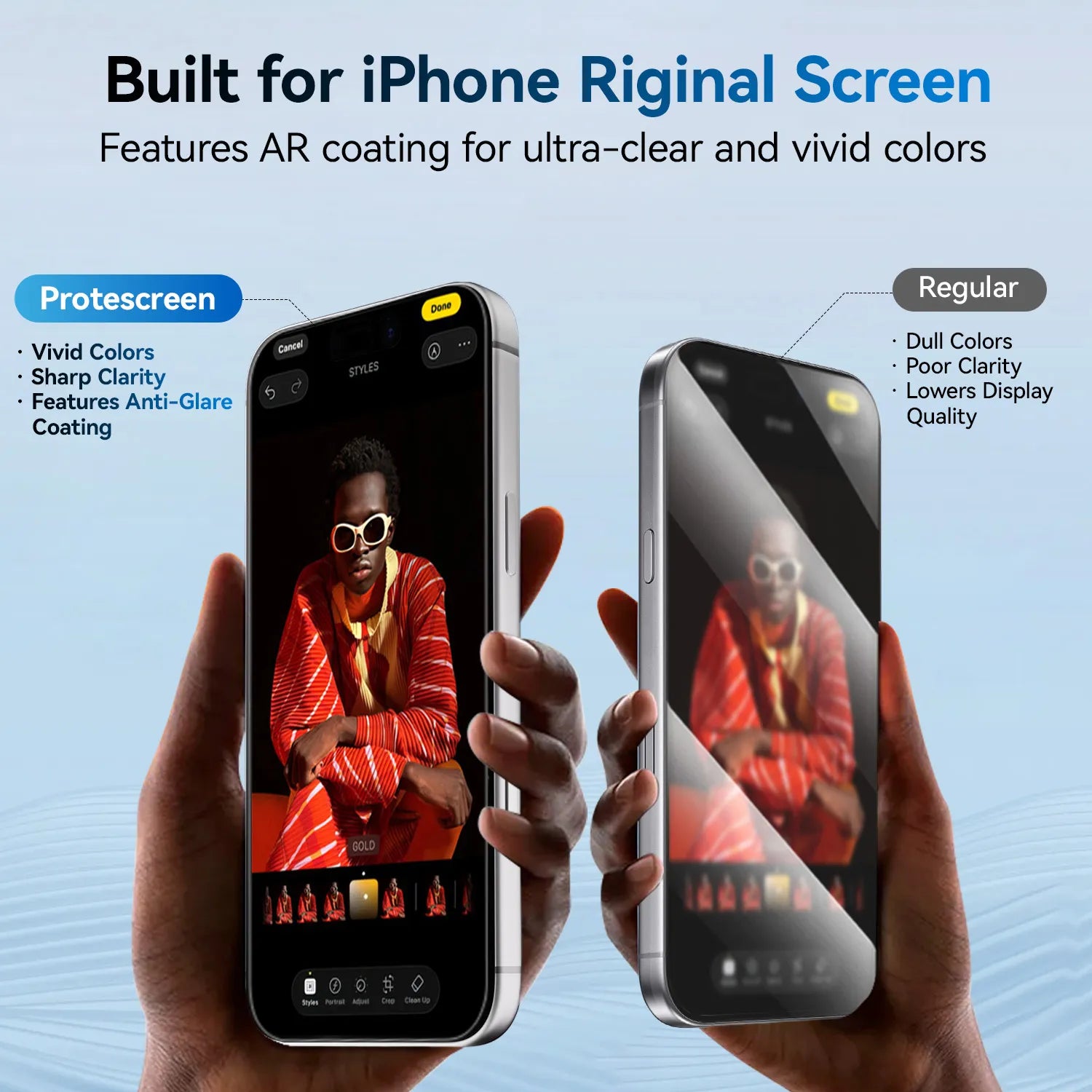
The AR coating helps minimize reflections from windows, lamps, and overhead lighting.
3. Maintains display clarity
Unlike traditional matte films, AR technology balances writing comfort with screen transparency.
2. Add a Flexible Paper Texture Screen Protector Without Permanent Installation
Not every iPad user wants a permanently installed screen protector.
Some creators prefer switching between different workflows:
Drawing with Apple Pencil, Watching videos, Editing photos, Reading documents
A removable solution provides flexibility while still offering the benefits of a paper-like surface.
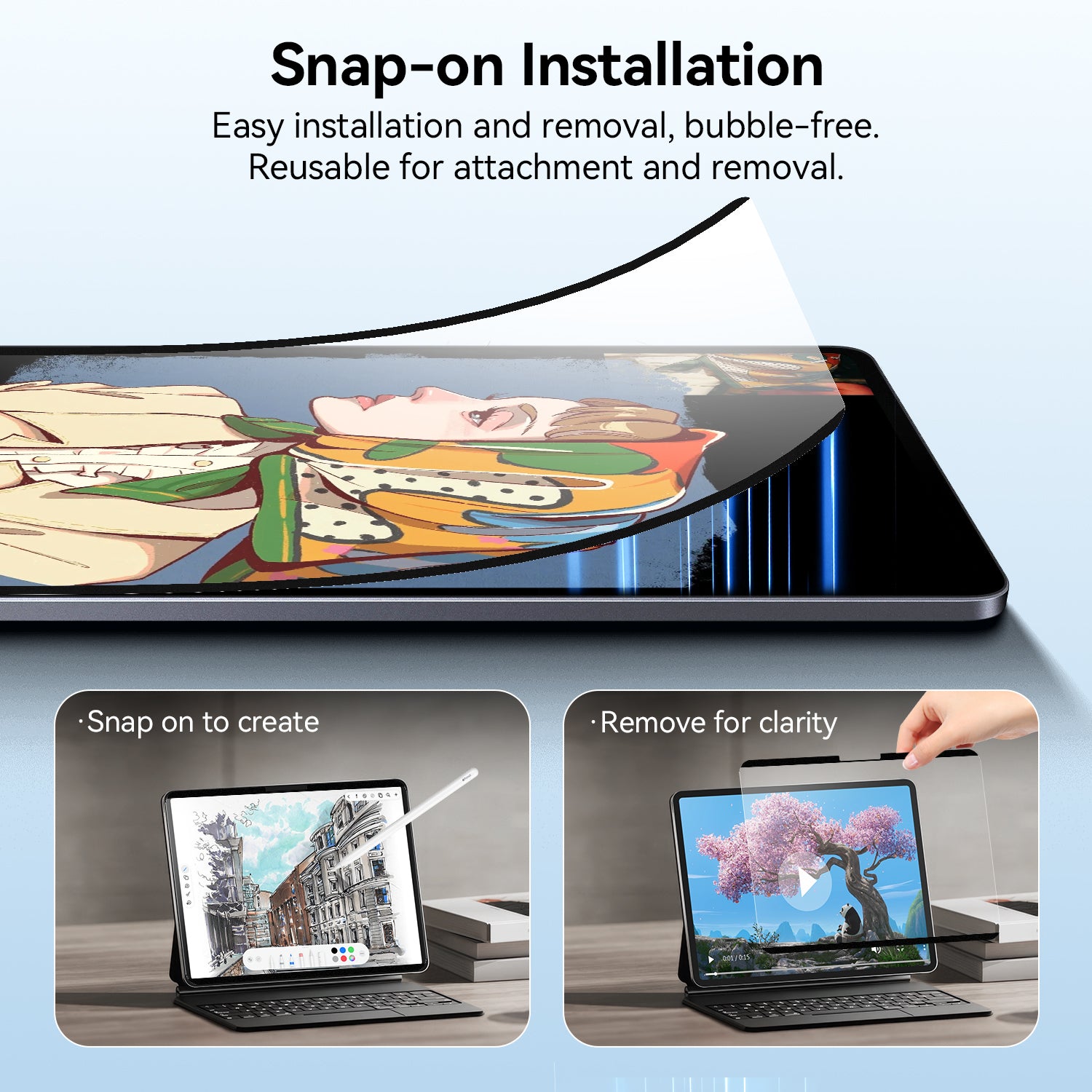
Protescreen Nano Adhesion Paper Texture Screen Protector
The nano adhesion design allows the screen protector to attach securely without traditional adhesives.
Benefits include:
Reusable installation
The protector can be removed and reapplied when needed.
Easy switching between creative and entertainment modes
Perfect for users who want a paper texture experience only when writing or drawing.
Clean installation experience
The nano adhesion layer helps maintain a smooth attachment without leaving traditional adhesive residue.
For creators building a flexible iPad workspace setup, a reusable paper texture protector offers a convenient way to customize their experience.
3. Create a More Focused Workspace
Your environment affects your productivity.
A clean desk, comfortable viewing angle, and reduced visual distractions help you stay focused longer.
Small improvements like: Better lighting, Organized accessories, Reduced screen reflections
can make your iPad feel more like a professional workstation.
4. Build a Portable Creative Setup
One of the biggest advantages of iPad is flexibility.
You can create anywhere: Coffee, shops, Libraries, Studios, Travel spaces
A lightweight setup with an iPad, Apple Pencil, and the right screen protector gives creators freedom without carrying a full laptop.
Final Thoughts
A great ipad accessories desk setup is built around how you use your device.
For writers and artists, a paper-texture surface can make digital creation feel more natural.
For professionals and everyday users, an anti-reflective protector can improve comfort during long working sessions.
With the right accessories, your iPad can become more than a tablet — it can become your personal creative workspace.