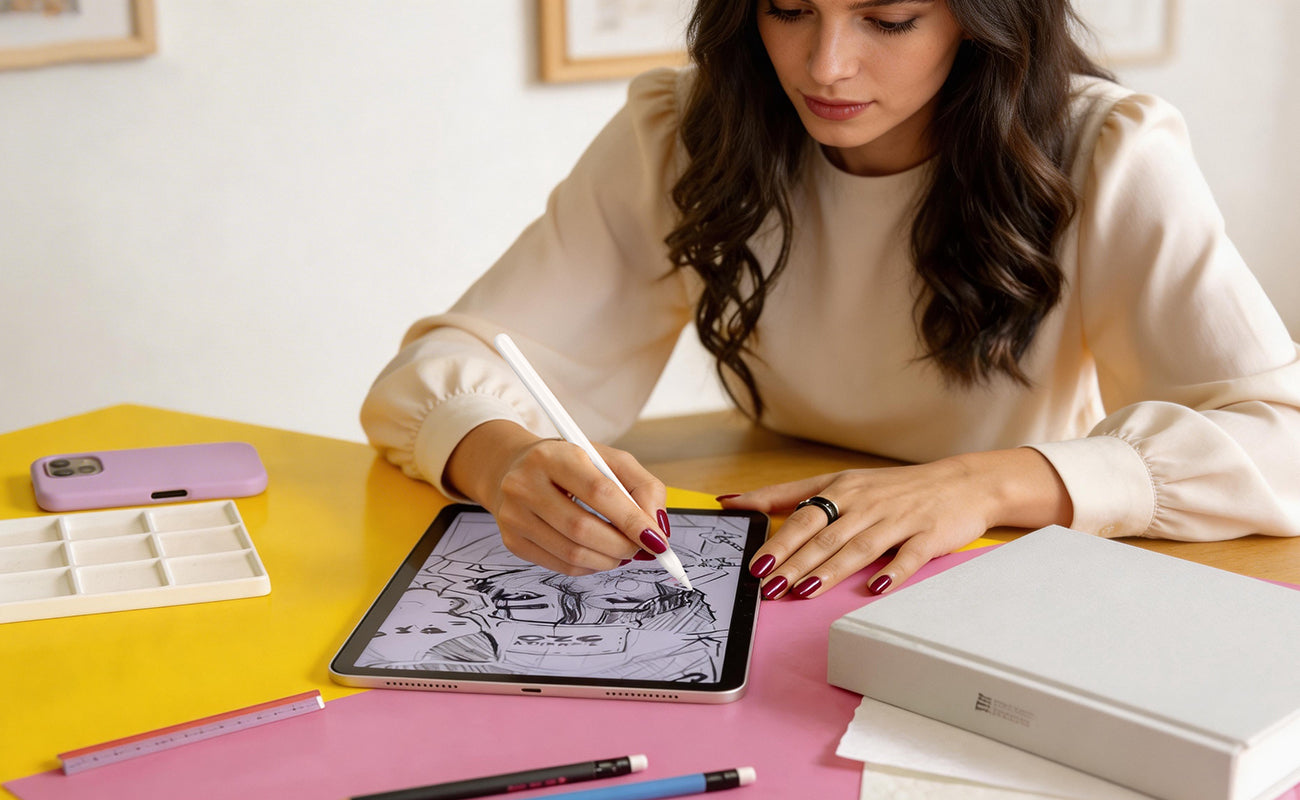

As remote work, business travel, and shared workspaces become more common, protecting sensitive information on your screen is more important than ever. A privacy screen for MacBook helps prevent visual data leaks by limiting side viewing angles, allowing you to work confidently in offices, cafés, airports, and other public environments.
Whether you are protecting business documents, customer information, or personal data, choosing the right privacy screen protector collection can help you find the right balance between security, clarity, and convenience.
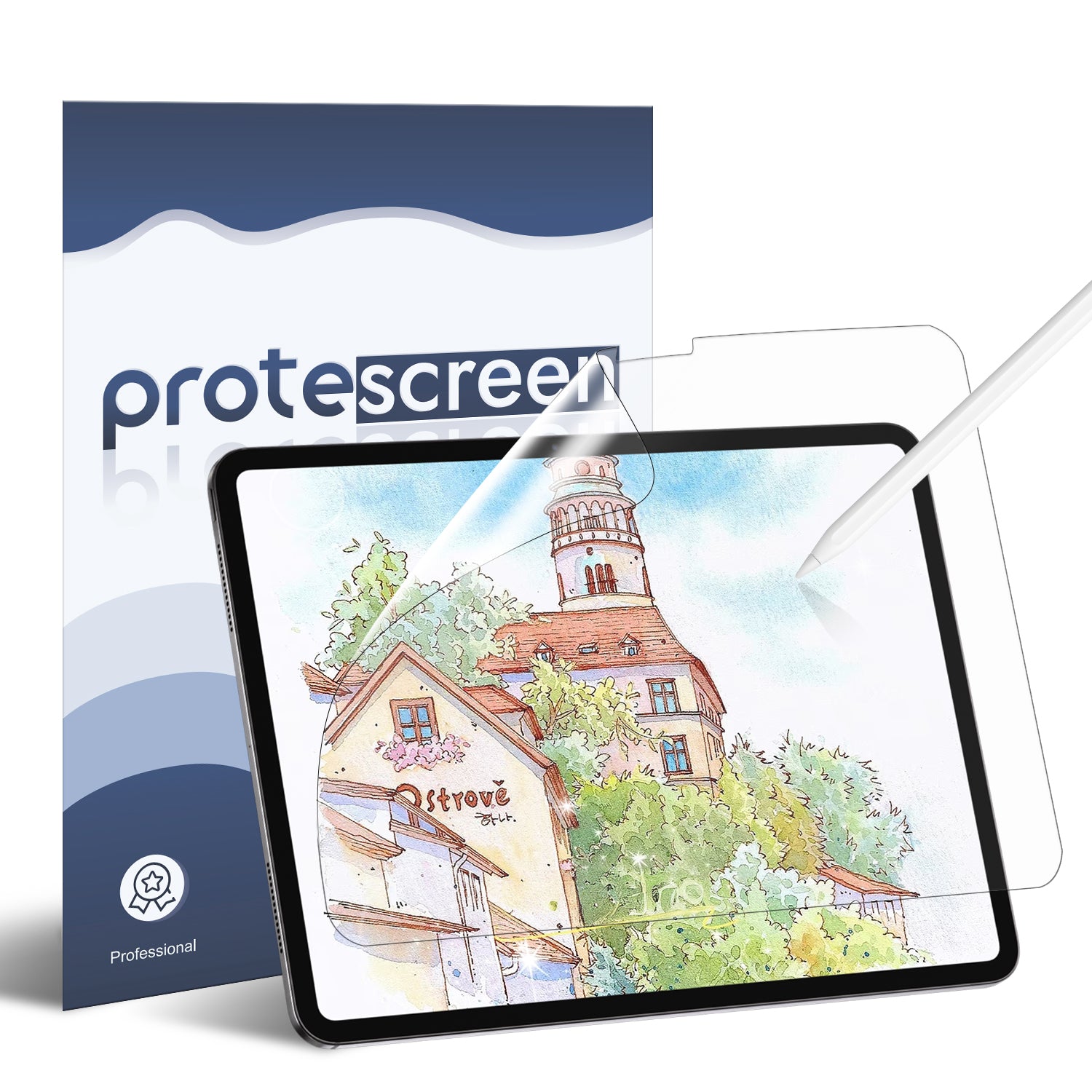
Protescreen Monitor Privacy Screen Protector
A professional privacy solution designed for modern work environments.
Protect your display with advanced anti-peeping technology while maintaining a clear front-facing viewing experience.
Key Benefits:
- Reduces side-angle visibility to protect sensitive information
- Helps prevent visual hacking in public and shared spaces
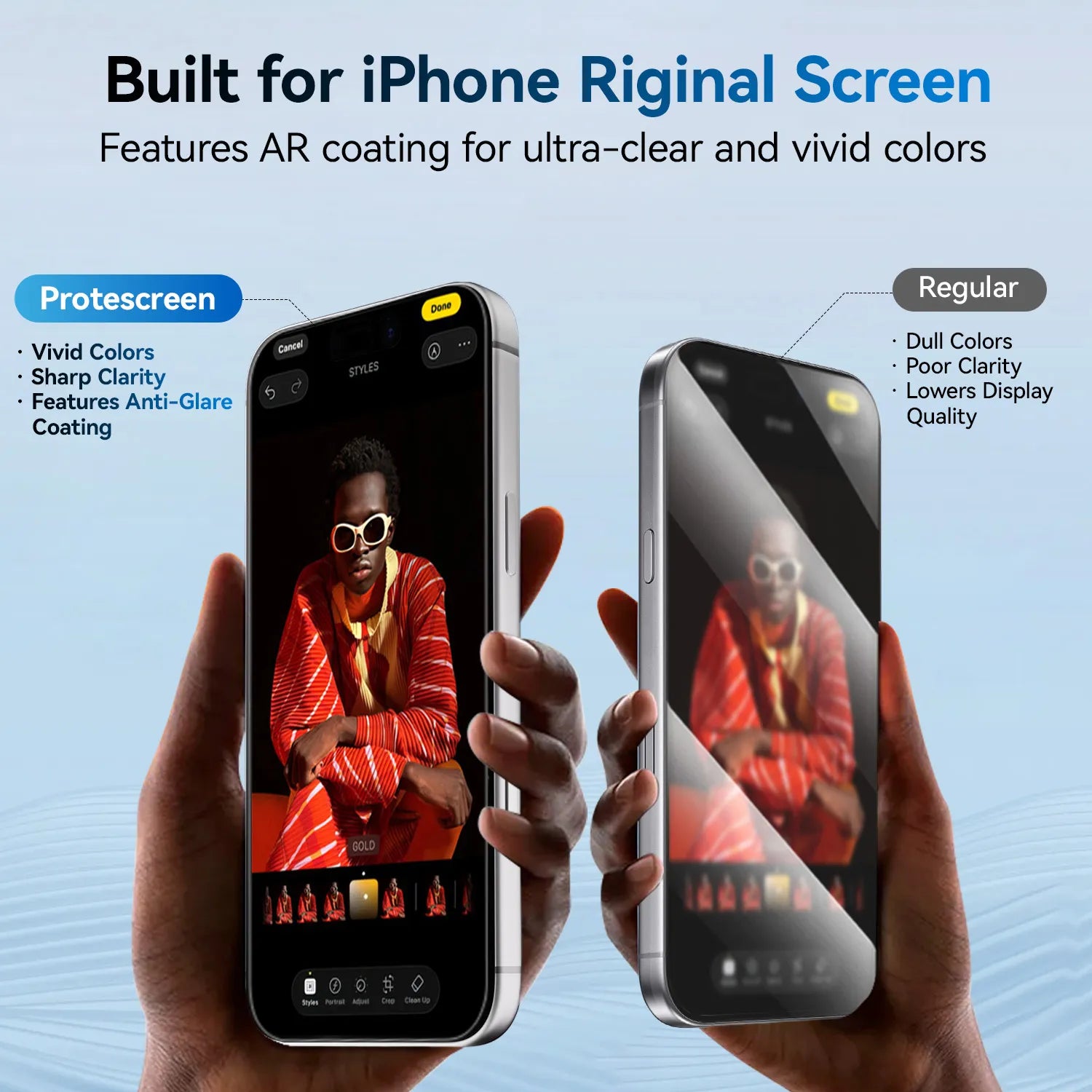
- Anti-glare surface reduces distracting reflections
- Easy installation for office and home setups

Why Do You Need a Privacy Screen for MacBook?
MacBooks are widely used by professionals, students, designers, and remote workers who frequently handle private information. However, the standard laptop display does not provide protection against people viewing your screen from the side.
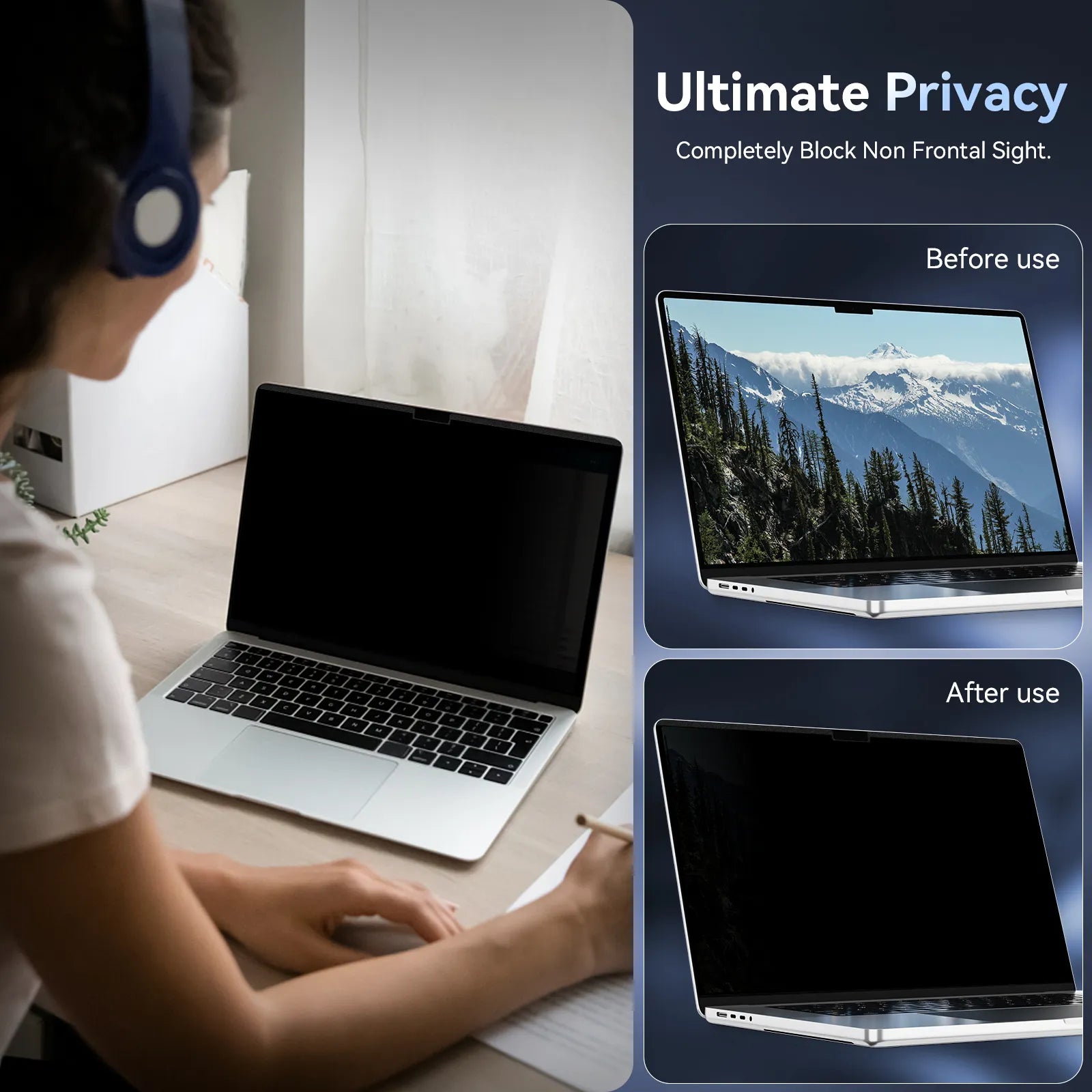
A privacy screen for MacBook works by controlling the viewing angle of your display. When you sit directly in front of the screen, you can continue working normally. From side angles, the display becomes significantly darker, helping prevent others from seeing your content.
A MacBook privacy screen is especially useful for:
- Working in coffee shops or coworking spaces
- Traveling by airplane or train
- Working in open offices
- Handling confidential business information
Unlike software-based security solutions, a privacy filter provides physical protection wherever you use your device.

How Does a Monitor Privacy Screen Protector Work?
A monitor privacy screen protector uses advanced micro-louver technology to control how light travels through the display.
The screen remains clear for the person directly in front of it, while reducing visibility from side angles. This creates a private viewing zone without changing your normal workflow.
When choosing a privacy filter, three factors are especially important:
1. Effective Anti-Peeping Protection
The main purpose of a privacy screen is preventing unwanted viewing. A quality filter should provide strong side-angle privacy while maintaining comfortable front viewing.
This is especially important for professionals working with:
- Customer information
- Financial reports
- Internal communications
- Company documents
2. Anti-Glare Protection for Comfortable Viewing
Privacy protection should not come at the cost of viewing comfort.
Many screens are used under office lighting, near windows, or in bright public environments where reflections can affect visibility. An anti-glare privacy screen helps reduce distracting reflections and provides a more comfortable viewing experience during long working hours.
3. Easy Installation and Daily Flexibility
Modern users need accessories that fit their lifestyle.
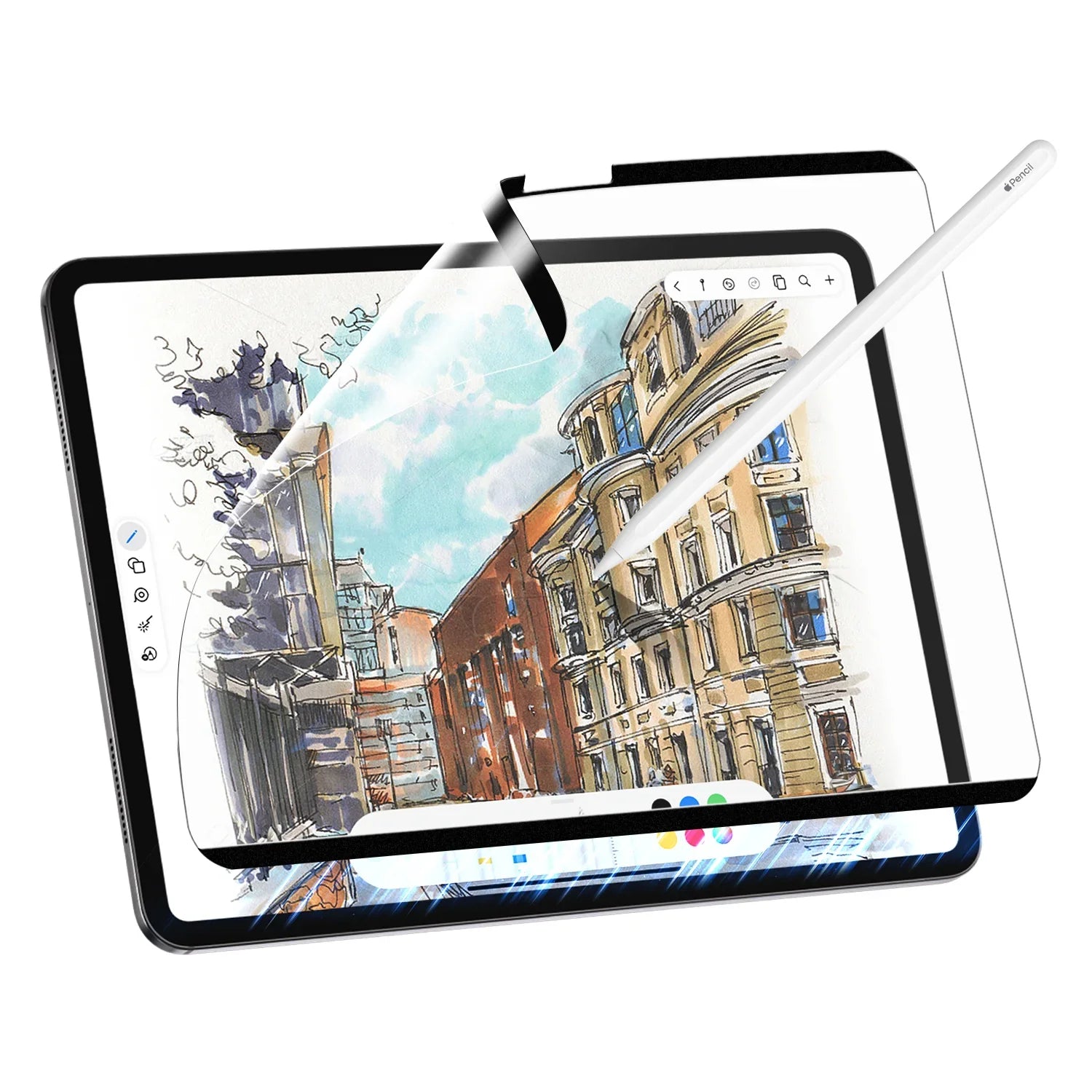
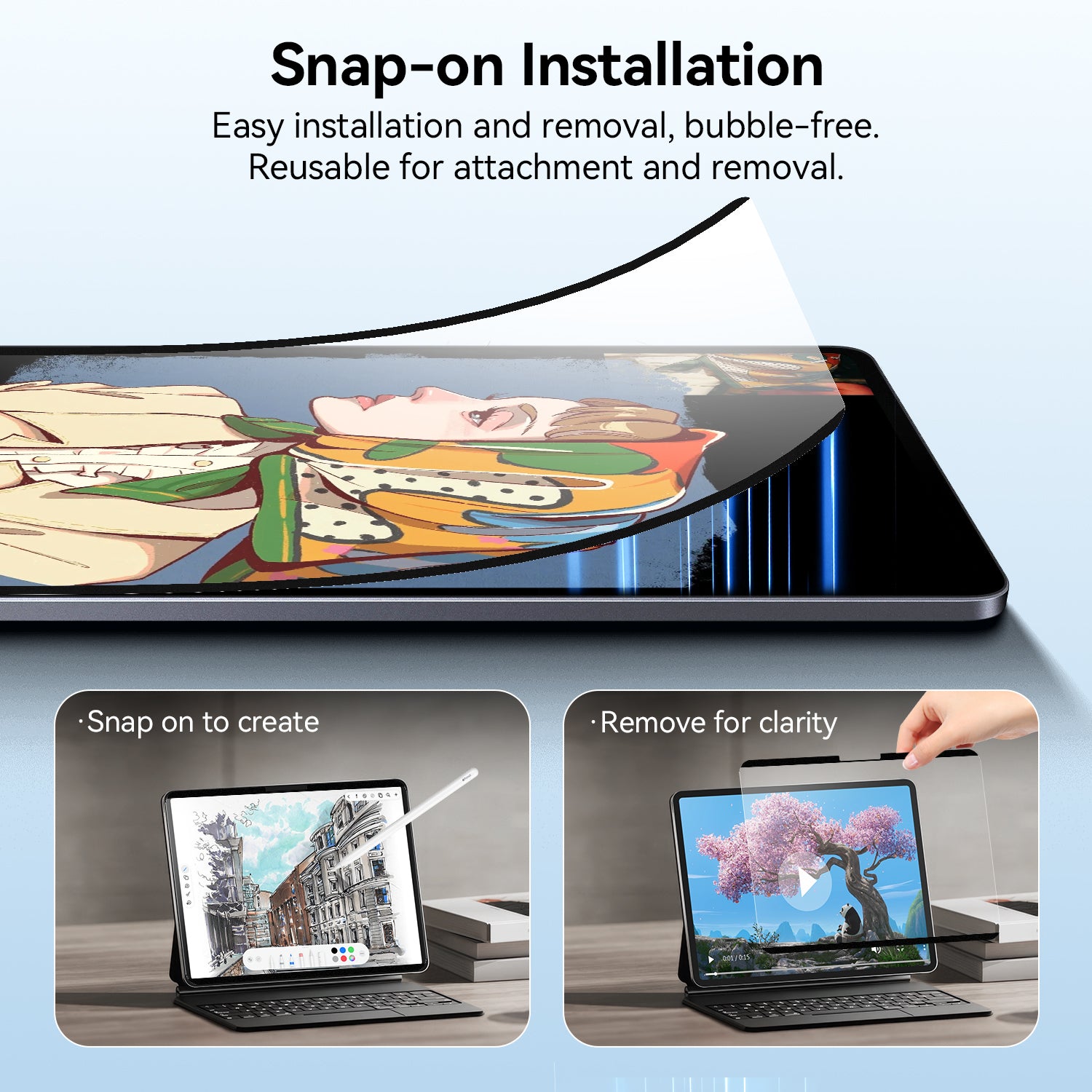
A magnetic privacy screen allows quick installation and removal, making it convenient for people who switch between private work and screen sharing situations.
Choosing the Right Privacy Screen for Different Devices
Different devices require different privacy solutions. Selecting the correct size and design ensures better protection and a cleaner user experience.
MacBook Privacy Screen for Mobile Professionals
A privacy screen for MacBook is ideal for users who frequently move between different working environments.
Whether you use a MacBook Air or MacBook Pro, a properly fitted privacy screen helps protect your information while maintaining the premium look of your device.
Magnetic designs are especially popular because they can be removed easily when you need to share your screen with colleagues or clients.
Magnetic Privacy Screen for MacBook Air
For users who need portable privacy protection, the Protescreen Magnetic Privacy Screen for MacBook Air provides a convenient solution.

Features:
- Magnetic attachment for quick installation
- Privacy protection for public environments
- Removable design without permanent adhesive
- Helps reduce unwanted side viewing


View Macbook Air Apple Privacy screen
HP Monitor Privacy Screen for Office and Business Use
Desktop monitors are commonly used in offices where privacy risks are often overlooked.
An hp monitor privacy screen helps protect sensitive information in environments where multiple people share the same workspace.
It is suitable for:
- Open-plan offices
- Reception desks
- Meeting rooms
- Financial and administrative departments
- Remote workstations
A monitor privacy filter provides an additional layer of protection without requiring changes to existing hardware or software.

Privacy Screen vs Traditional Screen Protector: What Is the Difference?
A traditional screen protector mainly protects against scratches, fingerprints, and surface damage.
A privacy screen protector focuses on protecting your information.
| Traditional Screen Protector | Privacy Screen Protector |
| Protects screen surface | Protects screen visibility |
| Prevents scratches | Reduces side viewing |
| Focuses on physical protection | Adds workplace privacy |
For professionals who handle sensitive information every day, privacy protection is becoming just as important as screen durability.
Protect Your Screen Privacy with Protescreen
Your screen contains valuable information every day. Whether you need a privacy screen for MacBook while traveling or an hp monitor privacy screen for your workplace, Protescreen provides reliable privacy protection solutions designed for modern users.
Explore more screen protection solutions from Protescreen and work with confidence wherever you are.