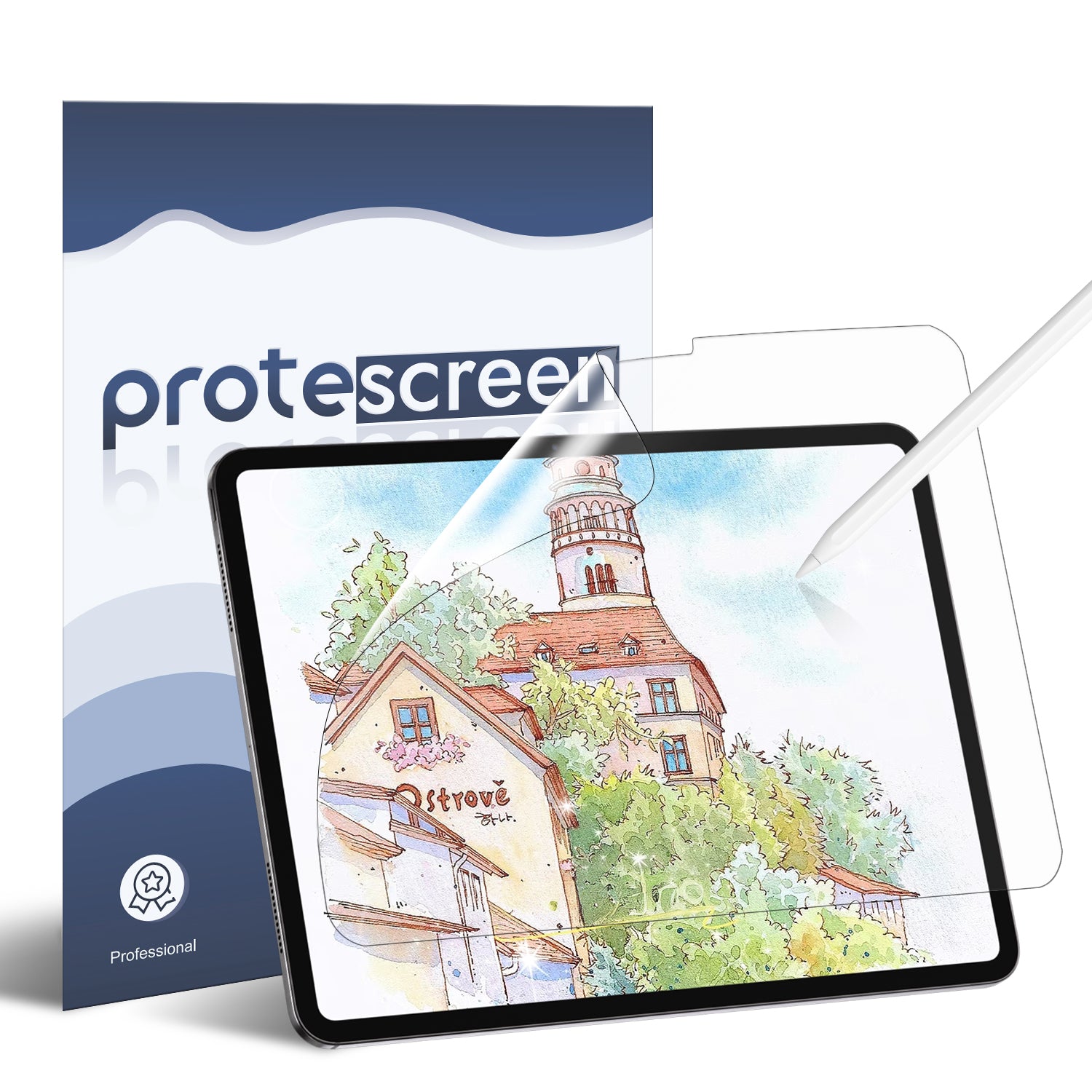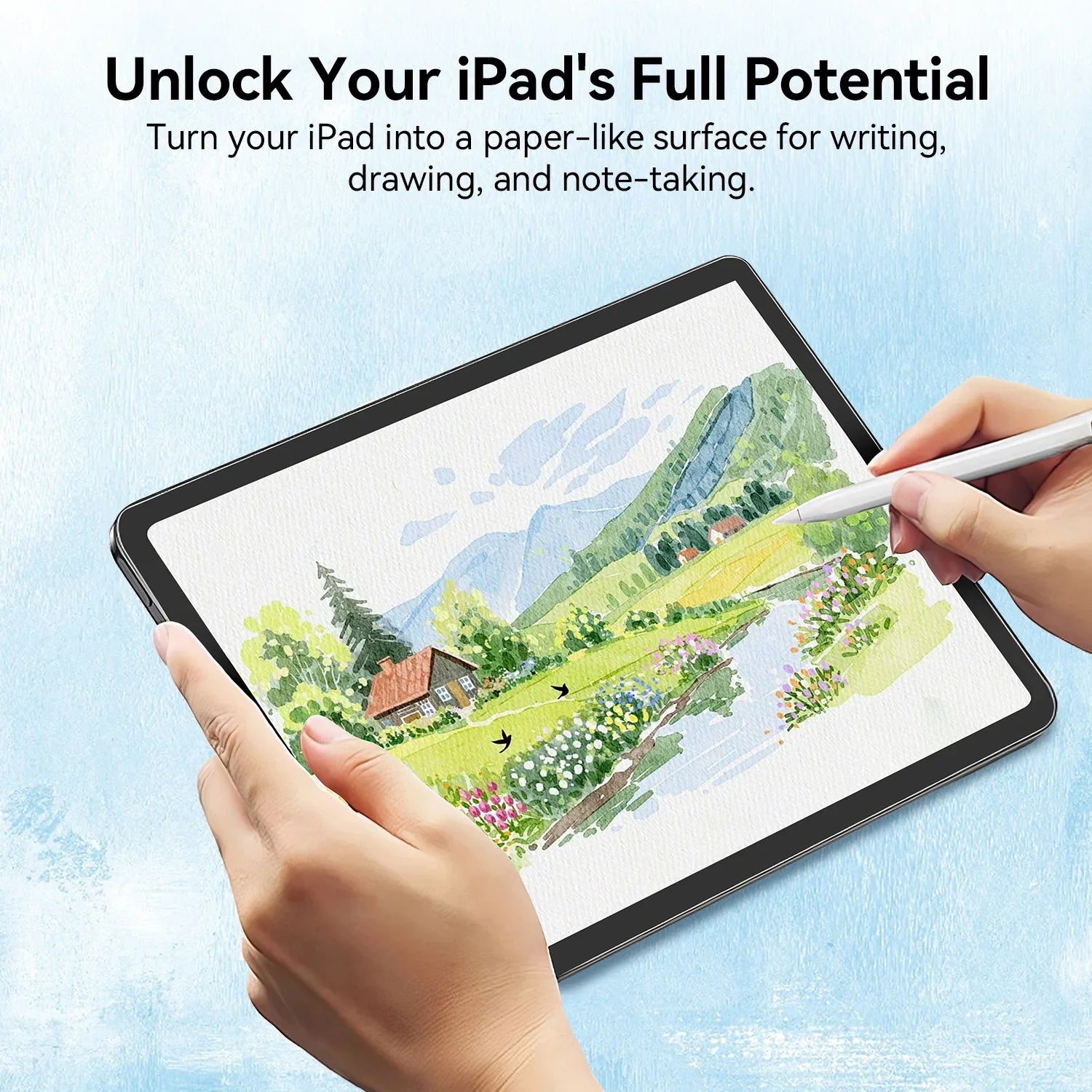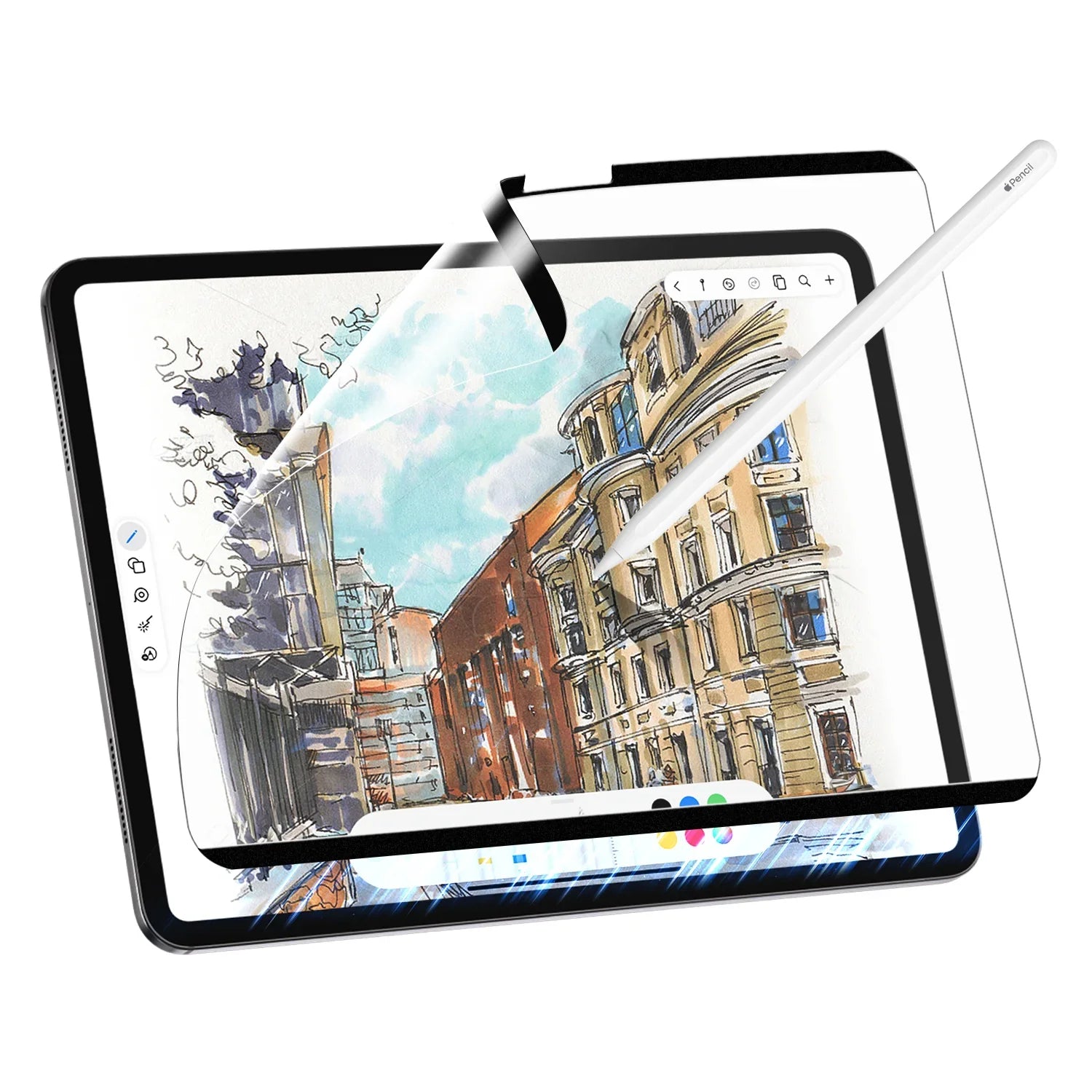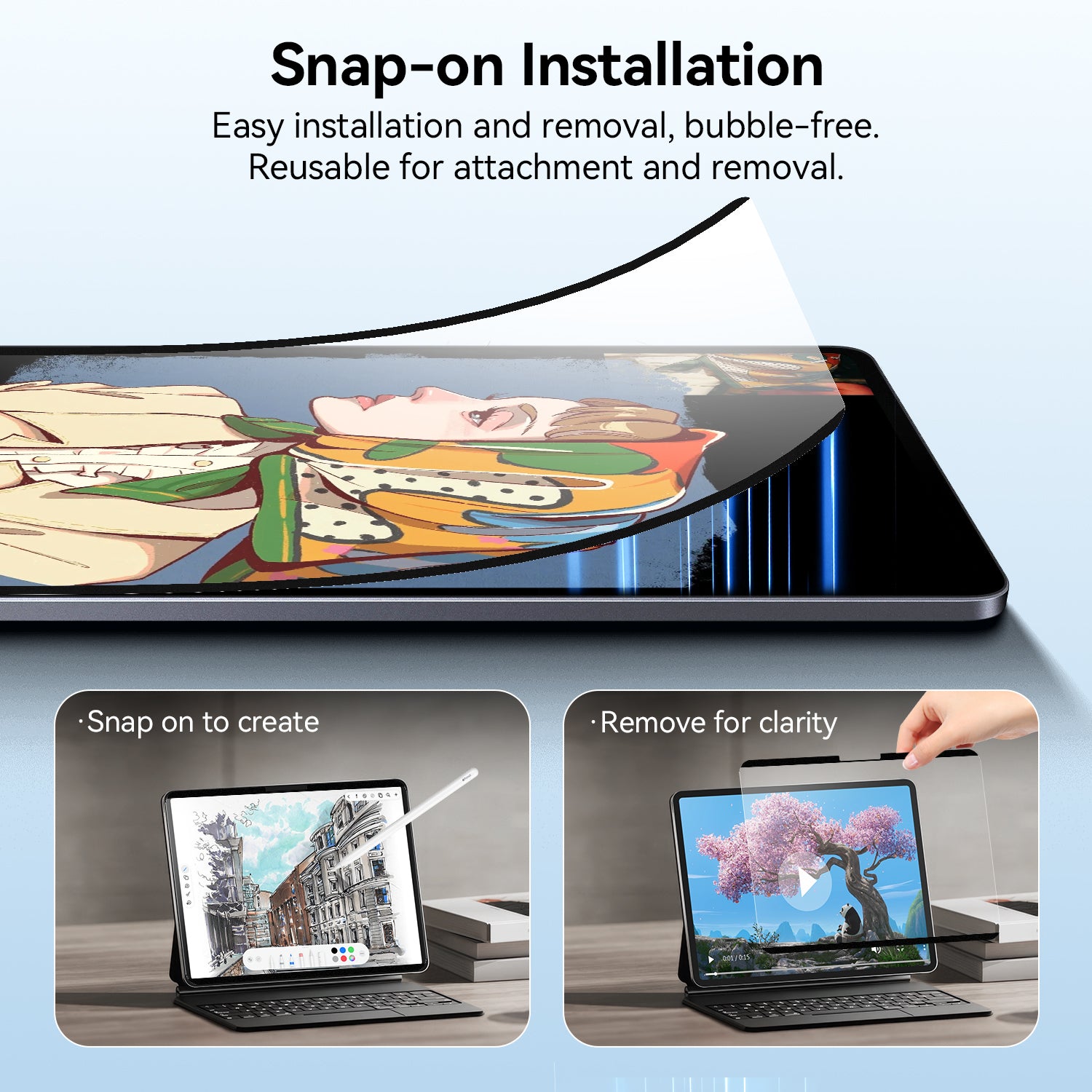

For digital artists, designers, and note-takers, the iPad paired with a paperlike screen protector has become an essential creative tool. Paired with the Apple Pencil, it allows creators to sketch, write, and design anywhere. However, one common issue many users face is screen glare and the unnatural feeling of drawing on glass.
That’s where paperlike screen protectors come in.
Many creators today use a paperlike iPad screen protector to improve the drawing and writing experience on their device.
But recently, a new generation of screen protectors has started gaining popularity among creators: AR paperlike screen protectors for iPad.
So why are more creators switching to AR paperlike screen protectors? Let’s explore the reasons behind this growing trend among iPad paperlike users.
What Is an AR Paperlike Screen Protector?
An AR (Anti-Reflection) paperlike screen protector is designed to mimic the natural texture of paper. It also reduces screen glare through advanced anti-reflective coating.
Traditional paper screen protector iPad solutions usually rely on a matte texture to simulate paper.
Many people searching for a paper like iPad screen protector are looking for a better writing feel. This is especially important when using Apple Pencil.
Some users also describe this type of accessory as an iPad paper screen protector. It makes the screen feel closer to writing on real paper.

AR paperlike protectors combine two key technologies:
• Paper-like texture for better writing and drawing control
• Anti-reflective coating to reduce glare
This makes them an improved version of the traditional paper feel iPad screen protector used by artists and students.
1. Reduced Screen Glare with a Paperlike Screen Protector for Better Visibility
One of the biggest reasons creators switch to AR paperlike screen protector iPad products is glare reduction.
Working on an iPad in bright environments—such as cafés, offices, or near windows—can create annoying reflections on the screen.
AR coatings significantly reduce reflections by controlling how light interacts with the screen surface.
For people searching for the best iPad screen protector paperlike, glare reduction is often crucial. It is one of the most important factors.

2. A More Natural Drawing and Writing Experience
Drawing directly on glass often feels too smooth and slippery.
That’s why many creators install a paper like screen protector iPad to add subtle resistance when using Apple Pencil.
This texture is designed to simulate real paper. That is why some users simply refer to it as paper iPad writing experience.
Creators benefit from:
• Better control with Apple Pencil
• More accurate strokes
• A familiar sketching experience
For artists, using an iPad paperlike screen protector helps bring digital drawing closer to the feeling of traditional sketching.

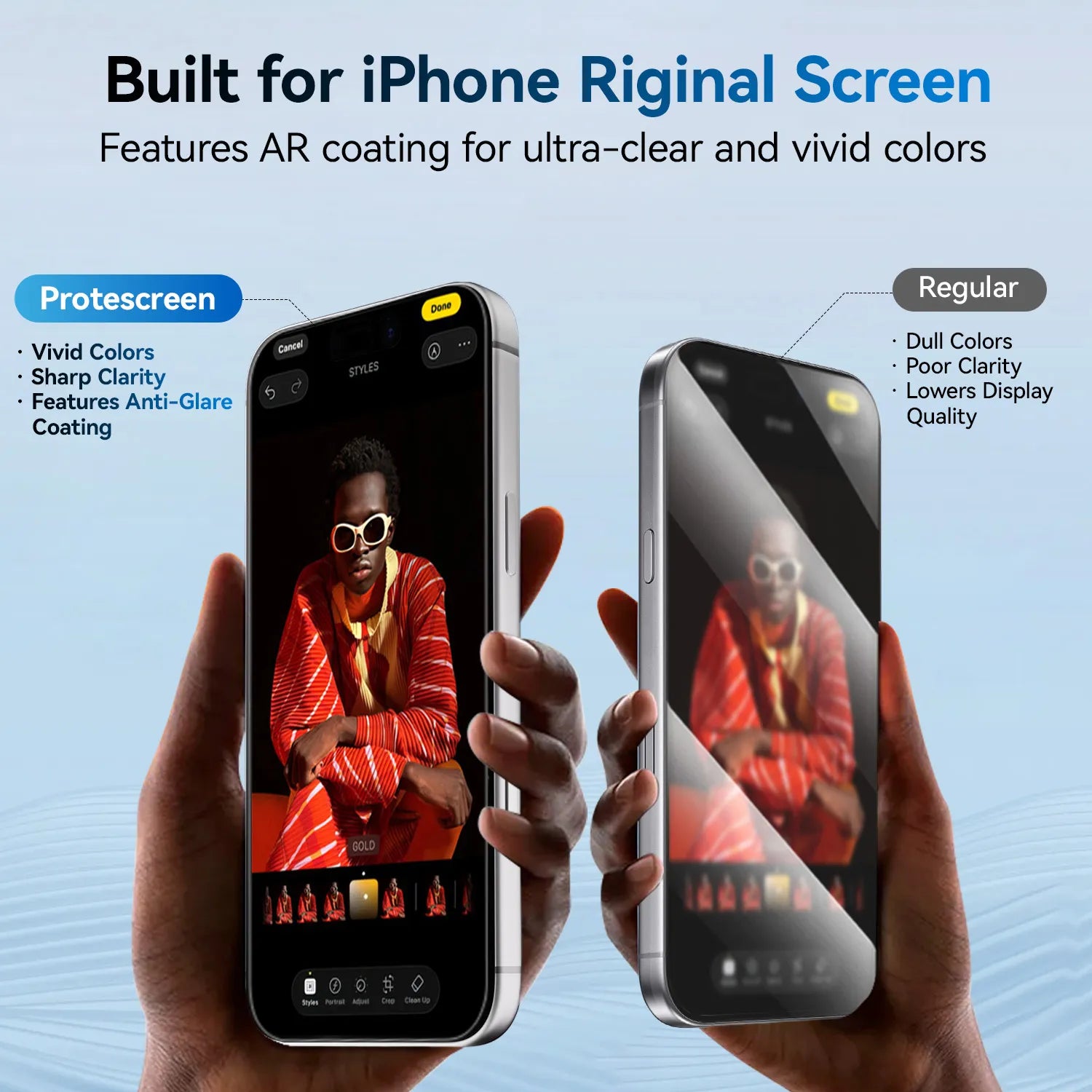
3. Better Screen Clarity Than Traditional Paperlike Protectors
One common complaint about older paperlike films is reduced screen clarity.
Traditional matte textures can slightly blur the display. This is why newer paper feel screen protector iPad designs focus on balancing texture and clarity.
AR coatings help maintain sharper visuals while still providing the texture creators expect from a paperlike iPad experience.
This improvement is especially noticeable on high-resolution displays like the iPad Pro.

4. Improved Comfort for Long Creative Sessions
Many digital artists spend hours working on their iPad.
When comparing iPad Pro compared to paper drawing, many creators notice one major difference. It used to be the glass surface and screen reflections.
AR paperlike technology helps close that gap.
Benefits include:
• Reduced eye strain
• Less glare fatigue
• A smoother creative workflow
For designers and artists who work daily on their iPad, these small improvements can significantly enhance productivity.
5. Ideal for Both Drawing and Note-Taking
AR paperlike screen protectors aren’t just for artists. They’re also popular among students, writers, and professionals who use their iPads for note-taking.
The paperlike texture makes handwriting feel more natural and controlled.
This is especially helpful when using apps like:
• GoodNotes
• Notability
• Procreate
• Concepts
Many note-takers specifically search for a paper feel iPad screen protector to make handwriting smoother and more natural.
This is why the iPad paperlike experience has become so popular for productivity and study.
6. A Growing Trend Among Digital Creators
As more creators rely on tablets for professional work, demand for better screen accessories continues to grow.
Many digital artists are now looking for solutions that combine:
• Paper-like drawing feel
• Reduced glare
• Clear display quality
Modern paperlike screen protectors with AR coating are designed to deliver this balance.
For many users, installing a paperlike iPad screen protector is now a first upgrade. They do it soon after buying a new device.
Should You Switch to an AR Paperlike Screen Protector?
If you regularly use your iPad for drawing, designing, or note-taking, consider upgrading to an AR paperlike screen protector. It could improve your overall experience.
It’s especially useful if you:
• Work in bright environments
• Want a more natural drawing feel
• Prefer reduced glare on your screen
• Use Apple Pencil frequently
For many creators, the switch provides a noticeable improvement in both comfort and control.
Final Thoughts
Digital creation is evolving rapidly. Accessories like paperlike screen protectors for iPad are helping bridge the gap between traditional and digital workflows.
With improved anti-reflection technology and a natural paper texture, AR paperlike films offer a more comfortable and realistic drawing experience.
It’s no surprise that more artists, designers, and note-takers are switching to iPad paperlike screen protectors to improve their workflow.