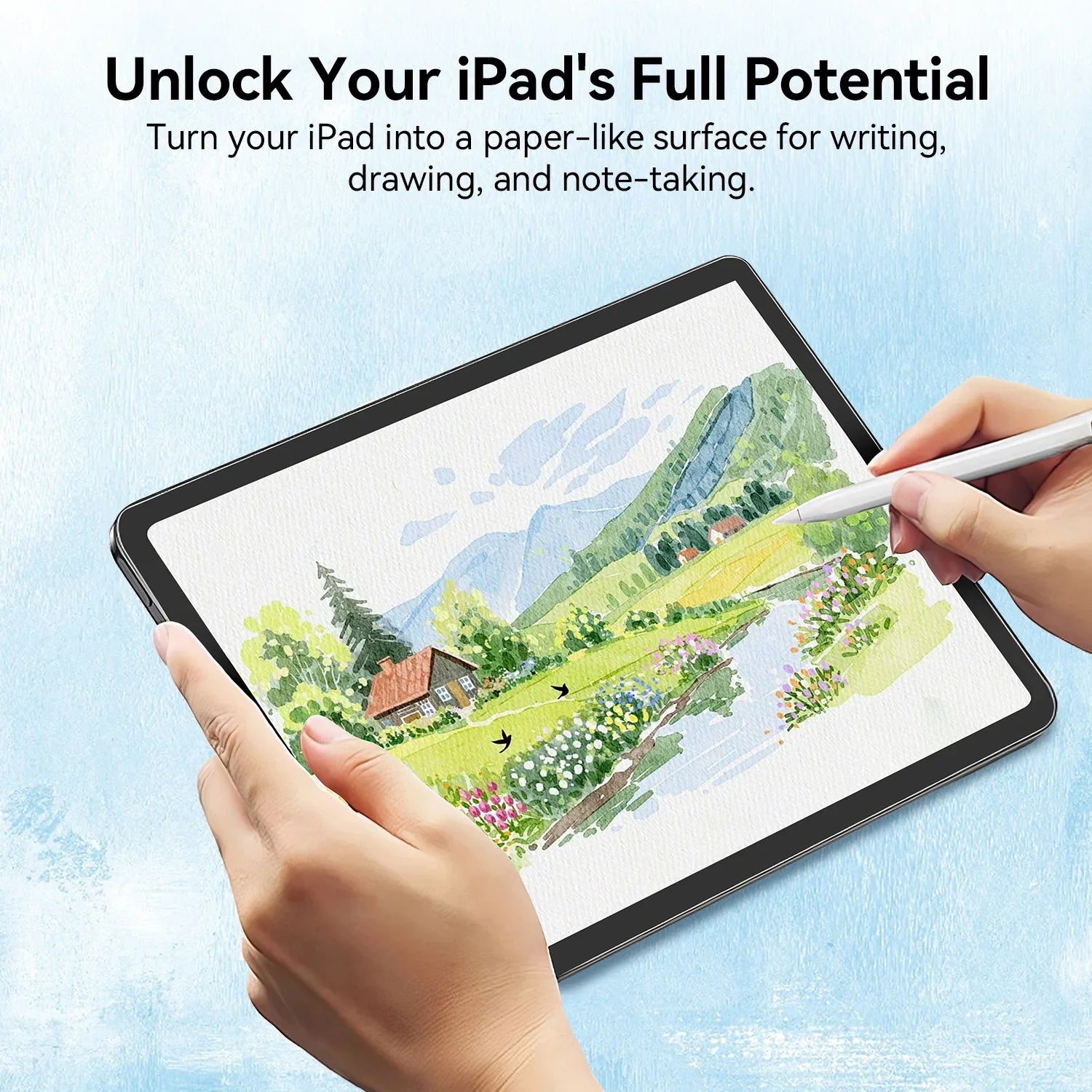
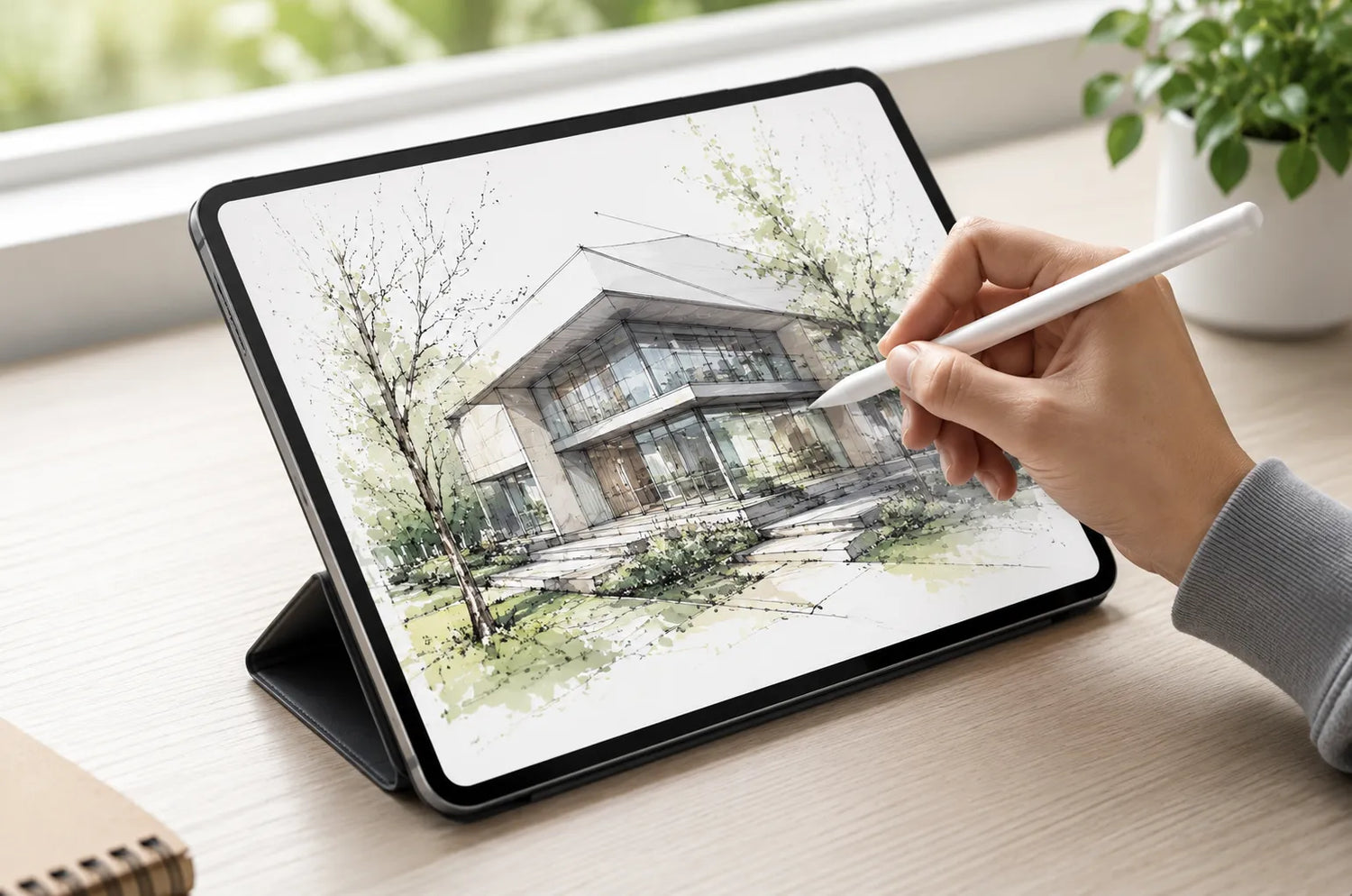
Your iPad is often the first tablet where you use an Apple Pencil seriously. No laptop keyboard to fall back on, no printed notebook in your bag — just you, a stylus, and a glass screen that was never really designed to feel like paper.
And that's the problem. Bare glass is built for tapping and swiping, not for writing. Your pencil tip skates across the surface with almost no resistance, your handwriting comes out looser and shakier than it does on a notebook page, and after a long lecture or a late-night study session, your notes look nothing like the ones you'd write by hand.
Students, artists, and anyone who marks up PDFs all hit the same wall: the iPad is an incredible note-taking tool until you try to write on it like paper. In this guide, you'll learn the everyday moments that make writing on iPad feel wrong, why most basic matte protectors don't actually fix it, and the simple upgrade that turns your screen into a real paper-like writing surface.
The Everyday Moments That Make Writing on iPad Feel Wrong
Writing on glass doesn't fail in dramatic, movie-style accidents. It fails in ordinary moments that repeat every semester — the same small frustrations that slowly make you reach for a paper notebook instead of your iPad. Here are the real situations where a bare screen works against you.
1. The Lecture Note-Taking Rush
You're trying to keep up with a professor who talks faster than you can write. On glass, your Apple Pencil slides with zero friction, so your letters drift, your diagrams wobble, and you end up rewriting the same line three times. When you're racing to capture an idea, the last thing you need is a surface that fights your hand instead of guiding it.
2. Late-Night Library and Coffee Shop Sessions
You're settled in under harsh overhead lights or a warm lamp, ready to review notes or finish a problem set. Then you notice it — a bright rectangle of reflected light sitting right in the middle of your screen. You tilt the iPad, then tilt it again, and eventually give up and angle it at something awkward just to read what you wrote an hour ago.
3. Window-Side and Outdoor Work
Natural light is great for focus, terrible for a glossy tablet. Sit near a window or take your iPad outside, and your screen turns into a mirror. You're no longer looking at your work; you're looking at a reflection of the sky, the trees, and your own face. Line visibility and color accuracy both drop, which is brutal when you're sketching or annotating.
4. Months of Daily Note-Taking
Here's the slow one nobody warns you about. Glass is hard and unforgiving, and writing on it every single day grinds down your Apple Pencil tip. If you take notes daily across a full semester — or a full school year — you'll be replacing tips far more often than you expected, and that cost quietly adds up.
5. The Installation Struggle
Even after you decide to buy a paper feel protector, there's one more fear: air bubbles. One speck of dust, one slightly-off alignment, and you've got a permanent bubble sitting right where you write. For first-time installers, that's enough reason to keep the protector in the box indefinitely.
Why a Basic Matte Protector Isn't Enough
Not all "paper feel" protectors deliver a paper experience. Plenty of cheap matte films add some texture but sandblast your display in the process — trading a hazy, washed-out screen for a bit of friction. A real paper feel protector has to solve writing feel and visual clarity at the same time, because you're not just writing on this screen — you're also reading, watching, and reviewing on it.
| What You Face Every Semester | Basic Matte Protector | Protescreen AR Paper Feel |
| Writing feel | Light texture, pencil still skates | Nano paper texture tuned to a 0.23 friction coefficient, closely matching real paper (0.25) for controlled strokes |
| Screen clarity | Hazy, washed-out, "foggy glass" look | AR anti-reflective coating with up to 97% light transmission keeps visuals clear and colors vibrant |
| Glare and reflections | Some diffusion, reflections still visible | Reflectance as low as 0.5% — comfortable under bright light, by a window, or outdoors |
| Apple Pencil tip wear | Hard, abrasive surface wears tips faster | Optimized nano-texture gives controlled friction that helps reduce tip wear |
| Installation | Full-sheet, easy to trap dust and bubbles | Half-sheet application design — apply step by step, minimizing dust, misalignment, and bubbles |
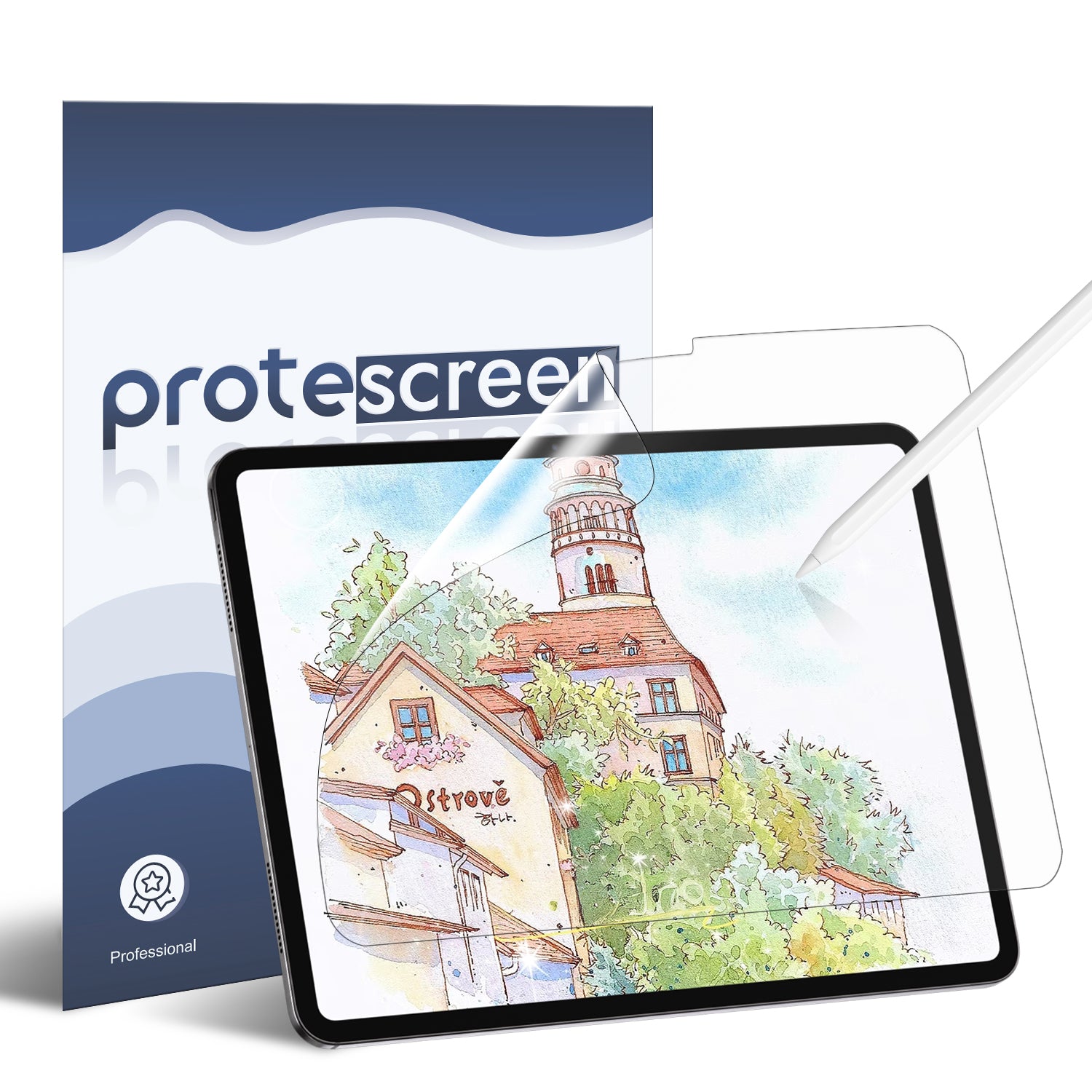
The Protescreen AR Paper Feel Screen Protector for iPad is built to the standard in the right column — engineered specifically for writing, drawing, and everyday focus.
Meet the Protescreen AR Paper Feel Screen Protector
This is the upgrade that closes the gap between your iPad and a real notebook. Here's what actually makes it work.
Made for Your iPad and Your Apple Pencil
This protector is designed for a wide range of iPad models and made for Apple Pencil and stylus pens. It's precision-cut for a clean fit that delivers a natural paper-like writing and drawing experience, without covering sensors or interfering with touch response. Head to the product page and select the exact model and size for your device.
A Real Paper Feel, Inspired by Kent Sketch Paper
Most standard paper feel protectors sit at a friction coefficient of around 0.1 — barely any resistance, so your pencil keeps sliding. Real paper and pencil writing reaches roughly 0.25. Protescreen's AR+ surface hits 0.23, with a vibration frequency range of 0–5Hz, closely replicating the natural resistance of pen on paper.
The texture is inspired by premium Kent sketch paper, which is why every stroke feels controlled, smooth, and realistic. Whether you're handwriting lecture notes, sketching, or annotating a PDF, your pencil finally behaves the way it does on an actual page.
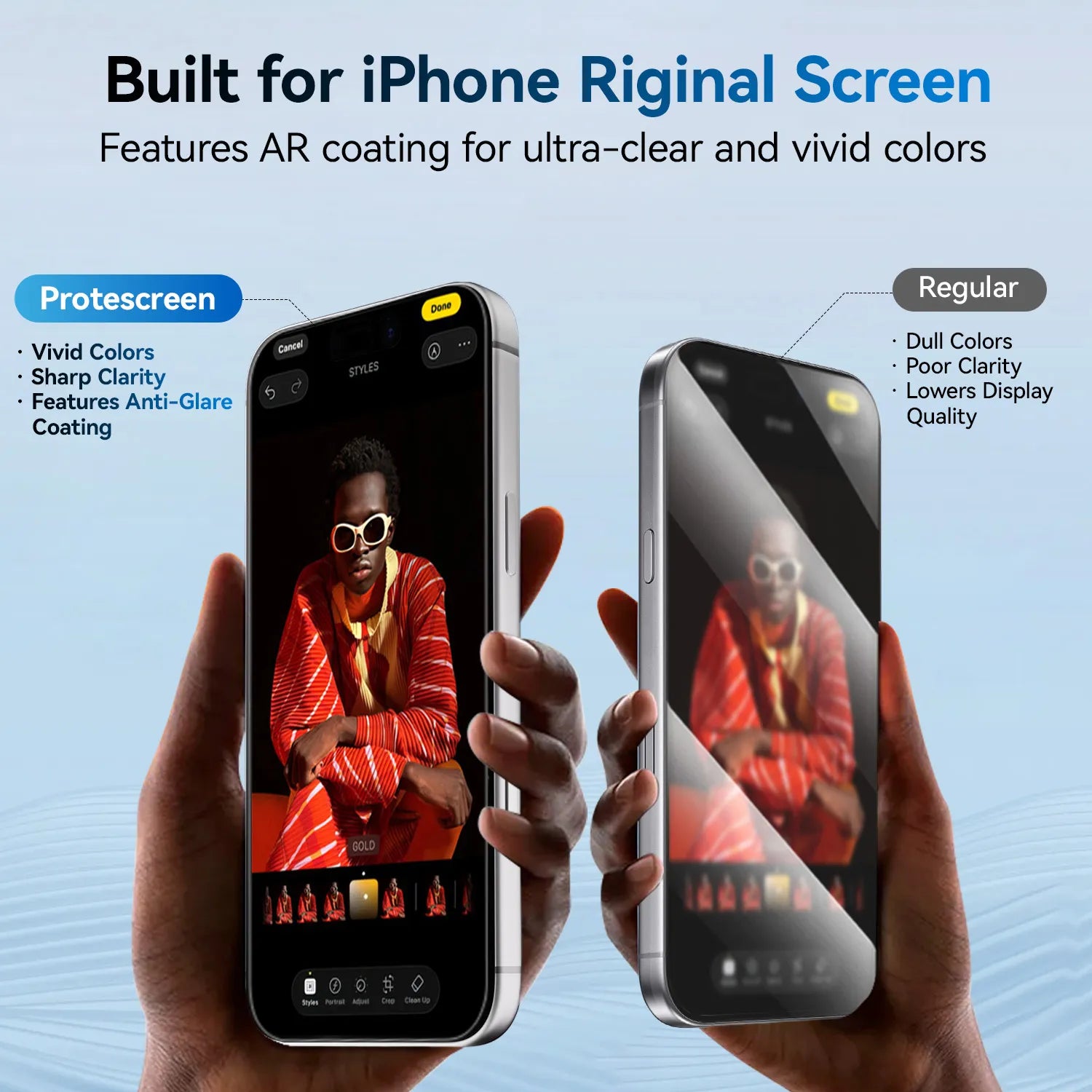
AR Technology That Keeps Your Screen Clear
This is where most paper feel protectors fail. Ordinary matte films create a hazy screen — you gain texture but lose the display you paid for.
Protescreen combines a nano paper texture with an AR anti-reflective coating, the same kind of coating technology used in high-end optical devices. The result is a balanced writing and viewing experience: you get the friction you want for writing, while the AR coating keeps light transmission high and visuals clear. Colors stay vibrant and text stays sharp — no foggy, washed-out screen.
Advanced Anti-Glare for Indoors, Outdoors, and Bright Light
The upgraded anti-glare surface diffuses harsh light and reduces distracting screen glare, with reflectance as low as 0.5%. That means:
-
Under bright indoor lighting — no more mirrored lamp reflection sitting on your notes.
-
By a window — the screen stays readable instead of showing you the sky.
-
Outdoors — comfortable viewing without cranking brightness to maximum.
Everything stays easy to see without excessive shine or mirror-like reflections, which also helps reduce eye strain during long reading or writing sessions.
Easier on Your Apple Pencil Tip
Because the optimized nano-textured surface provides controlled friction — not the hard, abrasive resistance of glass or cheap matte film — it helps reduce Apple Pencil tip wear. If you're taking notes, sketching, or creating digitally for hours a week, this is the difference between replacing tips constantly and replacing them occasionally.
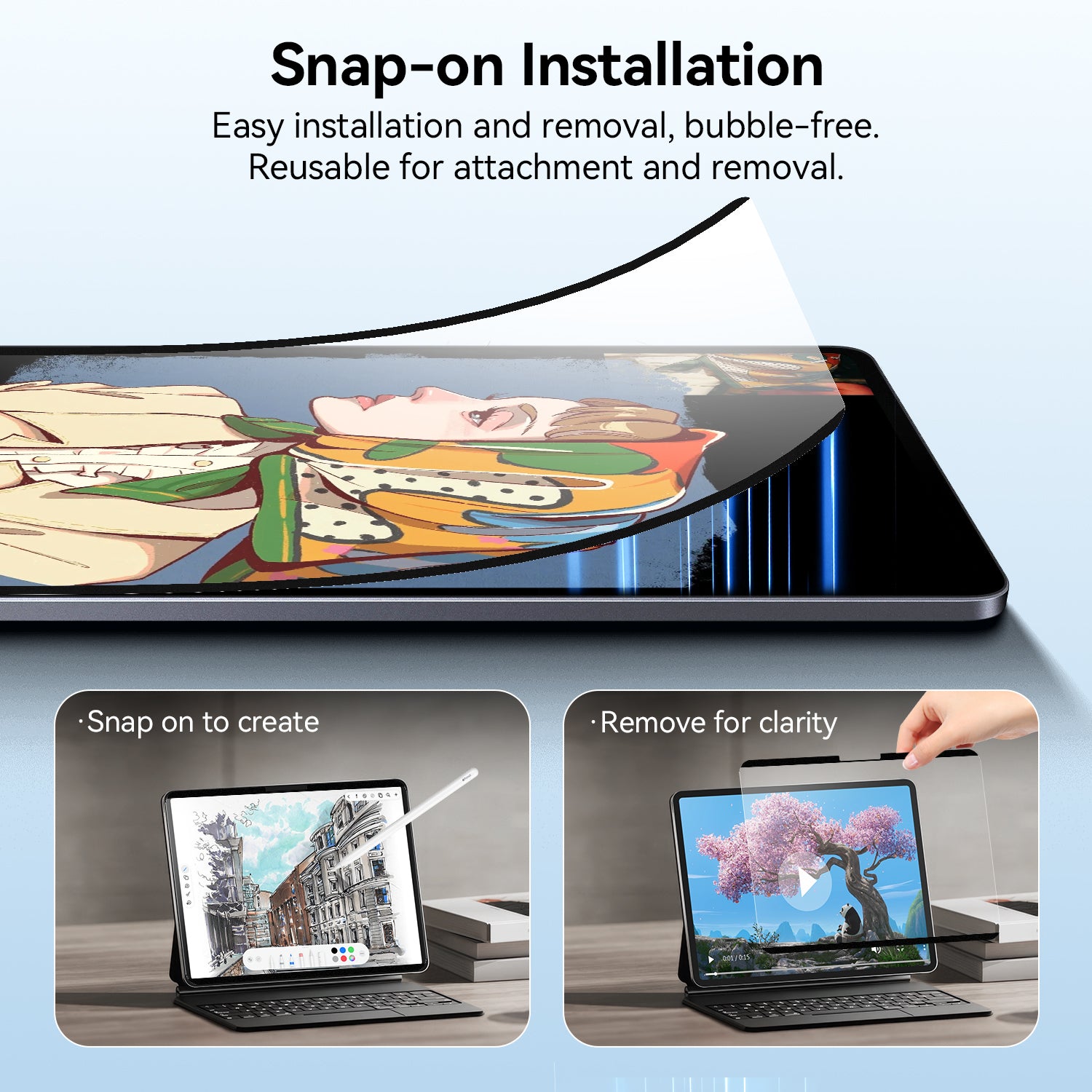
Bubble-Free Installation, Even for First-Timers
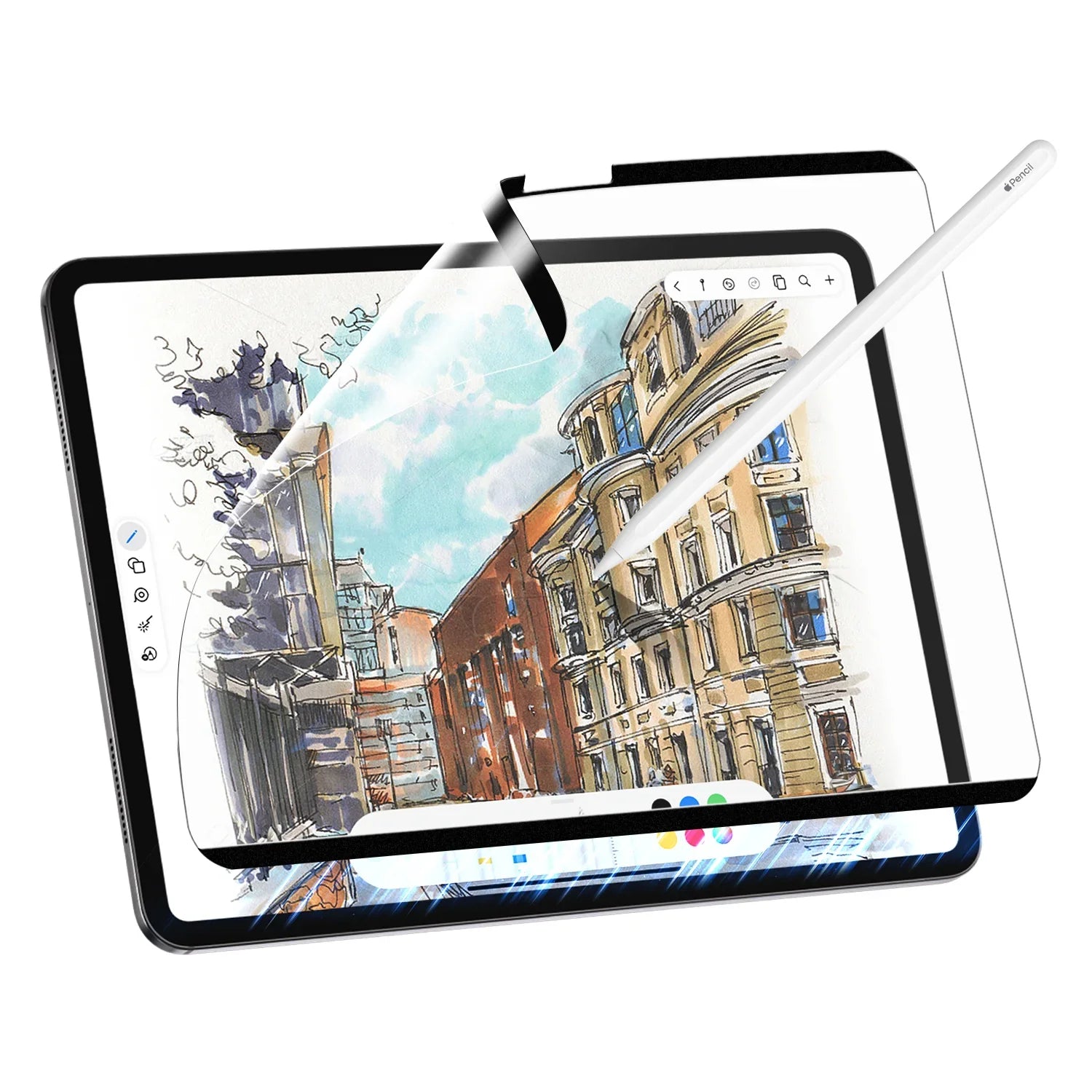
The half-sheet application design lets you apply the protector step by step rather than trying to line up one giant sheet all at once. That dramatically reduces dust, misalignment, and air bubbles. Even if you've never installed a screen protector before, you can get a smooth, precise result — no permanent bubble parked in the middle of your writing area.
What's in the Box — and the Warranty
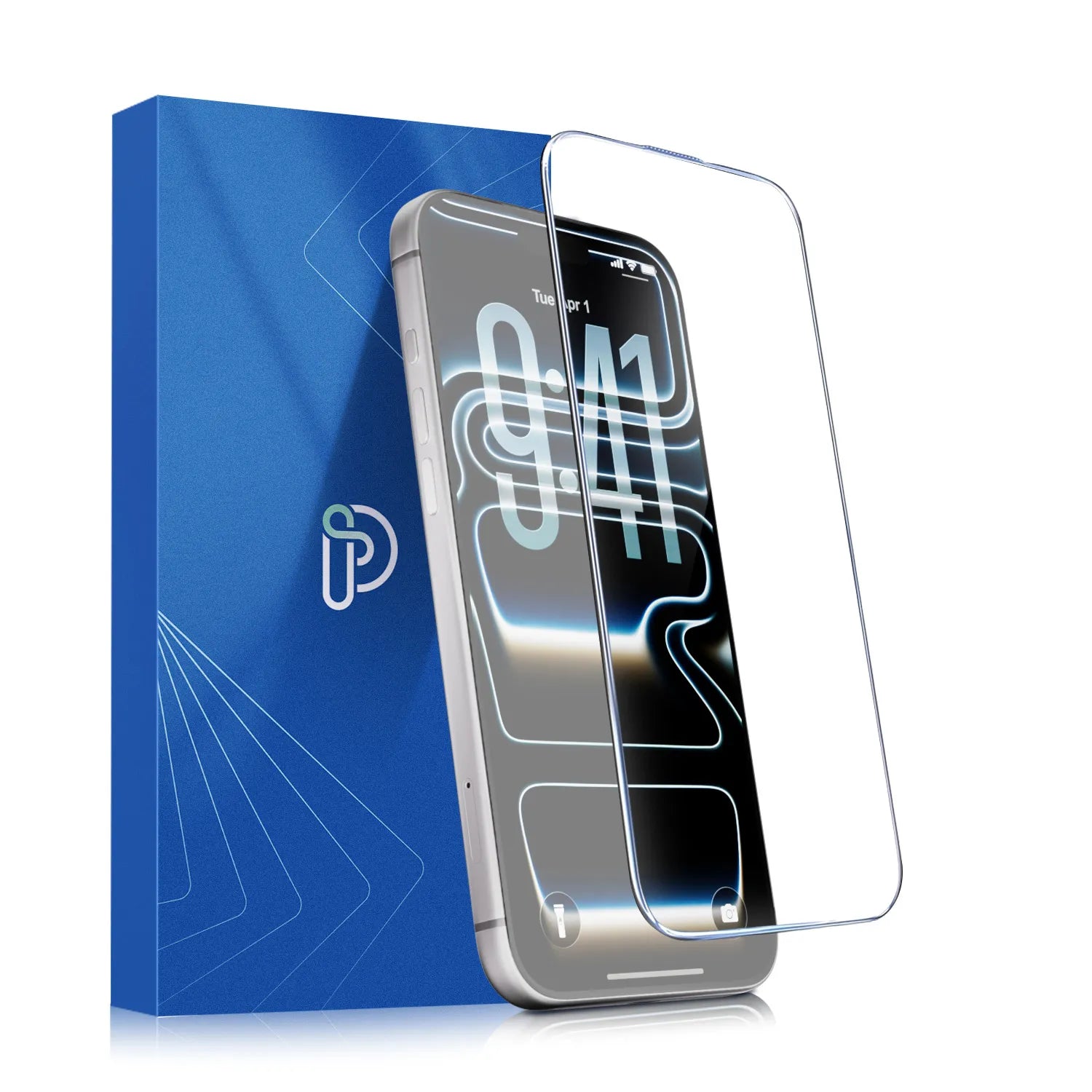
Every pack includes the iPad paper-texture screen protector, an alcohol pack, a cleaning cloth, a dust removal sticker, an installation guide, and a packaging box. It's backed by a 1-year hassle-free warranty and reliable customer support, plus free worldwide shipping.
First time shopping with Protescreen? New customers can create an account and use code NEW10 for 10% off their first order. See the offer details at the end of this guide.
Who It's Actually For
A paper feel protector isn't for everyone — but it's a genuine game-changer if you're:
-
A student handwriting lecture notes, marking up slides, or annotating PDFs on an iPad
-
A digital artist or sketcher who wants real pencil resistance instead of a slippery glass surface
-
A professional who lives in meetings, signs documents, or reviews designs on a tablet
-
Anyone who writes for hours and wants less eye strain and fewer distracting reflections
-
Anyone tired of replacing Apple Pencil tips every few months
If you mostly watch video and rarely touch the Apple Pencil, a standard clear film will serve you fine. But if your iPad has essentially replaced your notebook, this is the single most noticeable upgrade you can make to it.
People Also Ask (FAQs)
Does a paper feel screen protector actually make writing better?
Will it make my iPad screen look blurry?
All paper-like protectors slightly reduce sharpness compared to a bare screen. Protescreen's AR+ technology minimizes this effect, using an anti-reflective coating with up to 97% light transmission so you get a natural paper feel without overly compromising display quality.
Which iPad models does it fit?
It's designed for a wide range of iPad models. Check the product page and select the exact model and size that matches your device.
Does it wear down Apple Pencil tips faster?
The opposite. The optimized nano-textured surface provides controlled friction that helps reduce Apple Pencil tip wear, making it ideal for long-term note-taking, sketching, and digital creation.
Is there a warranty?
Yes — Protescreen offers a 1-year hassle-free warranty and reliable customer support for a worry-free experience.
Conclusion
Turning your iPad into a real writing surface starts with what's on the screen. Choosing a protector with the right paper texture — and the right anti-reflective coating — means your Apple Pencil finally feels like a pencil, your notes stop drifting, and your screen stays readable whether you're in a dim library or next to a sunlit window.
With a friction coefficient of 0.23 matching real paper, reflectance as low as 0.5%, up to 97% light transmission, and bubble-free half-sheet installation, the Protescreen AR Paper Feel Screen Protector is built for students, artists, and professionals who write, draw, and create every day — backed by a 1-year warranty and free worldwide shipping.
Setup takes about five minutes, and the way your iPad feels afterward lasts the whole semester. Sorting this out before classes start means you're not fighting a slippery screen during midterms.
🎟️ New Customer Offer — 10% Off Your First Order
Starting your first Protescreen order? Take 10% off your order total.
- Code: NEW10
-
How to redeem: Create a free Protescreen account (new customers only), add the AR Paper Feel Screen Protector for iPad to your cart — select your iPad model and size on the product page — and apply code NEW10 at checkout.
-
Eligibility: Valid on your first order only, for newly registered customers. One use per customer. Cannot be combined with other promotional offers.
👉 Shop the AR Paper Feel Screen Protector for iPad
Set up your iPad before the semester starts — protected screen, paper-like writing, and 10% off your first order.
Tags
iPad, Apple Pencil, paper feel screen protector, AR anti-reflective, matte screen protector, iPad note-taking, digital art, screen protector for students, Protescreen