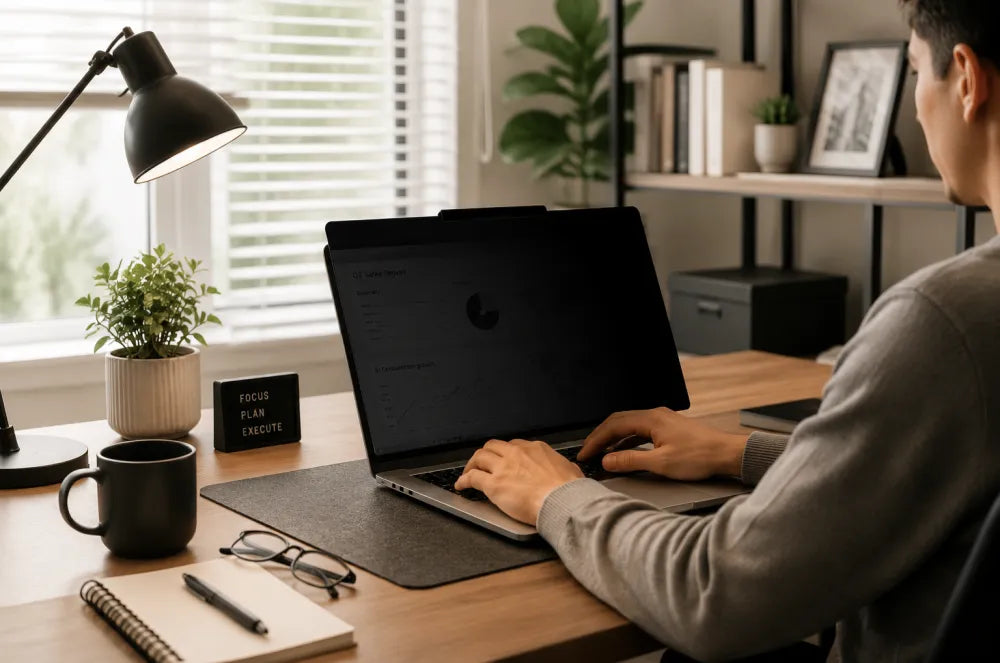
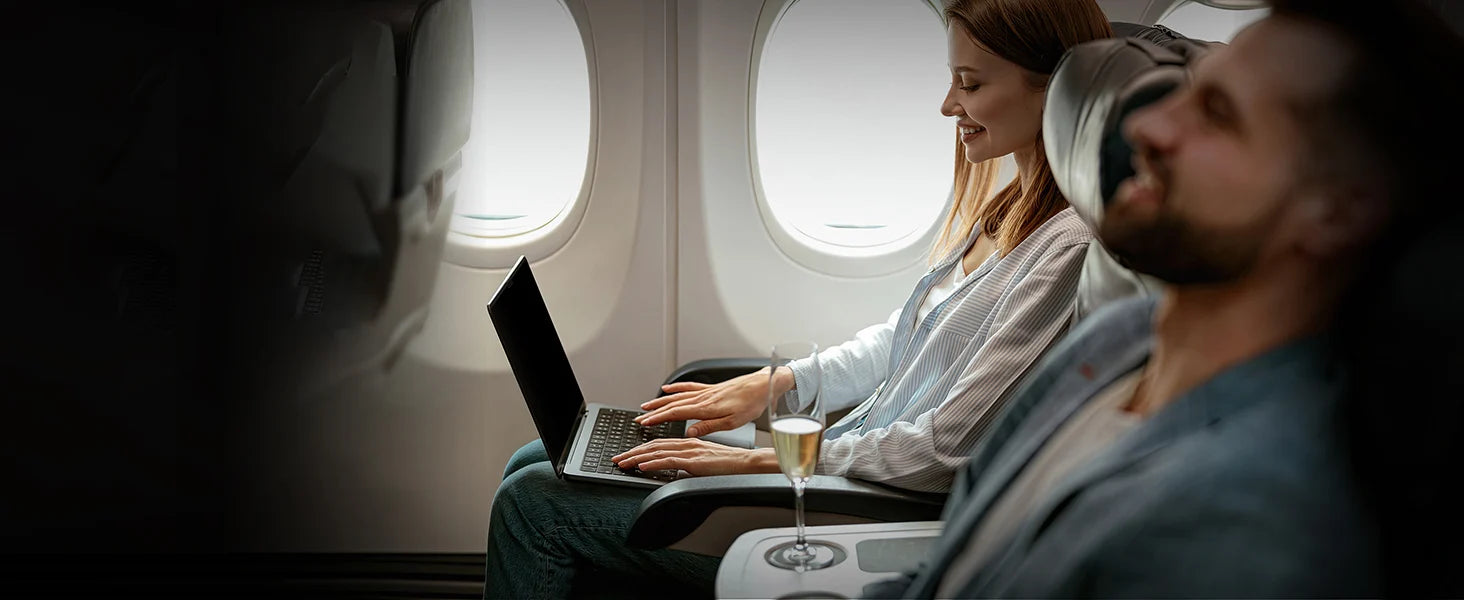
A monitor privacy screen is more than just an accessory for your computer. In an open office, shared workspace, or home office, it can help keep sensitive information on your screen away from unwanted eyes.
From customer information and financial data to business emails and internal documents, your monitor may display information that isn't meant for everyone around you. A privacy screen provides an additional layer of physical protection by limiting what can be seen from the side while keeping the display clear from the front.
But how does a monitor privacy screen work, and what should you look for when choosing one? Here's what you need to know.
What Is a Monitor Privacy Screen?
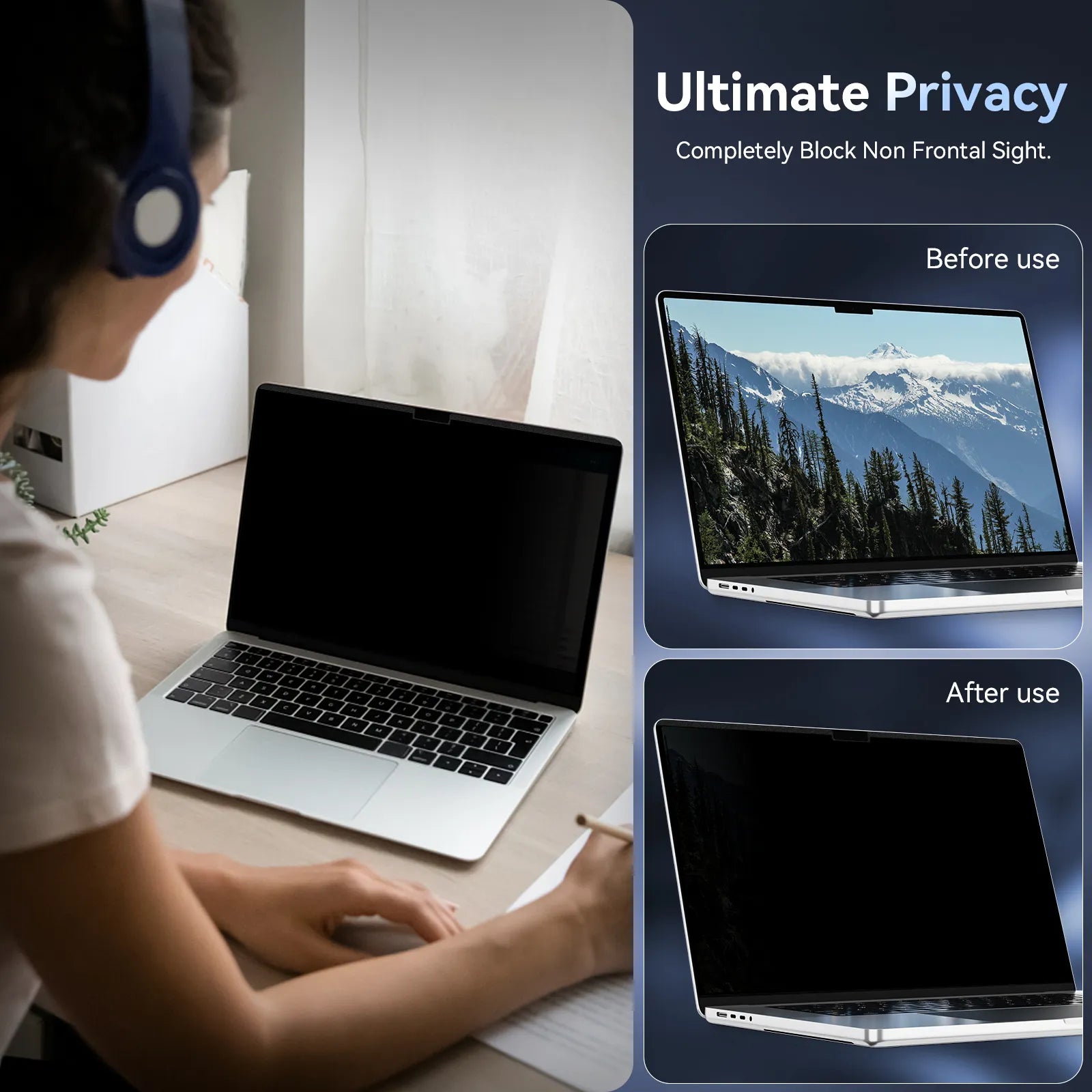
A monitor privacy screen is a specially designed filter that limits the viewing angle of a computer display. When you're sitting directly in front of the monitor, the screen remains visible for normal work. From the side, however, the display becomes significantly harder to see.
This makes privacy screens particularly useful in environments where people may sit or walk close to your workstation.
Common situations include:
- Open-plan offices
- Shared workspaces
- Coworking spaces
- Reception areas
- Home offices
- Public workspaces
Unlike passwords, encryption, and other cybersecurity tools, a privacy screen focuses on a physical problem: preventing people nearby from seeing information displayed on your screen.
Know products more:
https://protescreen.com/products/monitor-privacy-screen
Monitor Privacy Screens: Key Benefits and Drawbacks
Like any workplace accessory, privacy screens have both advantages and limitations. Understanding them can help you decide whether one is right for your setup.
| Aspect | Benefits | Drawbacks |
| Visual Privacy | Limits side-angle visibility | Side viewers may have difficulty seeing the display |
| Data Protection | Helps reduce accidental exposure of sensitive information | Doesn't replace digital security |
| Installation | Can be added to an existing monitor | Some installation methods may be less convenient |
| Daily Use | Provides privacy during normal front-facing work | Some filters may affect brightness or clarity |
| Compatibility | Available for different monitor sizes | Must match your monitor dimensions |
The goal isn't to completely isolate your screen. Instead, it's to create a better balance between everyday usability and visual privacy.
Why Use a Monitor Privacy Screen?
The information displayed on a work computer can be more sensitive than it first appears.
A typical monitor might show:
- Customer records
- Financial reports
- Pricing information
- Internal presentations
- Business emails
- HR documents
- Project information
- CRM dashboards
In a private office, this may not be a major concern. But in an open-plan office, someone sitting nearby may have a clear view of your screen without you even realizing it.
This is where a privacy screen can help.
Instead of moving your desk, changing your monitor position, or constantly checking who's behind you, a privacy filter adds a layer of protection directly to the display.
What to Look for in a Monitor Privacy Screen
Not every privacy screen provides the same experience. Before choosing one, consider these four factors.
1. Privacy Viewing Angle
The most important factor is how effectively the screen limits side-angle visibility.
A good privacy screen should provide a clear view from your normal working position while making the display difficult to read from unwanted angles.
This can be particularly valuable when your desk is located near a hallway, shared workstation, reception area, or other high-traffic space.
2. Screen Clarity
Privacy shouldn't mean sacrificing your everyday viewing experience.
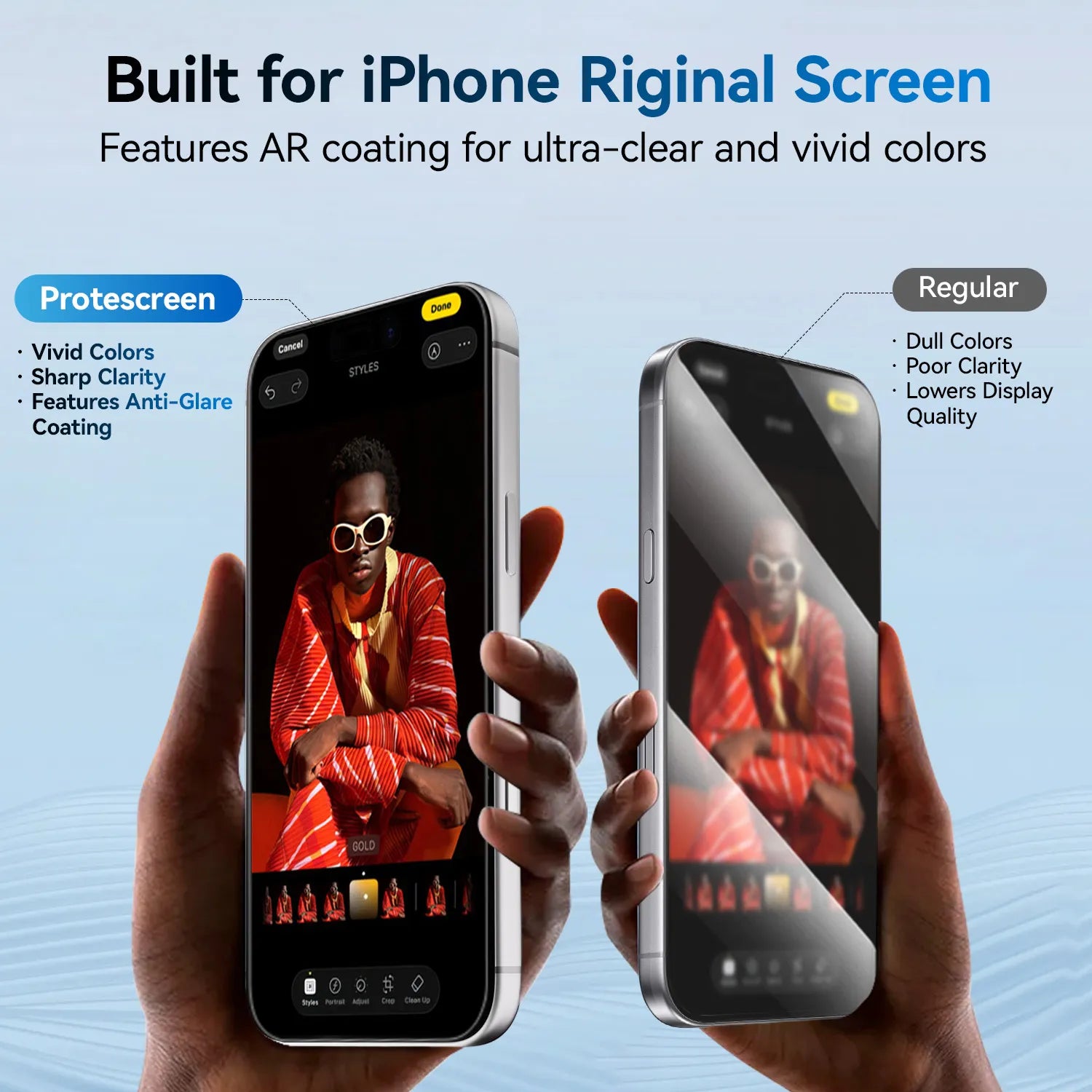
If you spend hours working with spreadsheets, documents, dashboards, and presentations, look for a privacy screen that maintains good clarity from the front.
The ideal balance is simple: clear for you, private from the side.
3. Installation Method
Think about how and where you work.
A permanent office setup may benefit from a more secure installation method, while a shared workstation may require something that can be removed when privacy isn't needed.
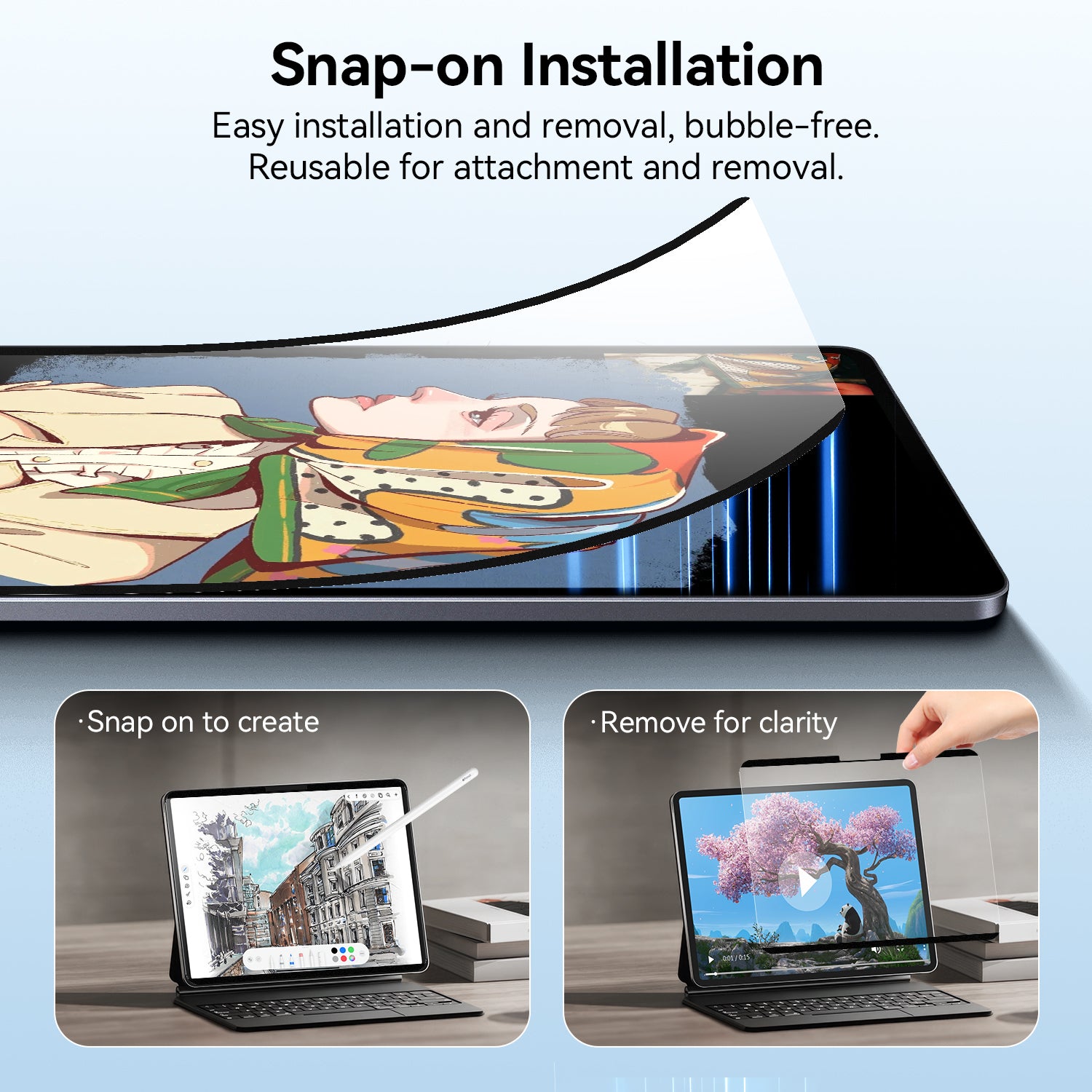
For employees who move between different workspaces, easy installation and removal can make a privacy screen much more practical.
4. Monitor Compatibility
Privacy screens aren't universal.
Before ordering, check your monitor's actual screen size, dimensions, aspect ratio, and bezel design.
A filter designed for a 21.5-inch monitor won't necessarily fit every display with the same diagonal measurement.
Always check the manufacturer's compatibility information before purchasing.
Best Monitor Privacy Screen for Different Work Environments
The right privacy screen depends on where you work and what appears on your display.
For Open-Plan Offices
Open-plan offices make collaboration easier, but they also make visual privacy more difficult.
Employees may sit directly beside each other, walk behind one another, or work at desks positioned in busy areas.
For people who regularly handle customer information, financial data, business documents, or internal communications, limiting side-angle visibility can help reduce accidental exposure.
A Protescreen Monitor Privacy Screen is designed to add an extra layer of visual privacy while keeping the display usable from the front.
Learn more:
https://protescreen.com/products/monitor-privacy-screen
For Shared Workspaces
Shared desks and coworking spaces create another challenge: you don't always control who sits around you.
A removable privacy screen can provide additional protection when you need it without permanently changing your monitor setup.
This can be particularly useful for consultants, freelancers, remote workers, and employees who regularly move between different workspaces.
For Home Offices
Home offices may feel private, but they're not always completely isolated.
Family members, roommates, or visitors may occasionally pass behind your workspace.
If your monitor displays confidential work information, a privacy screen can provide an additional physical layer of protection without requiring you to reposition your desk.
Monitor Privacy Screen vs. No Privacy Screen
| Feature | With Privacy Screen | Without Privacy Screen |
| Front-facing visibility | Clear | Clear |
| Side-angle visibility | Restricted | Fully visible |
| Helps reduce casual viewing | Yes | No |
| Requires changing your workspace | No | Sometimes |
| Protects against digital hacking | No | No |
A privacy screen isn't a replacement for cybersecurity.
Passwords, encryption, access controls, and other digital security measures protect information from unauthorized digital access. A privacy screen addresses a different problem: physical visibility.
Together, these layers can provide more comprehensive protection for sensitive information.
Is a Monitor Privacy Screen Worth It?
If you work exclusively in a private room and rarely display sensitive information, you may not need one.
But if you work in an open office, shared workspace, reception area, or other environment where people can see your monitor from the side, a privacy screen can be a simple way to reduce accidental exposure.
The right choice ultimately depends on your working environment, monitor size, viewing habits, and the level of privacy you need.
For businesses and individuals looking for a practical way to add visual privacy to their workspace, a monitor privacy screen can be a simple addition to an existing security setup.
Explore Protescreen Monitor Privacy Screens: